- Prompt
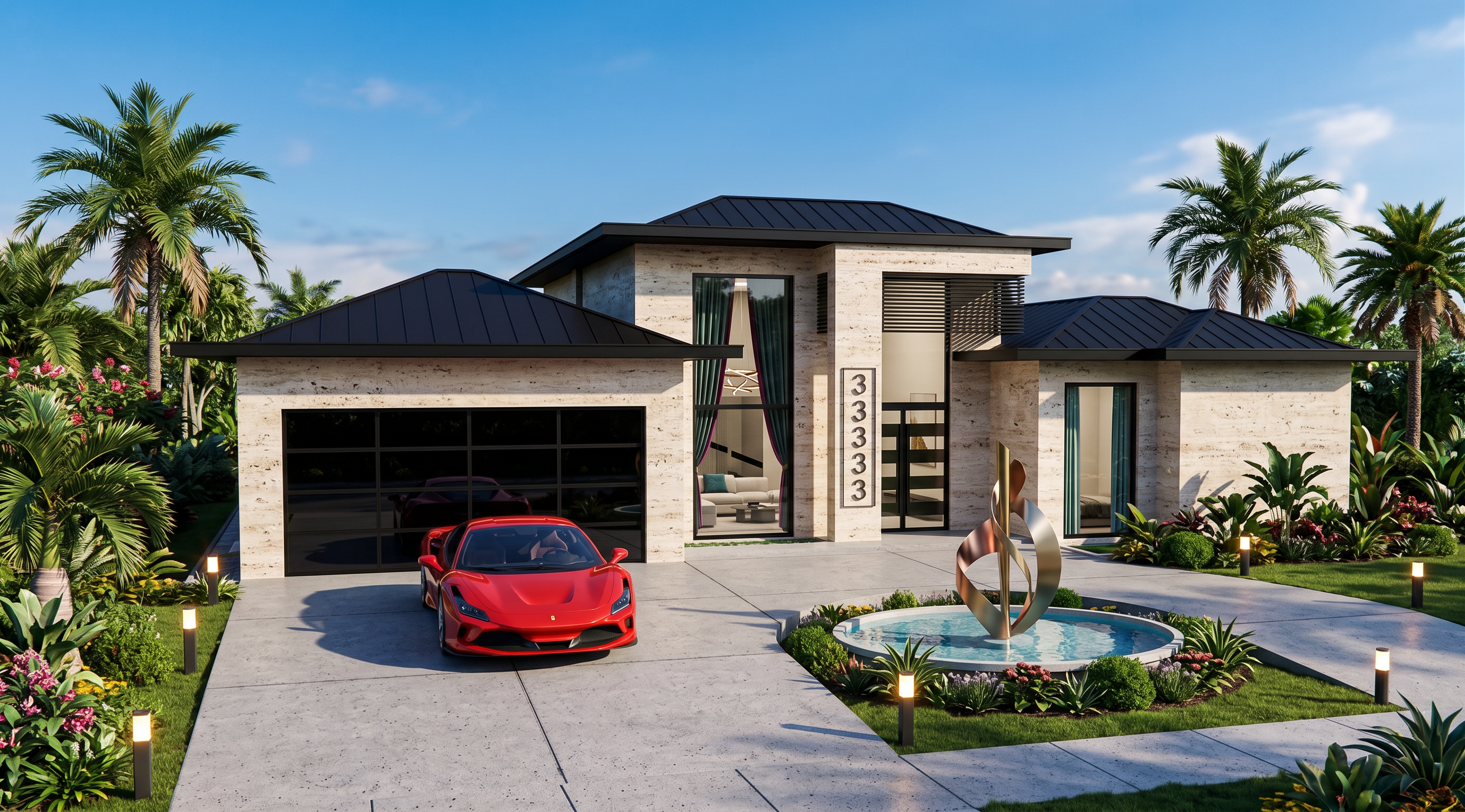
- Maintain the exact same architectural design. Do not change the building's form, proportions, dimensions, layout, or geometry in any way. Preserve the original architecture exactly as it is. Only replace the specified materials, finishes, and landscape elements. Render the image in the original dimensions and aspect ratio, keeping all proportions exactly the same. Replace the red-colored walls with premium natural travertine cladding. Replace the green-colored area with ultra-luxury black-tinted frameless glass garage doors. Replace the white column with travertine cladding identical to the facade walls. Replace the yellow-colored louvers/grilles with black powder-coated metal screens. Replace the cyan-colored areas with large floor-to-ceiling luxury windows featuring premium glazing. Through the glass, elegant velvet curtains and an ultra-modern, high-end interior should be visible. Enhance the green landscaping around and in front of the house with lush tropical landscaping, including premium palm trees, exotic plants, manicured lawns, and sophisticated landscape lighting, creating the atmosphere of a world-class luxury resort. Replace the circular water feature in front of the house with a contemporary luxury fountain featuring modern sculptural metal installations rising from the water, creating a dramatic focal point. Change the roof color to matte black. Place a red Ferrari parked in front of the garage door, integrated naturally into the scene. Create the render with ultra-realistic, photorealistic quality, premium architectural visualization, cinematic lighting, realistic reflections, physically accurate materials, and luxury residential landscaping, while strictly preserving the original dimensions, scale, proportions, camera angle, and composition of the reference image. MAKE A VIBRANT RENDER
- Created
- July 20, 2026