- Prompt
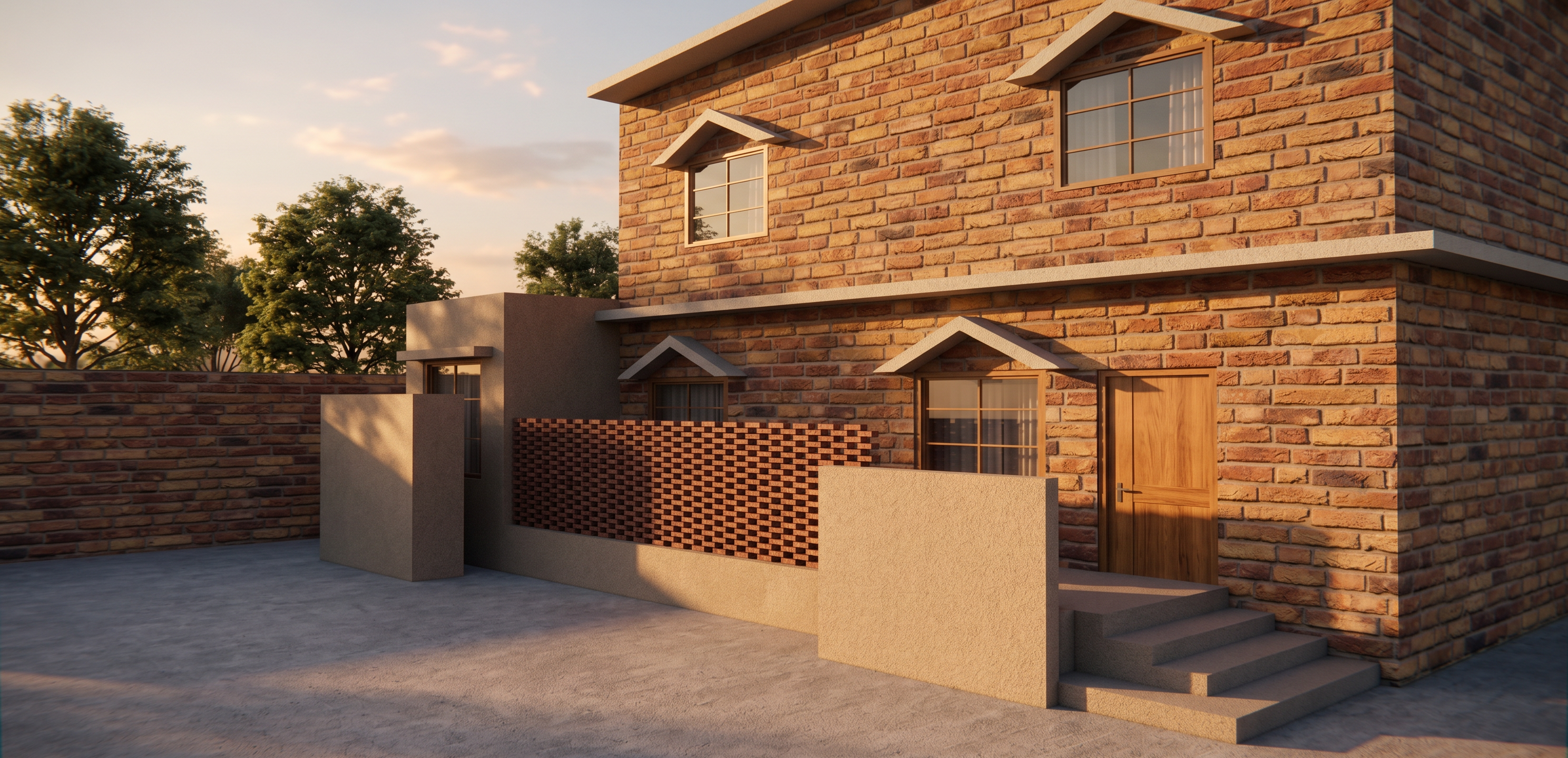
- Transform the provided architectural image into a realistic daylight architectural render.
IMPORTANT: Preserve the design exactly as shown in the reference image. Do not modify, redesign, add, remove, enlarge, shrink, or reposition any architectural element. Maintain the exact proportions, dimensions, scale, layout, facade design, openings, walls, doors, windows, plinth, steps, waterbody, materials, colors, and overall composition of the original image.
Only improve the rendering quality and lighting:
- Use realistic natural daylight.
- Add realistic daylight shadows and soft ambient lighting.
- Use photorealistic architectural visualization quality.
- Keep the camera angle, framing, perspective, and scale exactly the same as the reference.
- Do not expand the visible site area or make the house appear larger or smaller.
Foreground / Driveway
The area directly in front of the house is NOT a public road. It is the house's internal driveway.
- Do not create a road, asphalt street, curb, footpath, sidewalk, or road markings.
- Keep the driveway area within exactly the same boundary and scale shown in the reference.
- Finish the driveway with a simple realistic concrete floor/slab.
- Keep the driveway visually clean and proportionate to the existing house.
Landscaping
- Do NOT place plants, shrubs, flowers, trees, or any landscaping elements directly in front of the house or in front of any architectural feature.
- Do not obstruct the entrance, windows, doors, facade, steps, plinth, waterbody, or driveway.
- Landscaping may only be added subtly in the surrounding/background areas, outside the immediate foreground and outside the existing architectural elements.
- Keep surrounding greenery realistic, minimal, and appropriately scaled.
The final result should look like a professional photorealistic daytime architectural visualization of the exact same design, with only realistic daylight, materials, shadows, concrete driveway finishing, and subtle surrounding landscaping added. No design changes.
- Created
- August 18, 2026