- Prompt
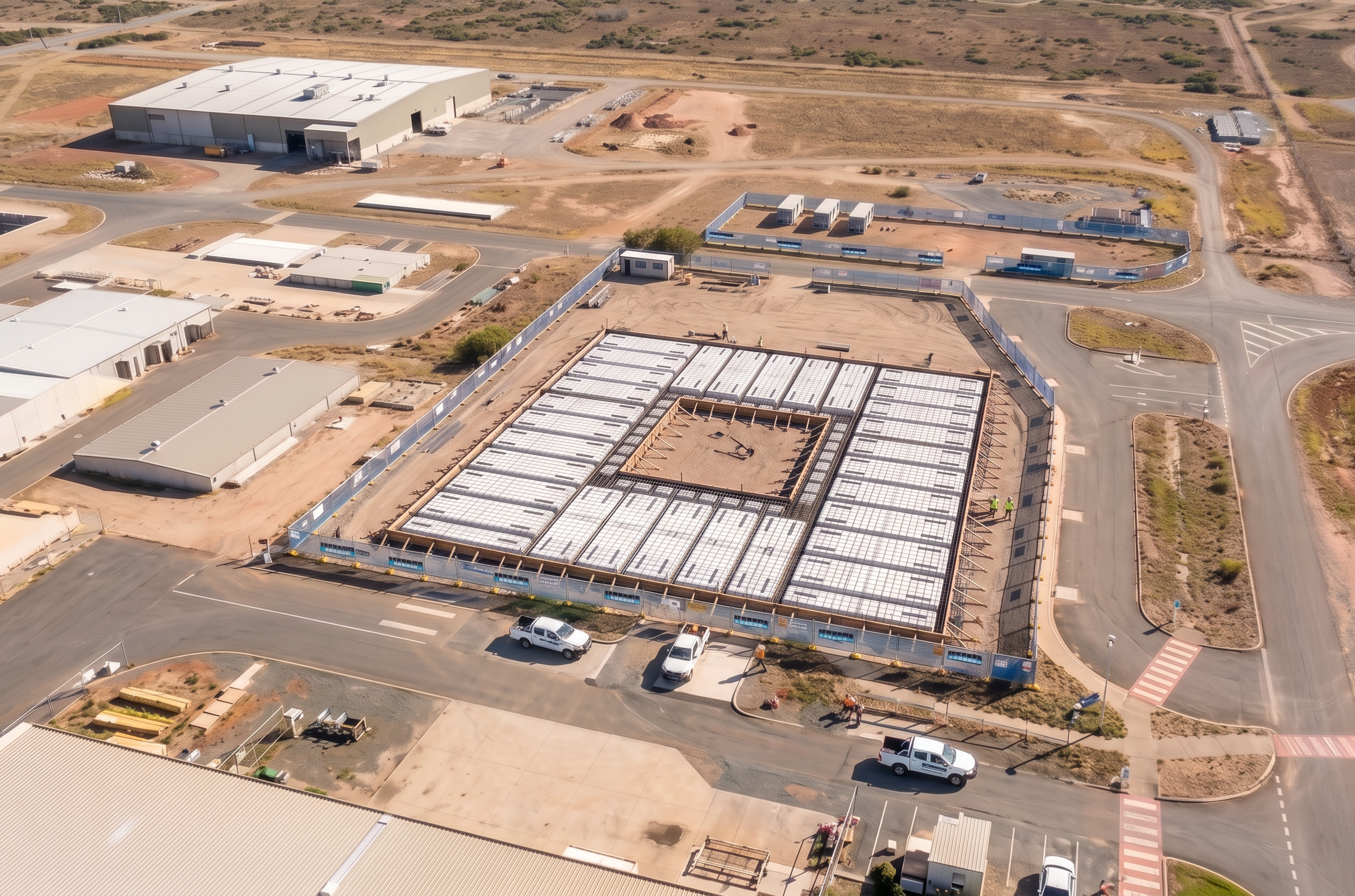
- Use the Civil 2 image as the MASTER REFERENCE for the entire scene. The output must exactly match the Civil 2 image in: - camera position, elevation, angle, and lens - site orientation and framing - all background elements - lighting, sun direction, and shadows - site fencing geometry and alignment CRITICAL – PERSPECTIVE LOCK: - Match the Civil 2 perspective EXACTLY. - Do not move, rotate, zoom, crop, or reframe the image. CRITICAL – GEOMETRY & SCALE LOCK: - The building footprint, slab extents, and structural grid MUST match the original model EXACTLY. - Do not scale, stretch, expand, reduce, or reinterpret the size of the slab or building. - Maintain exact alignment with the original pad and set-out. - The slab must sit in the exact same position relative to the fence, roads, and site boundaries as the original drawing. REFERENCE MATCHING: - Use the original “Raft Slab Alternative†(or equivalent source image/model) as the geometric reference for size and footprint. - Overlay alignment must be exact — edges of slab must line up with the same ground features as in the source. BACKGROUND CONTROL: - Clone everything outside the site fencing directly from Civil 2. - No additions, removals, or modifications permitted outside the fence. FENCING CONTROL: - Fence location, height, alignment, material, signage and gates must match Civil 2 exactly. - Do not straighten or adjust the fence line. INSIDE SITE (CONTROLLED CHANGE ONLY): - Replace internal works with the new construction stage ONLY. - Maintain the exact building footprint, grid spacing, and extents from the reference model. - Do not reposition the building within the site. STRICT POSITION RULE: - The building must not move closer to or further from any fence line. - Maintain consistent offsets to all boundaries. LIGHTING & CONSISTENCY: - Match Civil 2 lighting, shadow direction, and tone exactly. STRICT PROHIBITIONS: - No resizing of slab or structure. - No reinterpreting layout or proportions. - No "fit to scene" adjustments. - No visual balancing or centering. FINAL REQUIREMENT: The output must appear as the SAME photo with the SAME building footprint, only changing the construction stage.
- Created
- June 24, 2026