- Prompt
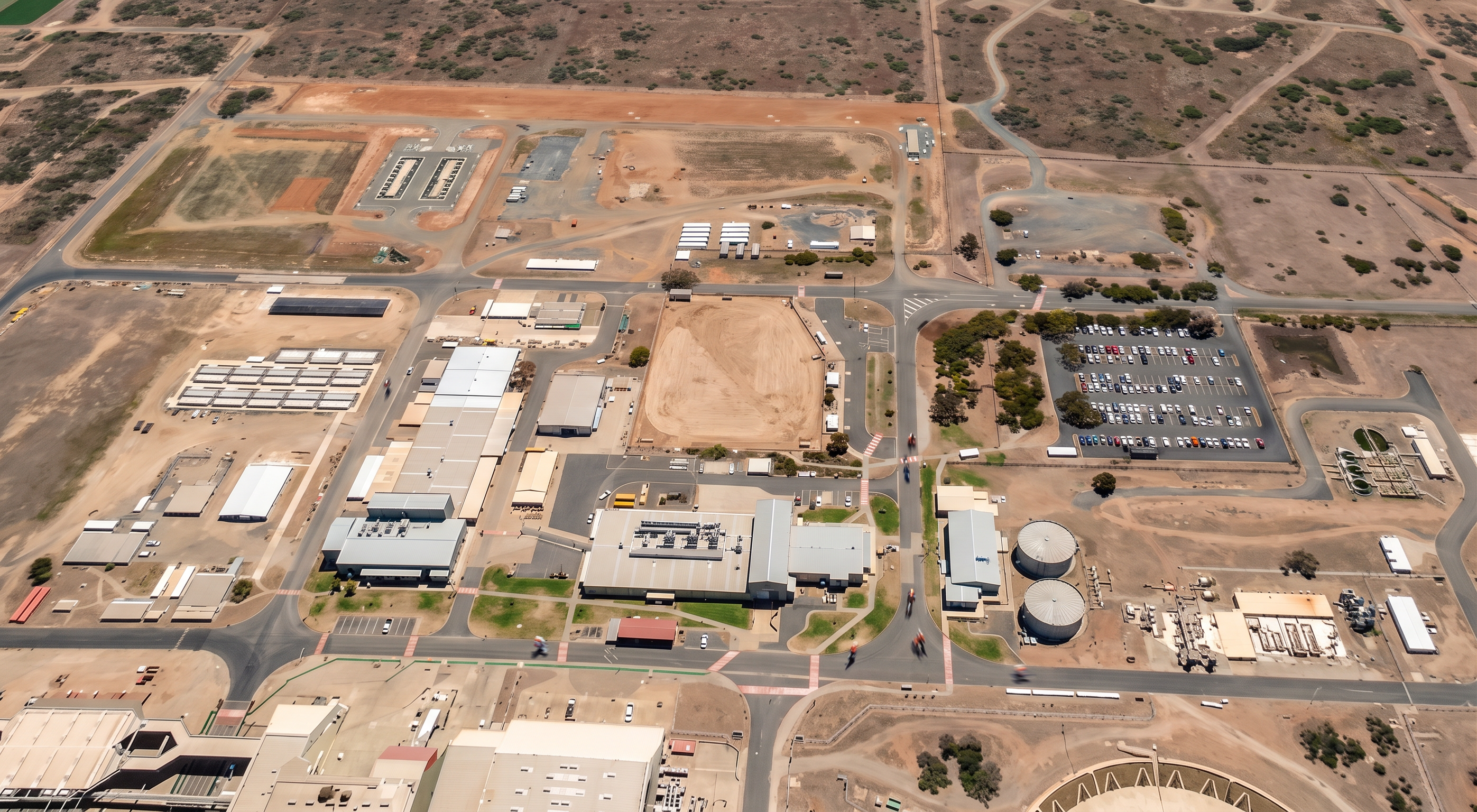
- Create a high-quality photorealistic aerial render of this construction site based strictly on the provided base image. CRITICAL: - Do NOT add, remove, or reposition any buildings, roads, carparks, vegetation, or infrastructure not already visible in the image. - Maintain the exact site layout, geometry, footprints, and orientation. - Preserve all existing roads, intersections, parking areas, tanks, and site features as shown. BUILDINGS: - Convert all flat 2D building footprints into realistic 3D structures with correct scale, height, and depth. - Match the architectural style of the existing 3D model already in the image. - Apply realistic materials: - Industrial/commercial buildings with metal cladding, concrete panels, and roofing - Subtle roof detail (plant, vents, skylights where appropriate but minimal) - Ensure all buildings sit correctly on the terrain with accurate shadows. ENVIRONMENT: - Maintain the existing rural / industrial setting with dry grass, earth tones, and sparse vegetation. - Enhance terrain with realistic textures (compacted dirt, gravel, sealed roads, worn edges). - Keep vegetation consistent with the image (no new landscaping or trees added). LIGHTING & CAMERA: - Match aerial drone perspective exactly (slightly angled top-down view). - Natural daylight lighting (midday, soft shadows, neutral tone). - Improve clarity, sharpness, and contrast while keeping it realistic (no stylised look). DETAILING: - Add subtle realism only where it already exists: - Light weathering on surfaces - Shadowing under structures - Slight variation in ground textures - Refine carparks, roads, and hardstand areas for realism without changing layout. STYLE: - Ultra-realistic, high-resolution render suitable for construction tender or site establishment presentation. - No artistic filters, no exaggeration, no cinematic effects. RESTRICTIONS: - Do NOT introduce cranes, vehicles, people, signage, fencing, or construction staging unless already visible. - Do NOT alter building footprints or add new structures. - Do NOT create new scenery beyond what is shown. OUTPUT: - Crisp, clean, photorealistic aerial render with consistent scale and accurate representation of site conditions. Enhance visual clarity for presentation boards: - Slightly increase sharpness and shadow definition - Maintain realistic colours (avoid oversaturation) - Ensure buildings are clearly legible against the background
- Created
- June 18, 2026