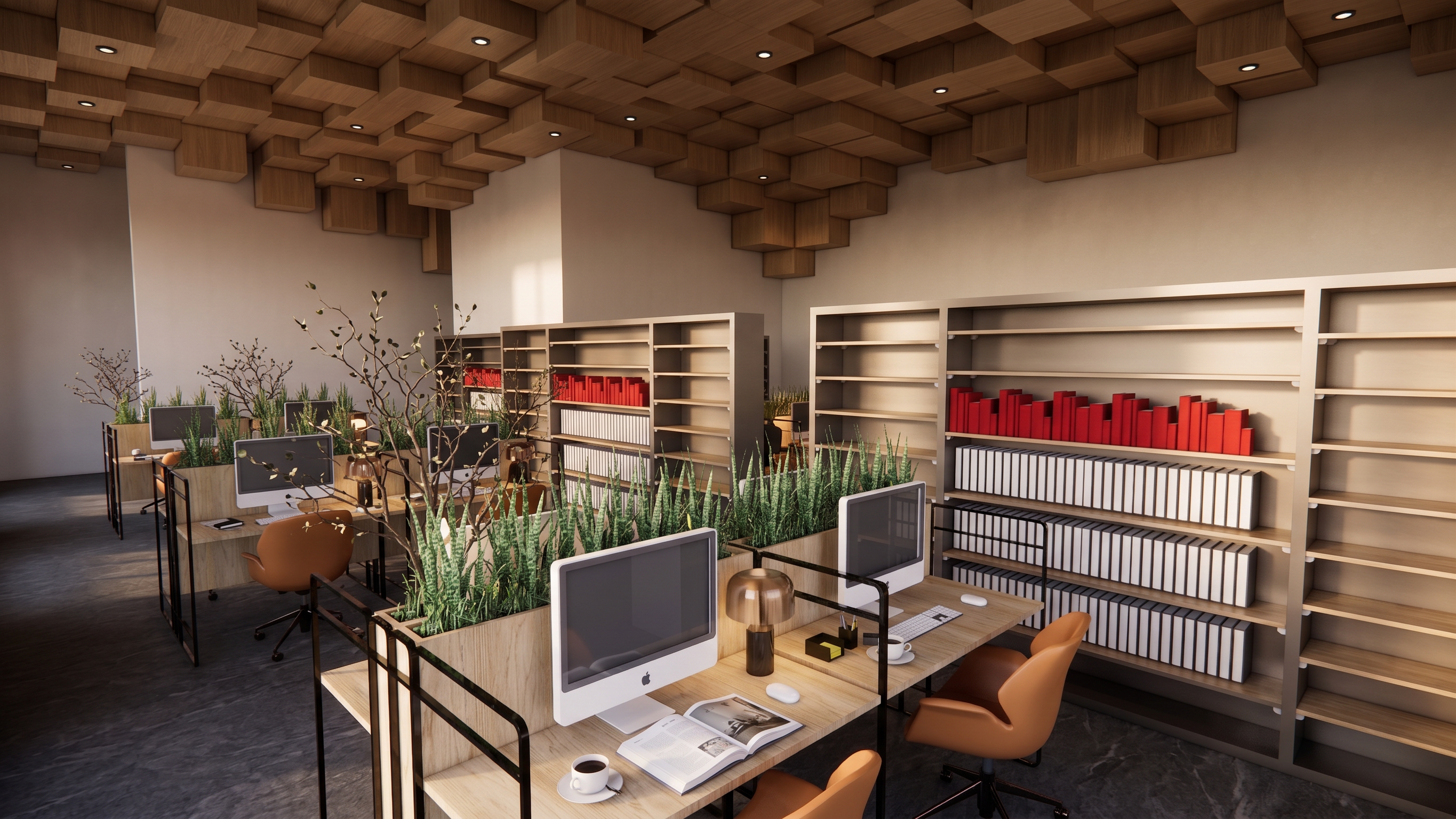
- Prompt
- Use the reference image ONLY as a visual style reference for my library interior. Apply its color palette, materials, textures, lighting, atmosphere, and ceiling design to my existing library.
ABSOLUTELY DO NOT CHANGE THE ARCHITECTURAL DESIGN OF MY LIBRARY. Preserve the exact existing geometry, layout, walls, openings, columns, furniture placement, proportions, spatial organization, camera position, perspective, and composition. Do not add, remove, move, reshape, or redesign any architectural element.
The ceiling should adopt the same design language, pattern, material, and lighting concept as the reference image, while fitting naturally into my existing ceiling geometry.
Preserve the exact original image orientation and aspect ratio. If the input image is portrait/vertical, the output MUST remain portrait/vertical. If it is landscape/horizontal, keep it landscape. Do NOT rotate, crop, stretch, reframe, or change the image dimensions or camera framing.
The result should look like my exact original library, realistically rendered with the visual identity, materials, colors, lighting, and ceiling atmosphere of the reference image — NOT a redesigned version of my architecture.
Transfer the STYLE of the reference, NOT the ARCHITECTURE.
- Created
- August 10, 2026