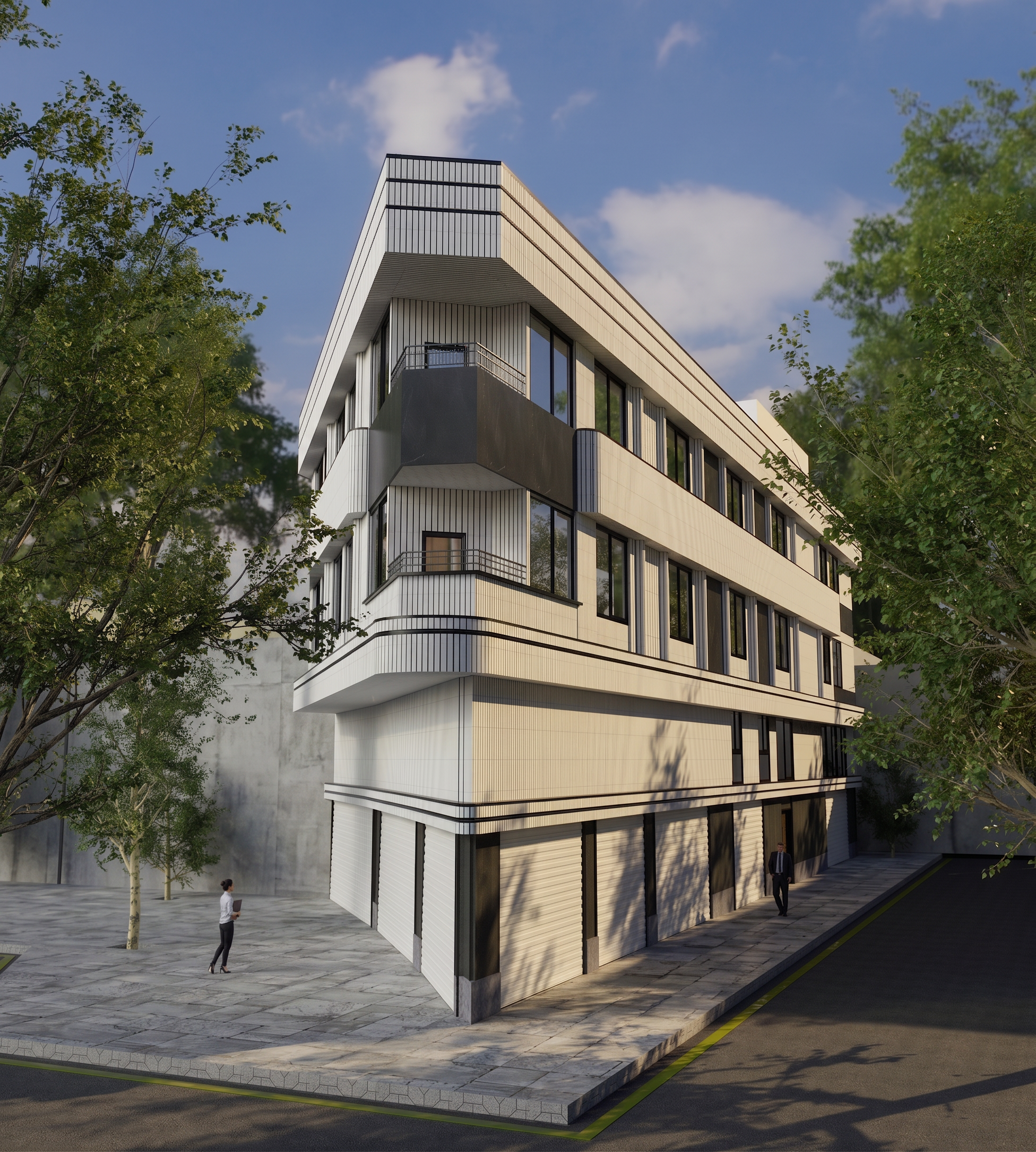
- Prompt
- Transform this architectural render into a highly photorealistic, professional architectural visualization.
IMPORTANT: Preserve the exact original architecture, geometry, proportions, dimensions, camera angle, perspective, openings, doors, windows, rooflines, walls, site boundaries and all designed elements. DO NOT redesign, add, remove, move, resize or deform any architectural element.
Improve ONLY the visual quality:
- realistic high-quality architectural materials
- physically accurate lighting and shadows
- natural daylight
- realistic reflections and glass
- detailed concrete, stone, brick, wood and metal textures
- realistic vegetation, trees, grass and landscaping
- natural variation in plants and foliage
- realistic sky and atmospheric depth
- subtle ambient occlusion
- realistic contact shadows
- professional exposure and color balance
- high dynamic range
- realistic depth and perspective
- clean, premium architectural photography look
- ultra-detailed textures
- photorealistic surfaces
- realistic scale and proportions
Keep the building exactly as shown in the reference image.
Do not change the architectural design.
Do not change the camera position or viewing angle.
Do not add balconies, windows, doors, terraces or other architectural elements.
Do not remove any existing elements.
Do not change the number, position or shape of openings.
Do not change the site boundary walls.
Do not change the entrance, paving or landscape layout.
The final result should look like a high-end professional architectural photograph, while remaining faithful to the original design.
- Created
- August 18, 2026