- Prompt
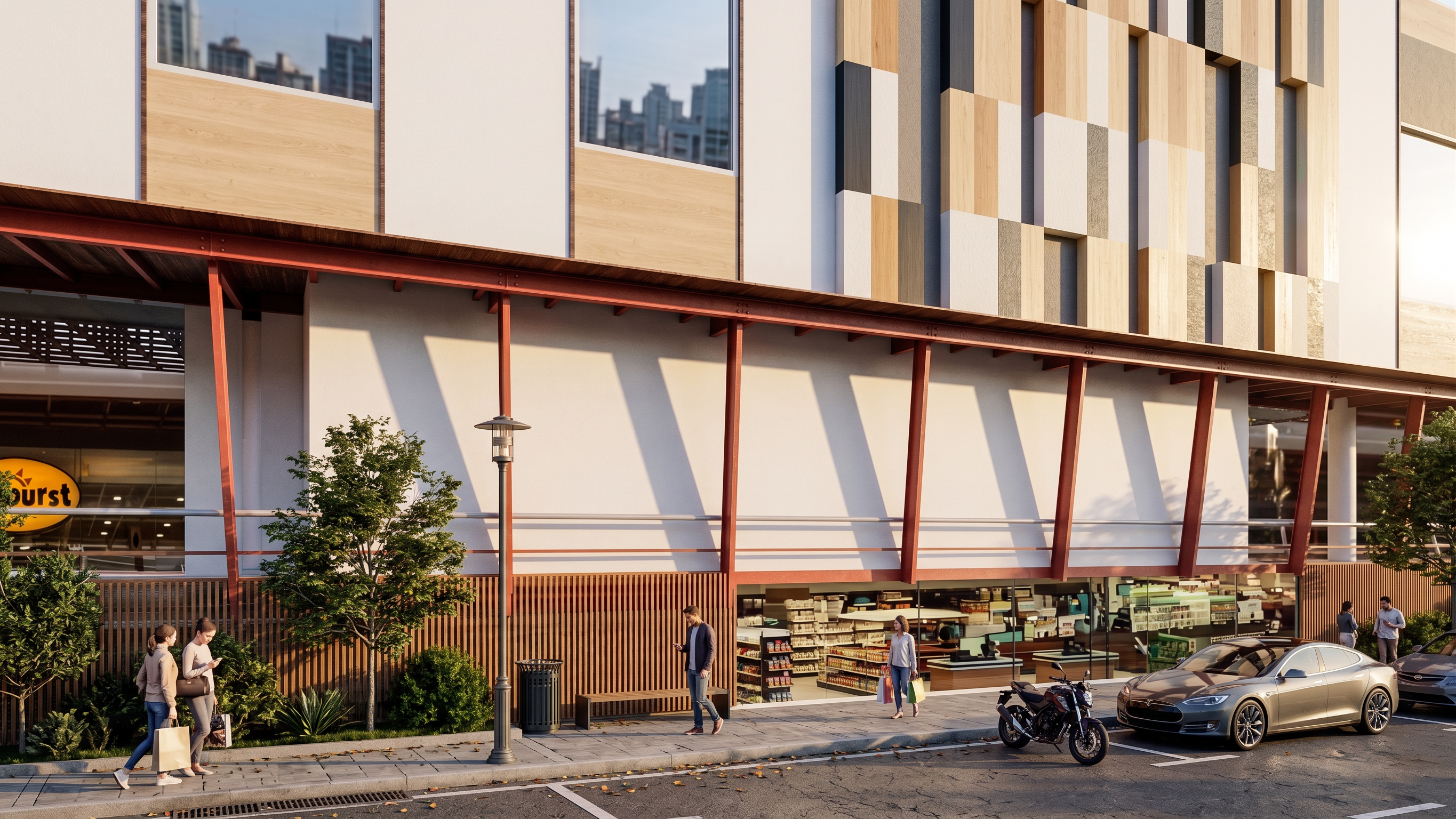
- Create a photorealistic architectural rendering using the
provided SketchUp screenshot as the sole reference, preserving the building
exactly as shown without altering its geometry, proportions, massing,
rooflines, floor heights, windows, doors, structural layout, or any
architectural details. Place the building within a realistic contemporary urban
environment featuring surrounding streets, sidewalks, neighboring mid-rise
buildings, parked vehicles, pedestrians, and subtle street furniture, while
incorporating mature trees, shrubs, and landscaped planting that enhance the
setting without obscuring the architecture. Apply a smooth white painted
concrete or fine stucco finish to all columns, beams, and walls, ensuring that
these are the only architectural material changes made. Maintain the original
camera angle and perspective from the SketchUp screenshot, and render the scene
in warm golden-hour lighting with realistic shadows, physically accurate
materials, global illumination, ray tracing, ambient occlusion, natural
reflections, and high-quality textures to achieve an ultra-photorealistic,
magazine-quality architectural visualization in 8K resolution.
- Created
- August 19, 2026