- Prompt
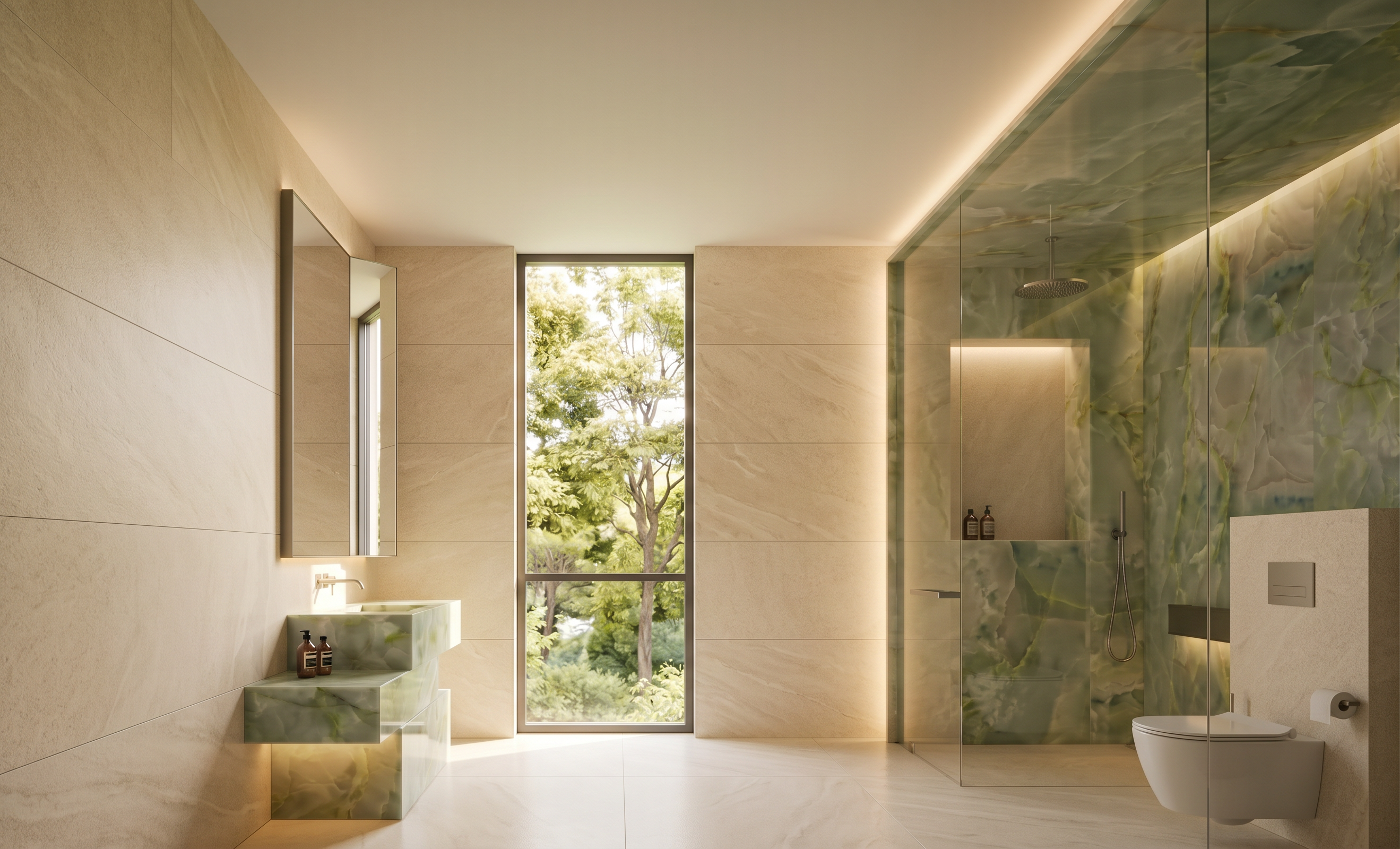
- Edit the original image into a highly realistic, photorealistic interior visualization.
* Change the **overall atmosphere, mood, lighting, and visual style** of the image according to **Reference Image 1**.
* Replace the **foreground bathtub** with a **modern, contemporary toilet**, while maintaining the same general position and scale within the space.
* Reduce the **reflections, glare, and shadows on the shower glass partition by 70%**, making the glass more transparent so that the interior materials and fixtures behind the glass are clearly visible.
* Change the **floor tiles and all surrounding wall tiles** to a **warm cream color**, matching **Reference Image 2**.
* Reduce the tile texture and surface pattern to create a **cleaner, smoother, more refined appearance**, as shown in Reference Image 2.
* Maintain realistic material properties, natural lighting, realistic shadows, reflections, and high-end architectural visualization quality.
* Preserve the original **image dimensions, aspect ratio, camera angle, perspective, framing, room proportions, and architectural layout**.
* Do not resize, crop, stretch, distort, or change the original image dimensions.
* Do not modify any elements that are not specifically mentioned above.
- Created
- October 8, 2026