Skip to content
Render tools
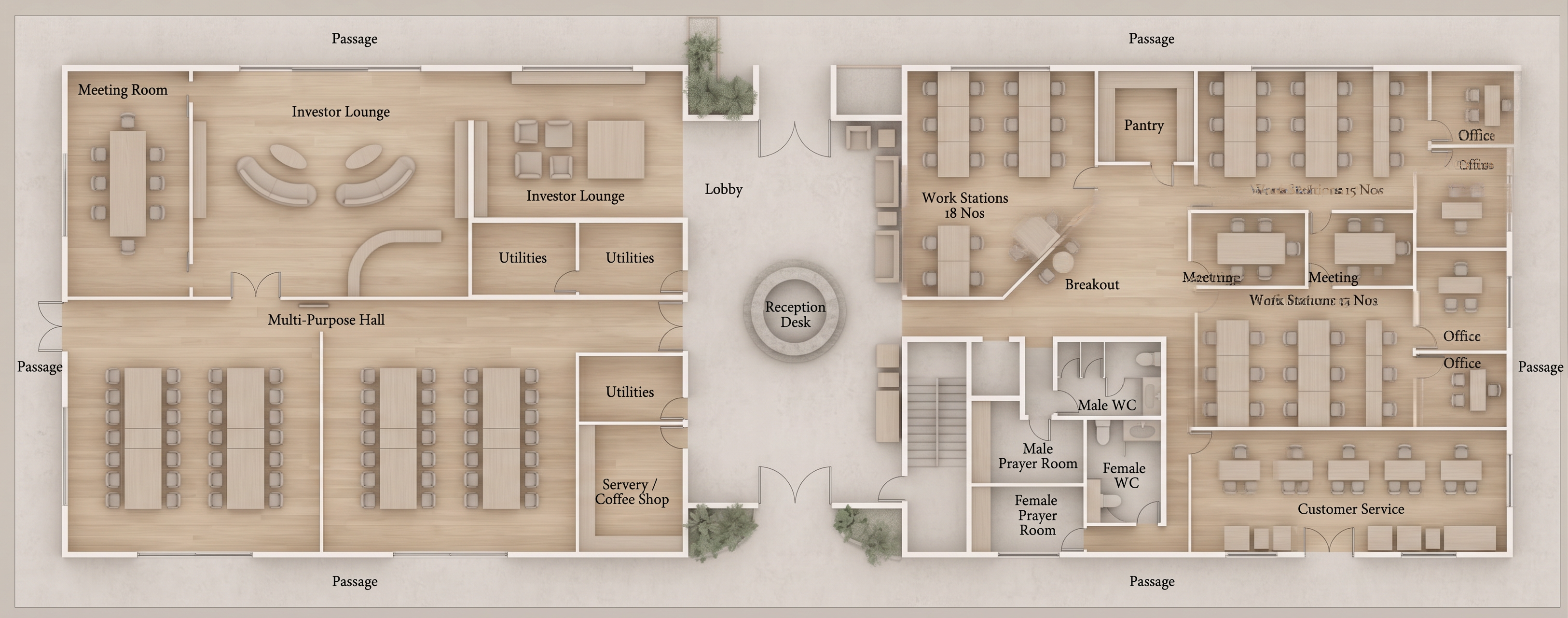
Transform the uploaded architectural floor plan into a clean, high-end architectural presentation render matching the style of professional competition boards.

ABSOLUTE REQUIREMENTS

The floor plan geometry must remain IDENTICAL to the original.
Do not redesign, reinterpret, or generate anything new.

DO NOT:
- add toilets, sanitary fixtures, sinks, accessories, or plumbing fixtures that are not already present
- add furniture
- remove furniture
- change furniture
- modify walls
- modify doors
- modify windows
- change room sizes
- change circulation
- add landscaping
- add decorations
- invent architectural elements
- modify any geometry whatsoever

Keep:
- every wall exactly where it is
- every opening exactly where it is
- every piece of furniture exactly where it is
- every room label exactly as shown
- preserve only the room names as text

REMOVE:
- dimensions
- leaders
- annotations
- measurement text
- construction notes
- symbols
- grids
- section markers
- all other drafting annotations

STYLE

Use a soft architectural rendering style similar to premium architectural presentation boards.

Materials should be:
- light oak wood flooring
- warm light concrete
- white painted walls
- subtle stone finishes where appropriate
- muted neutral furniture
- soft greenery only where vegetation already exists

Lighting:
- very soft ambient lighting
- subtle ambient occlusion
- light contact shadows only
- no dramatic shadows
- no harsh contrast
- no heavy vignette
- no dark rendering

Colors:
- warm whites
- beige
- light oak
- soft grey
- muted greens

Overall appearance:
- bright
- elegant
- minimal
- clean
- Scandinavian-inspired architectural presentation
- top-down orthographic view only

The result should look like the original CAD drawing professionally colored and lightly shaded, not like a redesigned AI-generated floor plan.

Most importantly:
DO NOT ADD OR REMOVE ANY OBJECTS.
DO NOT HALLUCINATE TOILETS OR FIXTURES.
DO NOT CHANGE THE ARCHITECTURE.
ONLY APPLY MATERIALS, COLOR, AND VERY LIGHT SHADING.

Create renders like this

Turn any photo, sketch, or floor plan into a photoreal render in seconds.