- Prompt
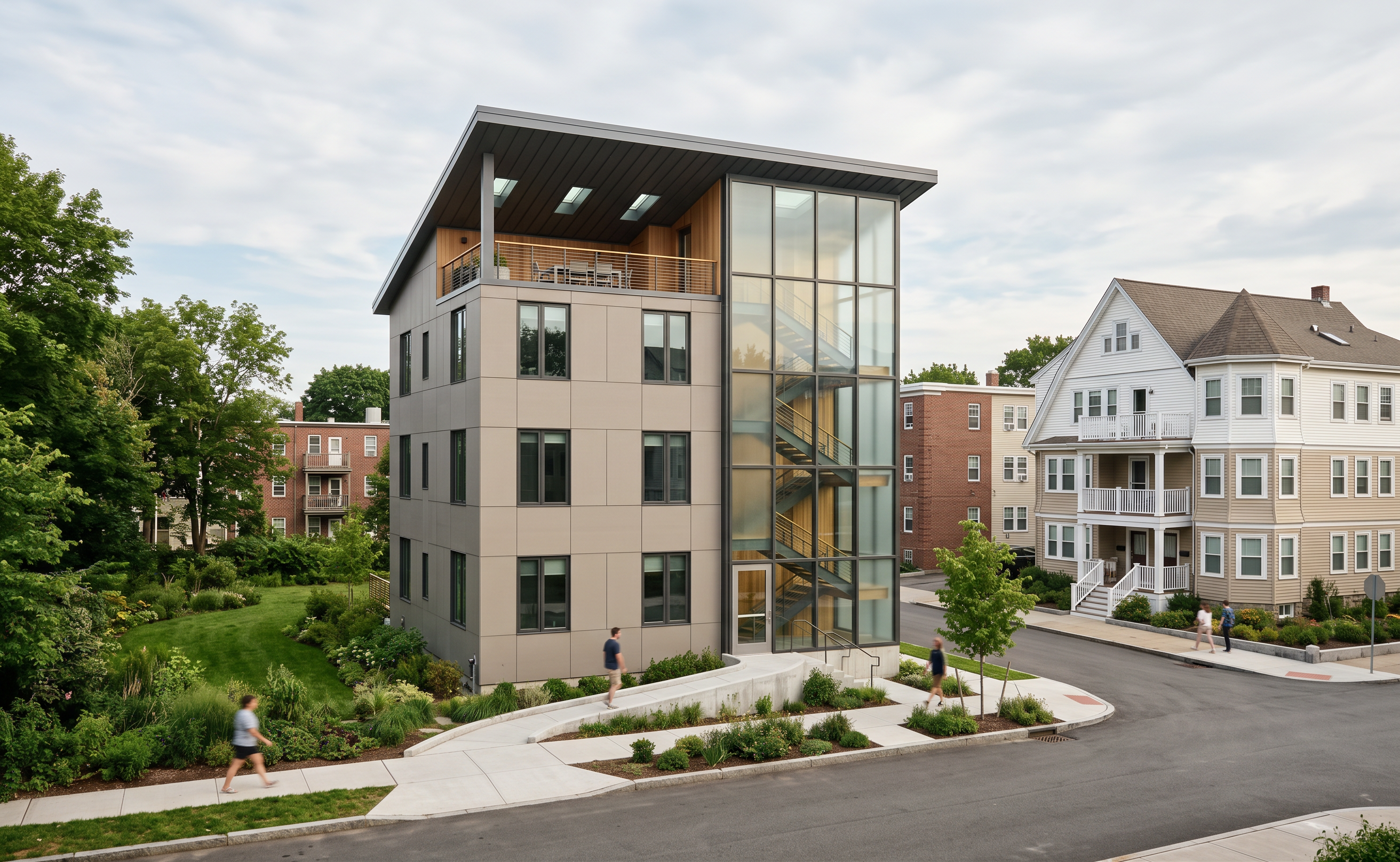
- Create a photorealistic architectural render from this image. Preserve the exact eye-level camera angle, framing, perspective, building locations, and all existing architectural elements. Do not add buildings, move the camera, or alter the proposed triple-decker’s geometry, windows, sloped roof, terrace, railings, tower, stairs, or entry approach. Replace its bright placeholder colors with warm-gray fiber-cement siding, subtle wood accents, charcoal metal roofing, and dark window frames. Keep the tower’s panel grid and use translucent frosted glass. Add a glass front door at the existing entrance. Texture every white context building without changing its massing or location. The right-hand neighbor is a pitched-roof triple-decker with white and beige composite siding, white accents, balconies, and a rounded corner. A road separates it from the proposal. There is no road to the left: create landscaped green space there. Replace blurry ground imagery with realistic asphalt, concrete sidewalks, curbs, and planting while retaining street layout and grade. Use natural daylight, realistic shadows, refined textures, and professional architectural photography.
- Created
- October 14, 2026