- Prompt
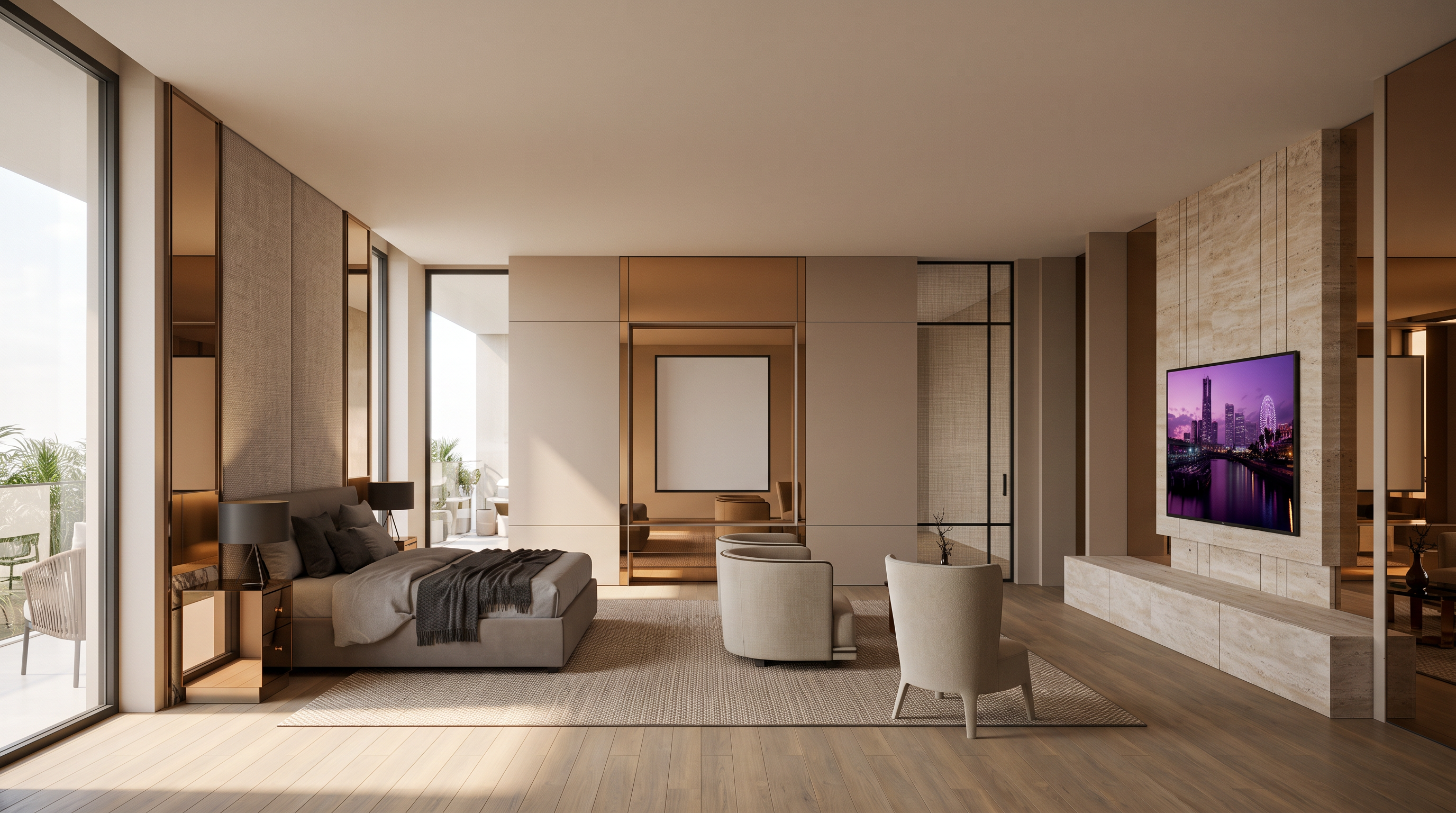
- Create a highly photorealistic interior render based on the uploaded base image.
KEEP: original geometry, layout, furniture, proportions, camera angle, composition, framing, and aspect ratio unchanged.
ORIENTATION: LANDSCAPE / HORIZONTAL ONLY. Same wide framing and aspect ratio as the base image. Do NOT crop, rotate, or generate a portrait image.
REFERENCES:
Image 1: Match mood, color tone, warmth, lighting, and atmosphere.
Image 2: Apply only the door frame design, profile, and detailing to the existing door frame.
Image 3: Apply only the TV wall design, material, paneling, and detailing to the existing TV wall.
MATERIAL: Replace the specified wood finish with warm bronze/tinted mirror glass (ชา). Use realistic subtle reflections. Do not use wood in these areas. Keep all other materials unchanged.
QUALITY: Natural lighting, soft shadows, realistic textures and reflections, elegant warm atmosphere, high-end luxury architectural photography, photorealistic.
DO NOT redesign, add, remove, or modify any other elements.
- Created
- August 24, 2026