- Prompt
-
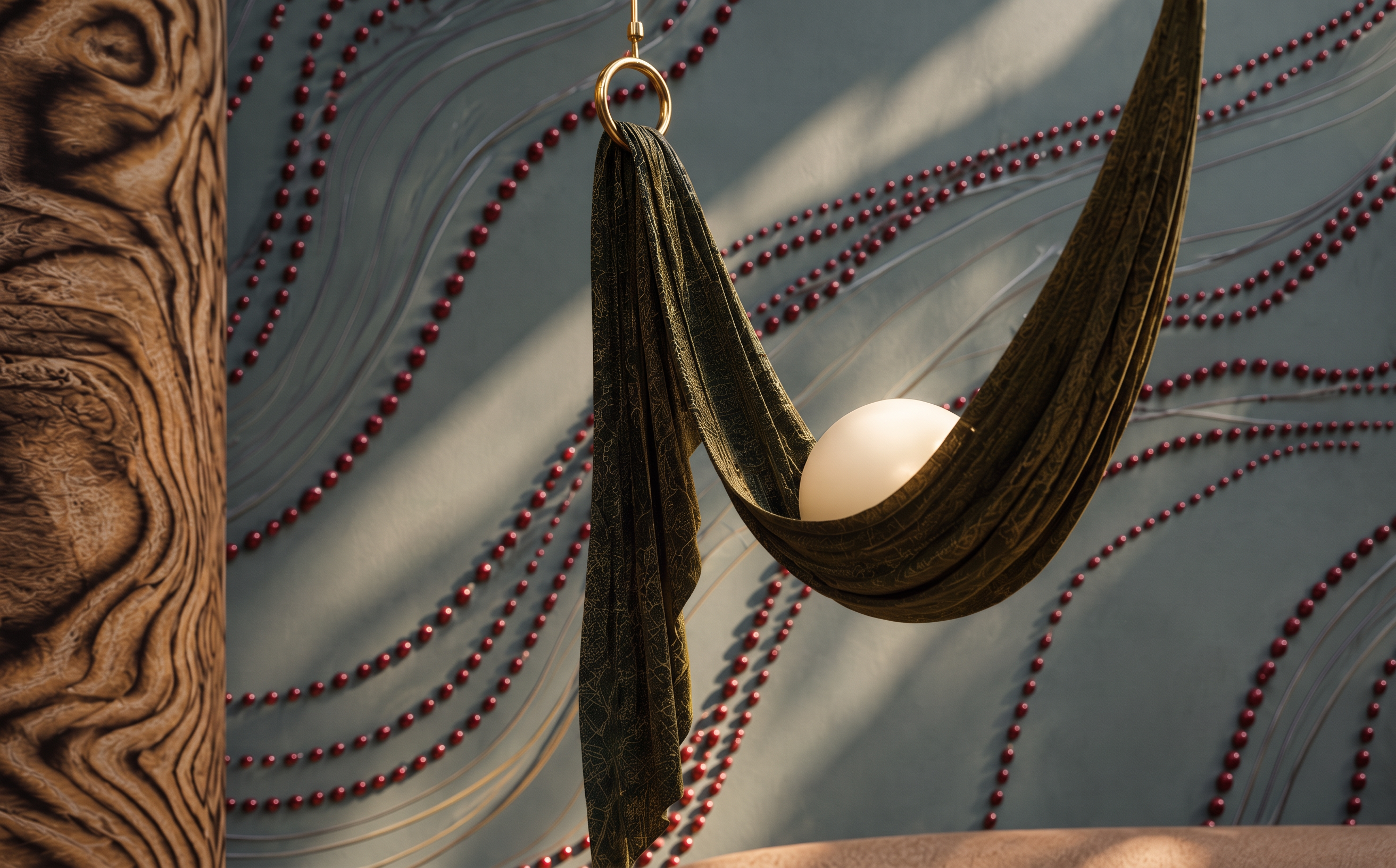
Enhance the image quality and improve the textures to achieve a highly realistic, professional architectural visualization. Refine all existing materials with natural, detailed, high-resolution textures, realistic surface finishes, accurate material properties, subtle imperfections, and natural reflections. Improve sharpness, clarity, lighting balance, shadow quality, and overall image resolution while maintaining a photorealistic, natural appearance.
**IMPORTANT: Preserve the original design exactly as it is.** Do not change, add, remove, replace, or reposition any objects, furniture, decorations, architectural elements, materials, colors, dimensions, proportions, camera angle, perspective, or composition. Do not redesign or reinterpret any part of the image. Only enhance the quality, realism, and texture definition of the existing elements.
The final result must look like a real professional photograph of the exact same space, with natural-looking materials and no artificial AI appearance. Keep all original design details unchanged.
- Created
- October 10, 2026