- Prompt
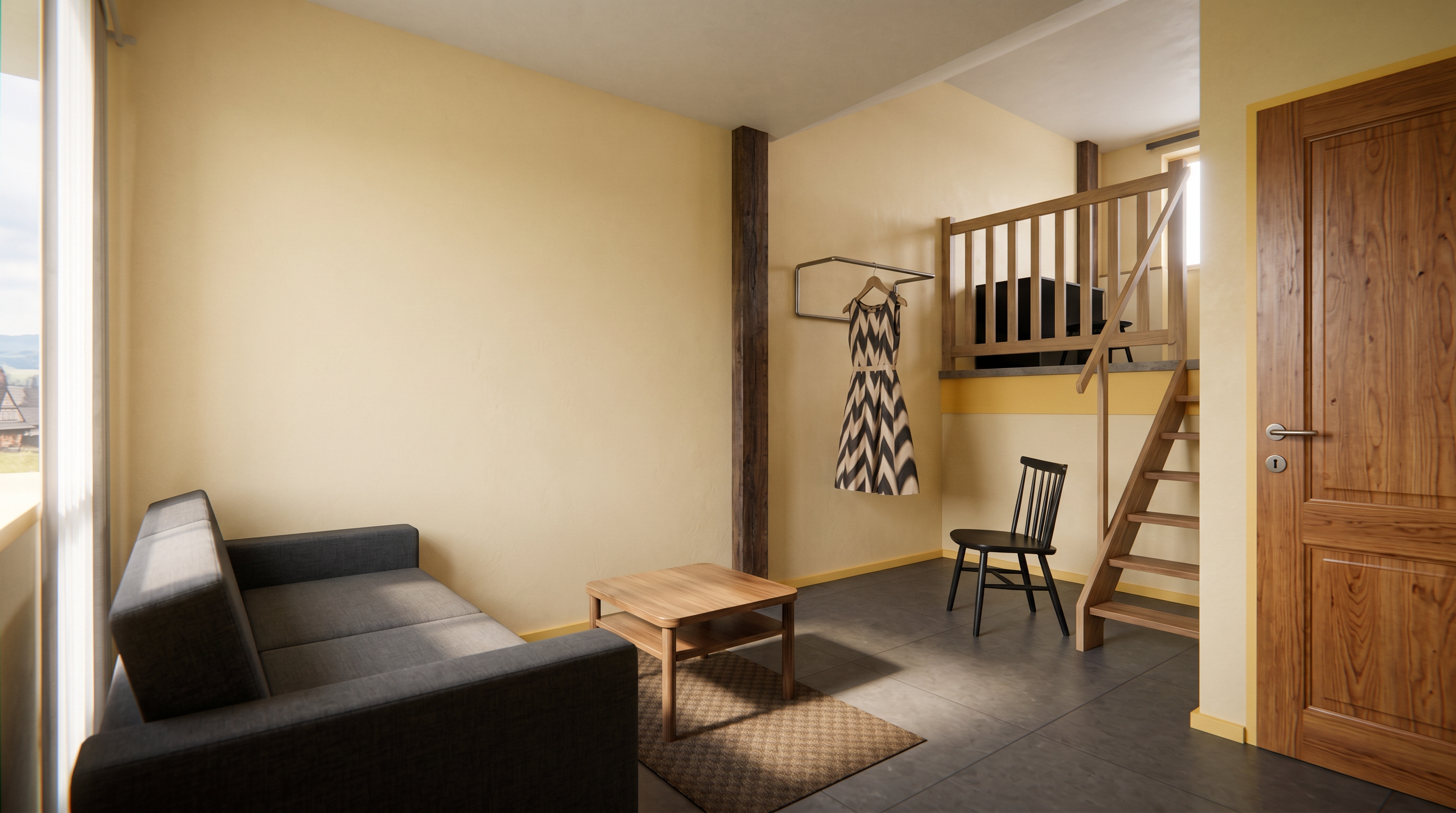
- Create a photorealistic interior render using the uploaded image as the only reference.
Requirements:
Preserve the original geometry exactly as shown.
Do not modify the geometry, layout, proportions, or any architectural details.
Do not add, remove, or replace any elements, furniture, fixtures, or objects.
Use exactly the same materials, colors, textures, and finishes as in the reference image, except for the walls, door frame, and baseboards.
Change the wall surfaces to a warm light yellow color matching RAL 249, 246, 229.
The door frame and baseboards should be painted in a yellow tone matching RAL 254, 229, 172.
Lighting:
Render the interior on a sunny day in southern Poland.
Use natural daylight with soft sunlight entering through the windows, realistic shadows, and subtle reflections.
Style:
Ultra-photorealistic architectural visualization.
Professional interior photography.
High-resolution with physically accurate lighting and materials.
Ceiling:
Make only the ceiling a light, bright color while keeping all other materials unchanged.
- Created
- August 4, 2026