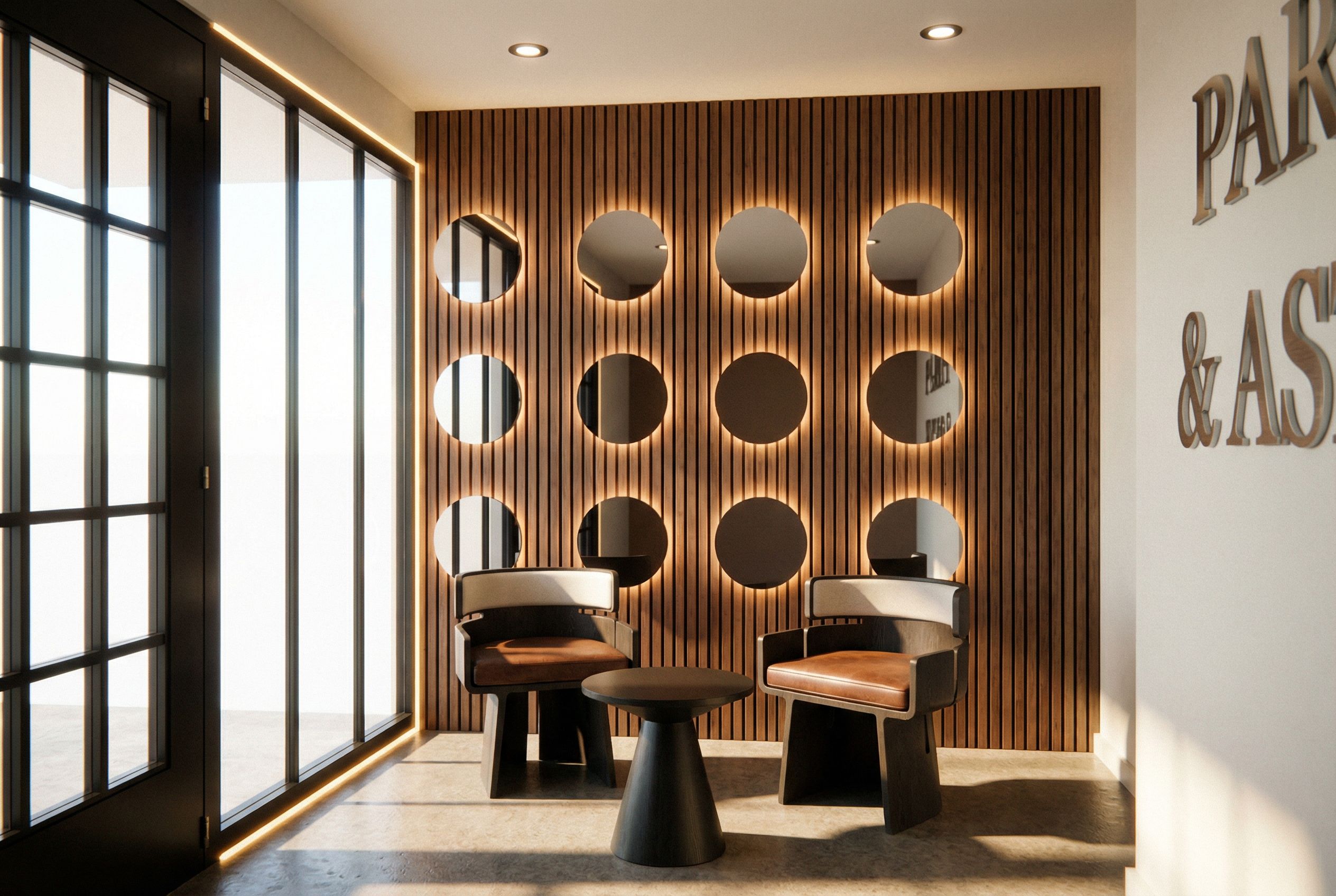
- Prompt
- You are professional photographer and expert architect, you role is to transform the input into realistic photograph and add photography effects like chromatic abberation, ISO noise, Film grain, Sharpening pass, Soft glow, Exposure correction, Tone mapping, Bloom + glare mix.
Composition: Always keep same input composition and camera angle, accordingly NEVER EVER crop the input or change the angle unless otherwise is mentioned in the user instructions regarding camera angle or composition.
For example: if input is a tower, it should be fully visible.
Additional guidance: consider the user instructions provided below to help you.
Text: if input contains text, ensure to render it correctly.
Errors: final output should be 100% correct without any errors or strange things.
Input type: you are expected to handle different input types like clay model inputs, freehand sketches, photos, you have to think first how to transform each one into an ideal photograph
Creativity and adding details:
exteriors: add elements like landscape, context if needed to make the scene perfect award-winning shot.
interiors: materials, textures, interior accessories,..etc.
Final Result: final result quality always should tend to look like a realistic photograph unless user specifies different style below.
User Instructions: "Photo of a modern interior space featuring an inviting seating area with two stylish chairs and a round table. Emphasize the rich textures of wood paneling and plush upholstery, highlighting the circular cutouts along the wall. Surrounding elements include large glass doors that enhance natural lighting, creating a bright atmosphere. Capture the scene from a low angle to emphasize the furniture in the foreground against the backdrop of the textured wall, with soft shadows adding depth and warmth to the overall visualization., keep exact camera angle. Type: interior design. Input: photograph. Add: ambient lighting fixtures"
- Created
- January 22, 2026