- Prompt
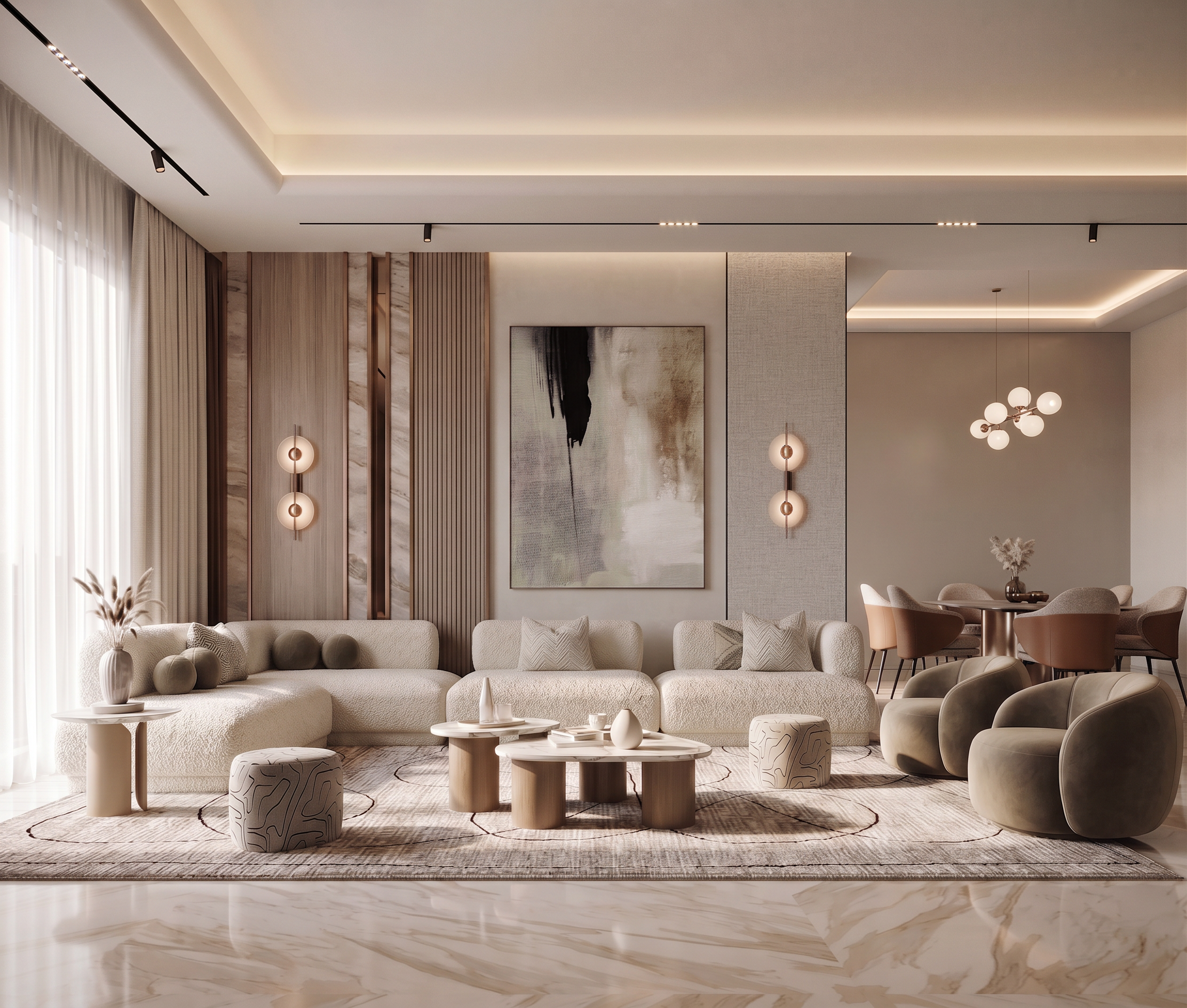
- Use the uploaded images as follows: Base Image (Photoshop Composition): This is the approved design and the primary source. Use it for the furniture arrangement, wall design, composition, and camera view. Reference Image 1 (Layout): Use only to verify the correct furniture arrangement, wall locations, architectural proportions, and spatial organization. Follow this layout exactly. Reference Image 2 (Original AI Render): Use only as the quality reference. Match its photorealism, lighting, materials, reflections, shadows, color balance, depth, and overall rendering quality. Do not copy its busy wall design or furniture arrangement where they differ from the approved Photoshop composition. Reference Image 3 (if provided): Use only as inspiration for materials and styling without changing the approved design. Your task is to transform the approved Photoshop composition into a seamless, ultra-photorealistic architectural visualization while preserving the exceptional rendering quality of the original AI render. Layout & Architecture Follow the attached layout exactly. Preserve the camera angle, perspective, field of view, room proportions, ceiling design, and overall architectural composition. Do not redesign the space. Keep the living room and dining room in their approved locations. Add the missing wall at the far right side of the dining area exactly according to the layout. Continue the ceiling, cove lighting, floor reflections, wall thickness, skirting, and architectural details naturally into the new wall. Furniture Preserve the approved furniture arrangement shown in the Photoshop composition. The dining table and chairs may be slightly repositioned, rotated, and rescaled only where necessary to achieve correct perspective, realistic proportions, and accurate camera alignment. Correct any Photoshop placement inaccuracies while maintaining the approved layout. Do not replace the furniture with different designs. Materials & Finishes Upgrade every material to premium photorealistic quality. Blend all Photoshop elements naturally so the entire scene appears to have been modeled and rendered together from the beginning. Refine all wall finishes, wood panels, fabrics, marble, metals, upholstery, and artwork with realistic texture, depth, and detail. Maintain the same elegant neutral luxury color palette. Lighting Match the original AI render's lighting quality. Preserve the bright, soft luxury atmosphere with natural daylight. Match the global illumination, indirect lighting, reflections, contact shadows, ambient occlusion, and depth. Keep the image bright, clean, and elegant. Do not make the render darker, warmer, or oversaturated. Integration Correct the perspective, scale, lens distortion, and camera projection of every manually composited Photoshop element. Improve contact shadows, edge transitions, reflections, material continuity, and lighting interaction. Make the dining area blend naturally with the living room. Ensure every object appears to belong to the same original 3D scene with no visible Photoshop edits. Composition Keep the living room as the primary visual focal point. Keep the dining area visually connected but secondary. Simplify the overall composition and maintain a refined contemporary luxury aesthetic. Avoid unnecessary visual clutter while preserving richness through high-quality materials and lighting. Final Quality Create an ultra-high-end architectural visualization suitable for a luxury interior design portfolio. The final image must look as if it was professionally modeled and rendered entirely in one 3D scene, with perfect material consistency, realistic lighting, accurate perspective, seamless architectural integration, and no indication that any elements were edited or composited in Photoshop.
- Created
- July 20, 2026