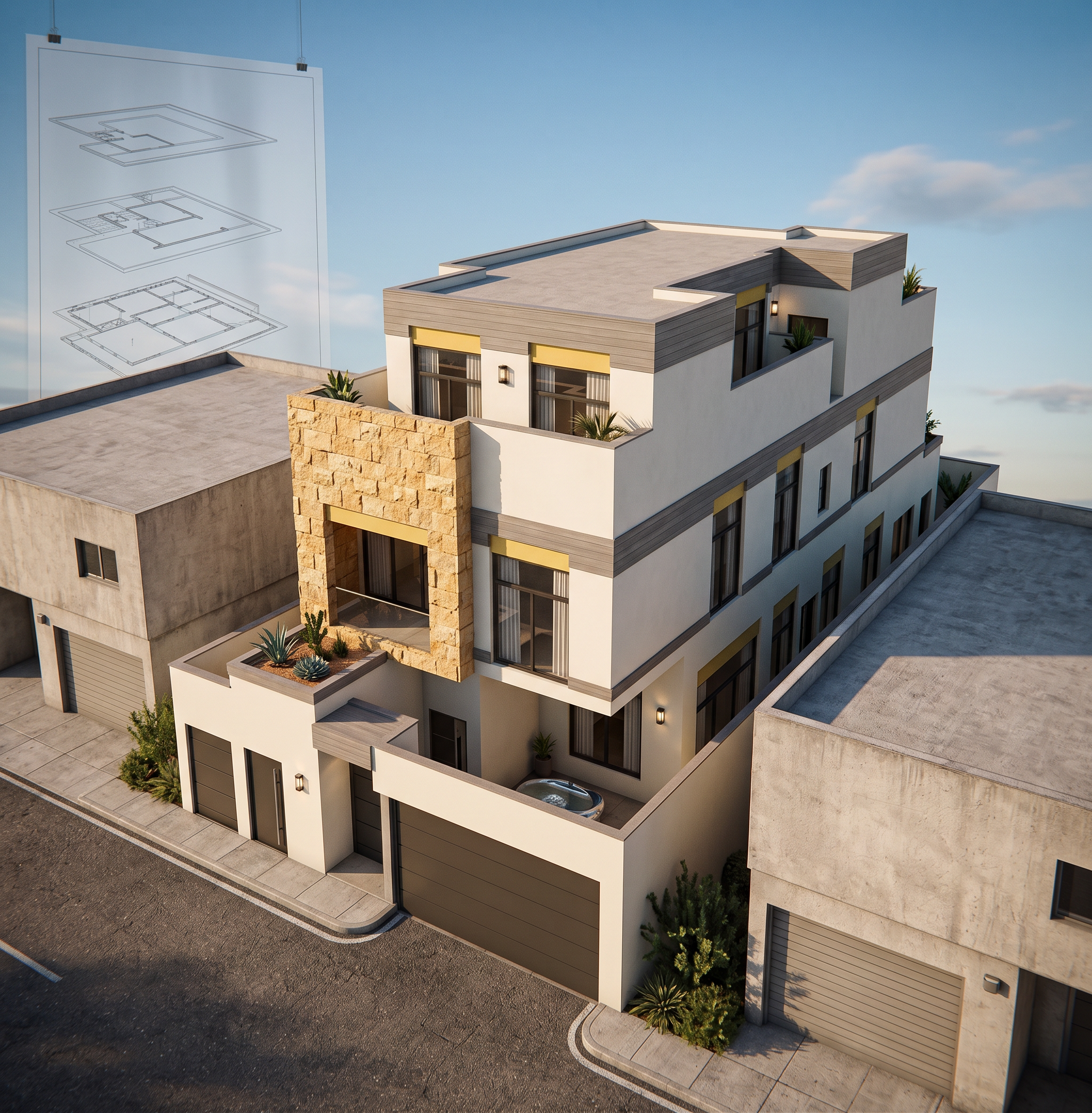
- Prompt
- Create an ultra-photorealistic architectural exterior render of the provided building while preserving the original architectural design with absolute fidelity. Do not modify the building mass, geometry, proportions, dimensions, façade composition, openings, window sizes, structural elements, roof, camera angle, perspective, or any architectural detail. Apply the materials exactly as follows: - Replace only the areas marked in *red* with the *exact same natural stone material* shown in the reference image, matching its texture, color, pattern, scale, finish, joints, and overall appearance as accurately as possible. - Replace only the areas marked in *yellow* with a *gray wood cladding*, featuring a realistic timber texture, subtle wood grain, and a premium matte finish. - Replace only the areas marked in *green* with a smooth *off-white finish*, maintaining a clean, elegant, high-quality architectural appearance. Strictly apply these material replacements only to the specified color-coded areas. Do not move, resize, redesign, or reinterpret any façade element. Keep every material transition in its original location and preserve all architectural lines and details exactly as they are. The final result must look like the same building with only the specified material changes, achieving a premium ultra-realistic architectural visualization with physically accurate lighting, realistic reflections, high-resolution textures, natural shadows, and flawless material quality.
- Created
- July 26, 2026