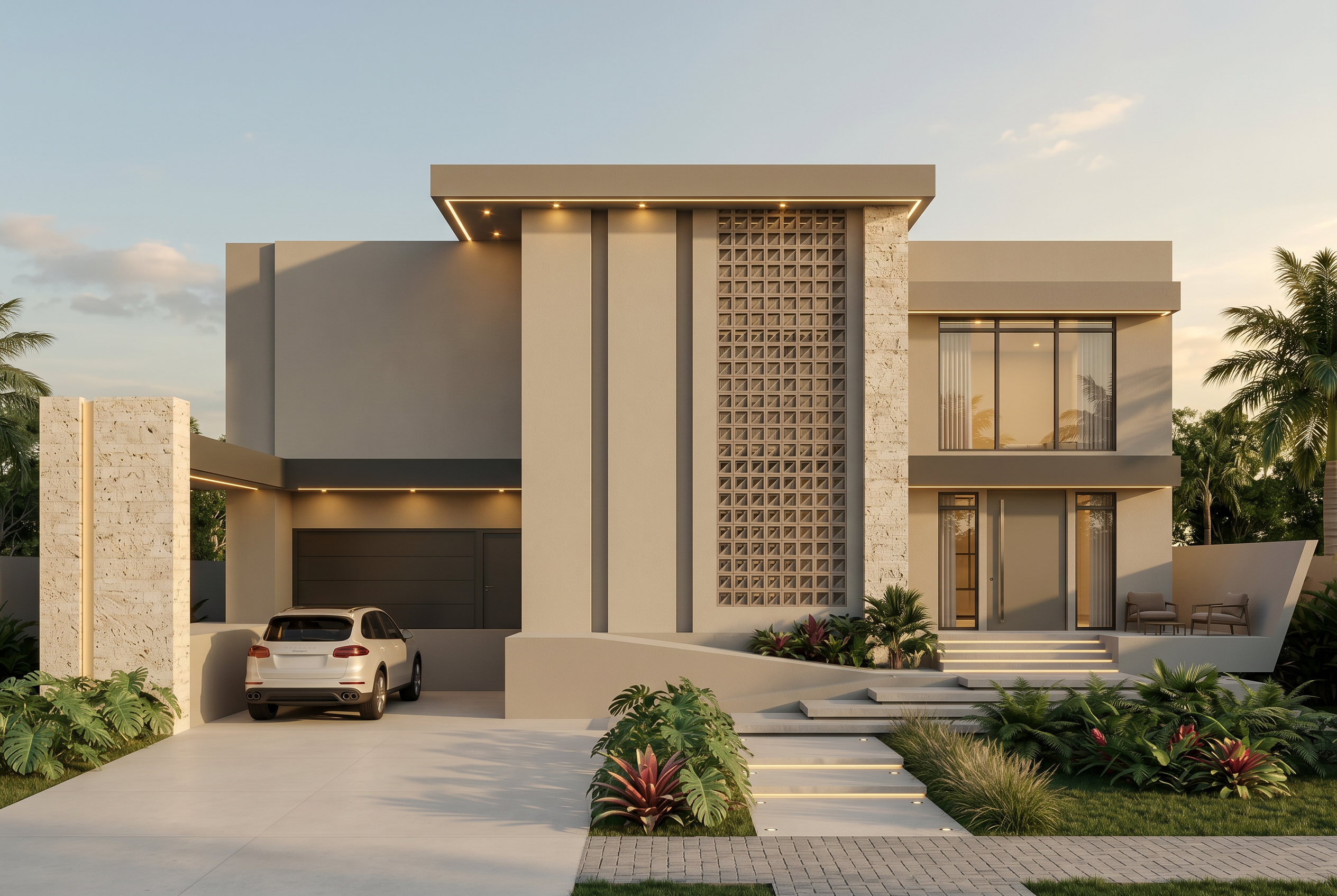
- Prompt
- Architecture (attached image), preserve 100%: keep the massing, proportions, geometry, levels and heights exactly as they are. Keep the position and size of every door, window, column, slab, roof and overhang. Keep the same framing, perspective and camera angle. Do not add, remove, move, distort or reinterpret any architectural element.
Style (reference image), replicate faithfully:
Materials: the same finishes, textures, colors and tones (floors, cladding, wood, stone, concrete, glass, metal, etc.), applied to the matching elements of the attached architecture.
Lighting: the same time of day, light direction, intensity and color temperature, with matching shadows and reflections.
Ambiance: the same atmosphere, sky, weather, landscaping, vegetation, furniture and decor, at the same level of detail.
Render style: the same photorealistic look, color grading, contrast and quality.
Output: the exact architecture of the attached image, rendered as if it had the materials, lighting and ambiance of the reference image. Photorealistic, high resolution.
- Created
- October 5, 2026