- Prompt
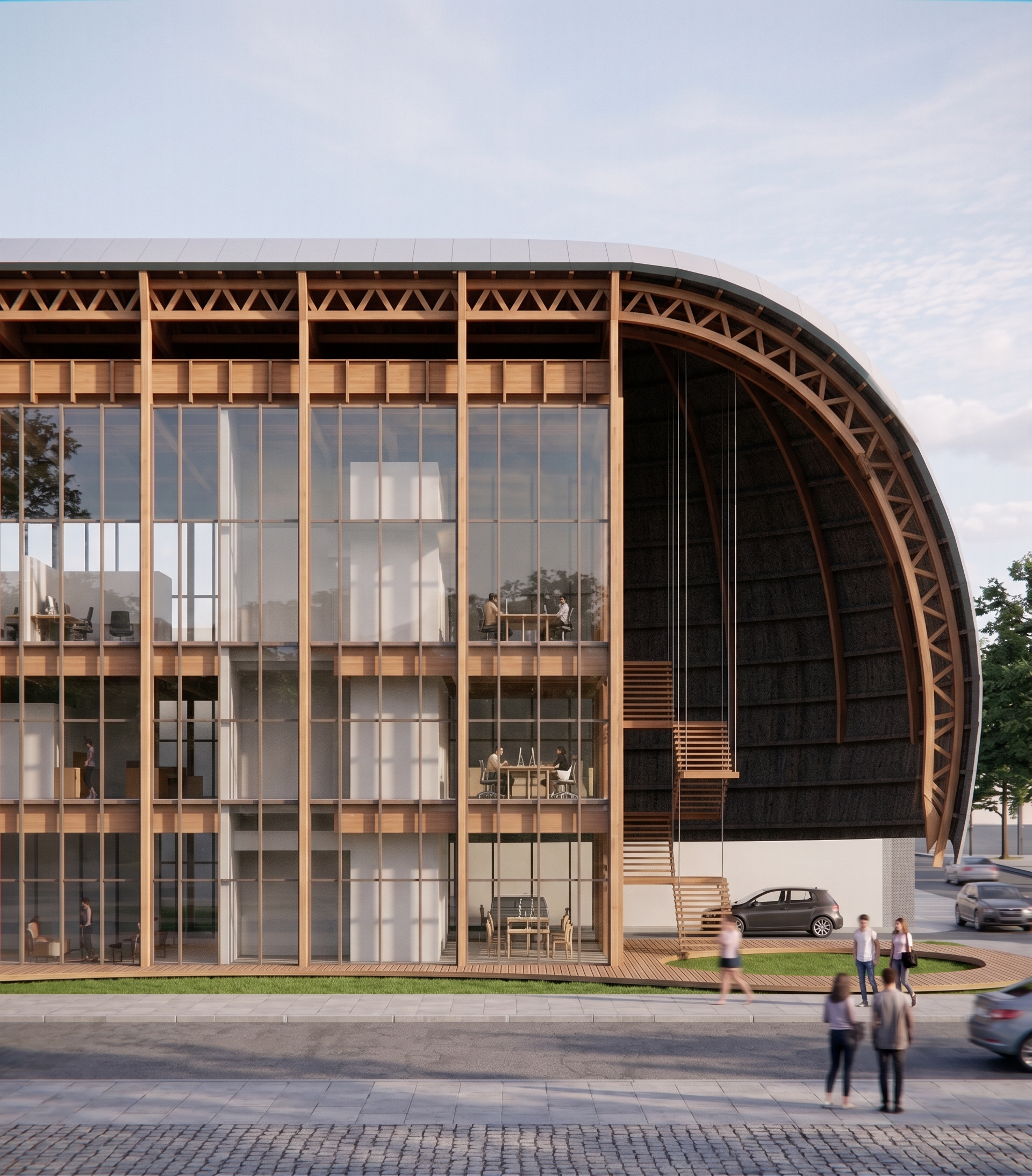
- Use the attached **SketchUp model as the PRIMARY REFERENCE** for the entire building. The SketchUp geometry is the authoritative source and must be followed exactly. Use the attached render **ONLY as a reference for materials, colors, textures, lighting, reflections, atmosphere, and overall visual quality. Do not copy its geometry if it differs from the SketchUp model. Whenever there is any discrepancy between the render and the SketchUp model, always follow the SketchUp model.** Create an **ultra-photorealistic architectural visualization** directly from the SketchUp model while preserving **100%** of its geometry. Do not modify, redesign, simplify, optimize, or reinterpret any architectural element. Preserve exactly the building's form, proportions, dimensions, roof curvature, façade, glazing, wooden structural system, floor heights, openings, overhangs, structural spacing, and every construction detail exactly as modeled in SketchUp. The wooden structural system must match the SketchUp model precisely, including the spacing, thickness, dimensions, curvature, beam layout, columns, joints, and roof structure. Do not simplify or invent structural elements. Use the materials and visual appearance from the reference render as inspiration: * Warm natural timber with realistic grain and subtle imperfections. * High-quality architectural glass with accurate reflections and transparency. * Realistic metal finishes where applicable. * Natural lighting similar to the reference image. * Soft global illumination and physically accurate shadows. * High-resolution PBR textures throughout. * Clean, premium architectural visualization quality. Maintain the **exact same camera position, focal length, perspective, framing, crop, composition, and viewpoint** shown in the SketchUp scene. Do not rotate, zoom, or change the camera in any way. Replace the empty background with a simple, elegant sky featuring soft daylight and subtle clouds. The background should remain minimal so that the building remains the focal point. Add a few realistic people on the sidewalk to the right side of the building to provide scale, integrating them naturally into the scene without distracting from the architecture. The final image must look like a real professional architectural photograph generated directly from the SketchUp model, using the render only as a guide for materials and atmosphere. The architecture itself must remain identical to the SketchUp model, with no geometric modifications whatsoever.
- Created
- June 29, 2026