- Prompt
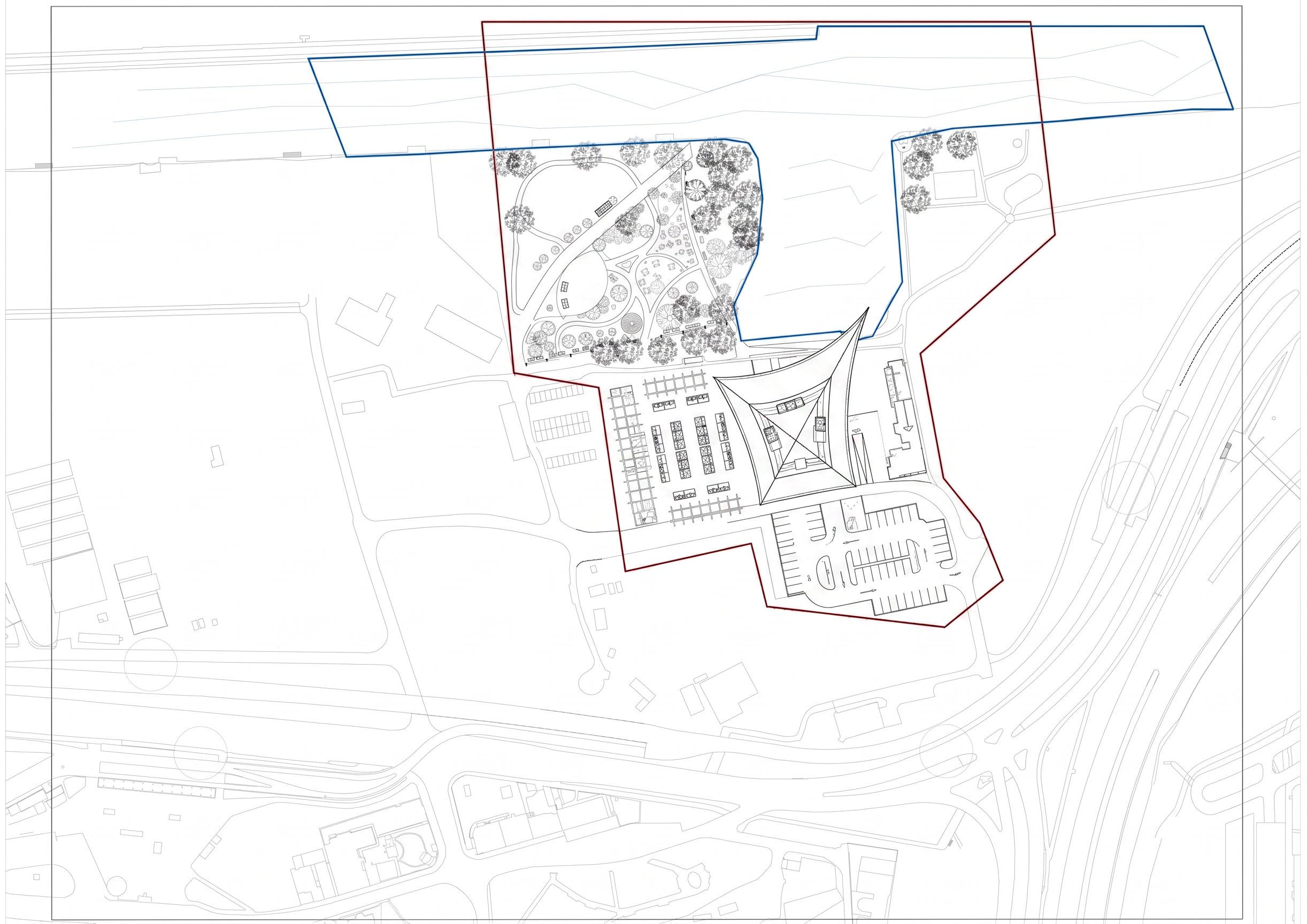
- ONLY modify the areas INSIDE the red and blue marked boundaries from the original drawing. Absolutely do not change, redraw, reinterpret, simplify, move, or touch anything outside these marked zones. Everything outside the marked lines must remain pixel-identical to the original site plan. Do not redesign the surrounding site, roads, river geometry, context buildings, empty areas, or any unmarked space. Do not “reinterpret” the overall composition. Only edit the specifically marked intervention zones. Keep the exact existing dimensions and footprints of: the riverside park, the outdoor market area, the parking area, the service ramp, and the building. Do not resize or relocate anything. The riverside park area should only be internally refined into a cleaner and more logical public waterfront park with better pedestrian circulation, seating, greenery placement, promenade movement, and public-space usability. Keep its current outer shape and dimensions exactly as they are. The outdoor summer market must stay exactly on the paved open area left of the building. Do not move it elsewhere. Organize it with lightweight timber beam/pergola structures, market stalls, pedestrian aisles, and better spatial logic while keeping the same footprint. The parking area below the building must stay exactly the same size and location. Only improve the internal parking organization and circulation logic. The underground service/loading ramp on the left side near the road must remain in the same place and only be refined technically. The main building and roof geometry must remain completely untouched, including the pointed roof tip extending toward the water. Very important: Outside the marked red and blue lines, do not alter a single line of the drawing. Treat everything outside those boundaries as locked and uneditable. Style requirement: pure 2D architectural AutoCAD site-plan drawing, black-and-white CAD linework only, no rendering, no shadows, no textures, no colors, no atmospheric effects., keep exact camera angle
- Created
- May 24, 2026