- Prompt
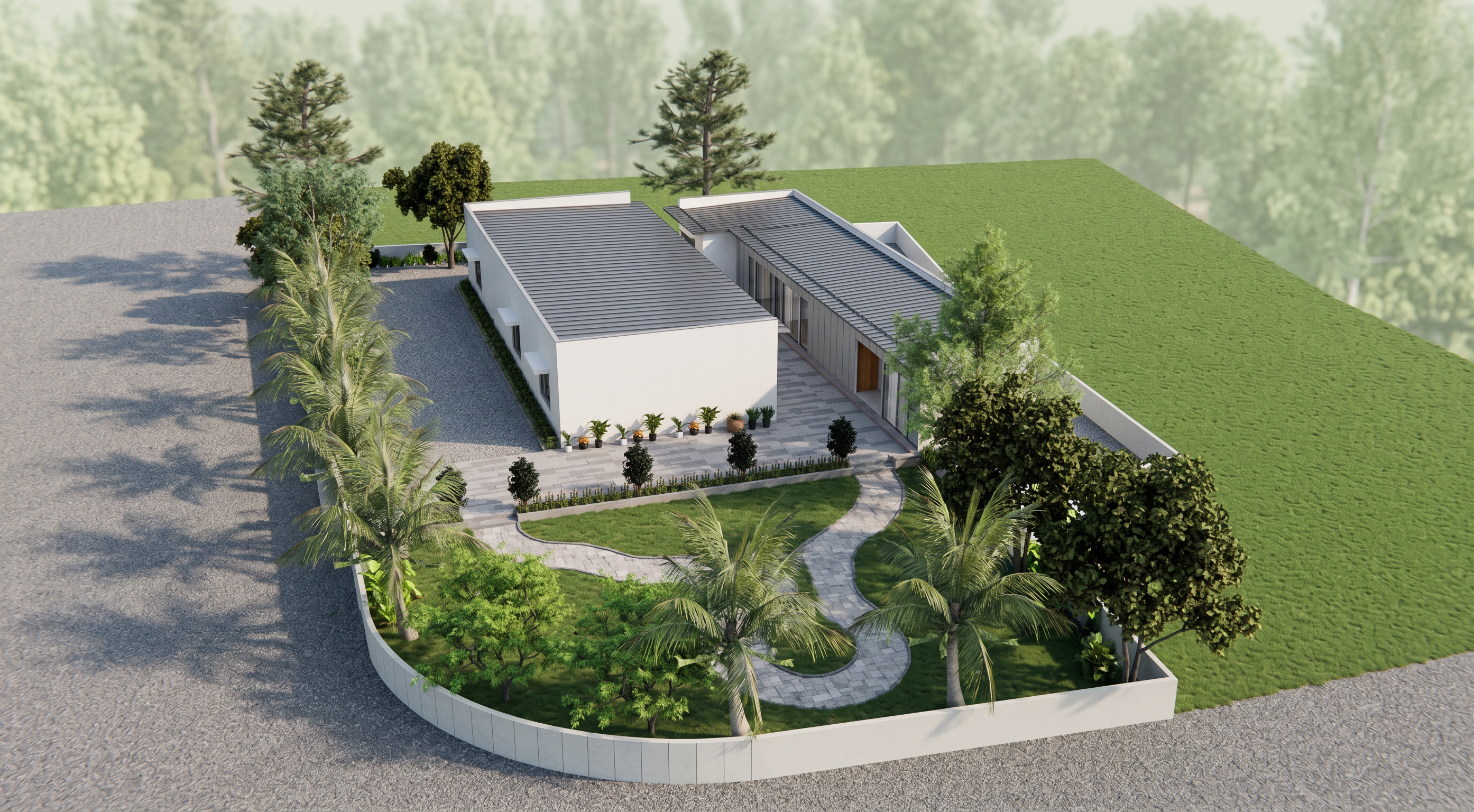
- Use the uploaded SketchUp screenshot as the ONLY reference. IMPORTANT: - Keep the building 100% identical to the original screenshot. - DO NOT change the architecture, elevation, dimensions, proportions, windows, doors, balconies, railings, roof, textures, materials, colors, camera angle, composition, or landscaping. - Preserve every architectural detail exactly as shown. - No redesign, no additions, no removals. Transform the screenshot into a premium photorealistic architectural render with a realistic 4K renovation finish. Renovation Details: - Upgrade all existing materials to premium realistic finishes while keeping the same colors and design. - Clean, fresh, newly finished walls with realistic paint texture. - High-quality glass with natural reflections and transparency. - Realistic metal, concrete, stone, and wood textures. - Crisp edges and premium construction quality. - Subtle weathering removal for a newly completed luxury appearance. - Natural ambient occlusion and physically accurate shadows. Lighting: - Soft natural daylight. - Realistic global illumination. - Balanced exposure. - Cinematic lighting without overexposure. - Natural HDR environment. Background: - Add a soft, light green forest in the distance behind the building. - Keep the forest subtle, slightly blurred, and naturally blended. - Do not let the forest dominate the scene. Quality: - Ultra-photorealistic. - Professional V-Ray / Corona Renderer quality. - 4K resolution. - Extremely sharp details. - Realistic reflections, shadows, textures, and depth. - Clean, premium architectural visualization.
- Created
- July 17, 2026
- Seed
- 0