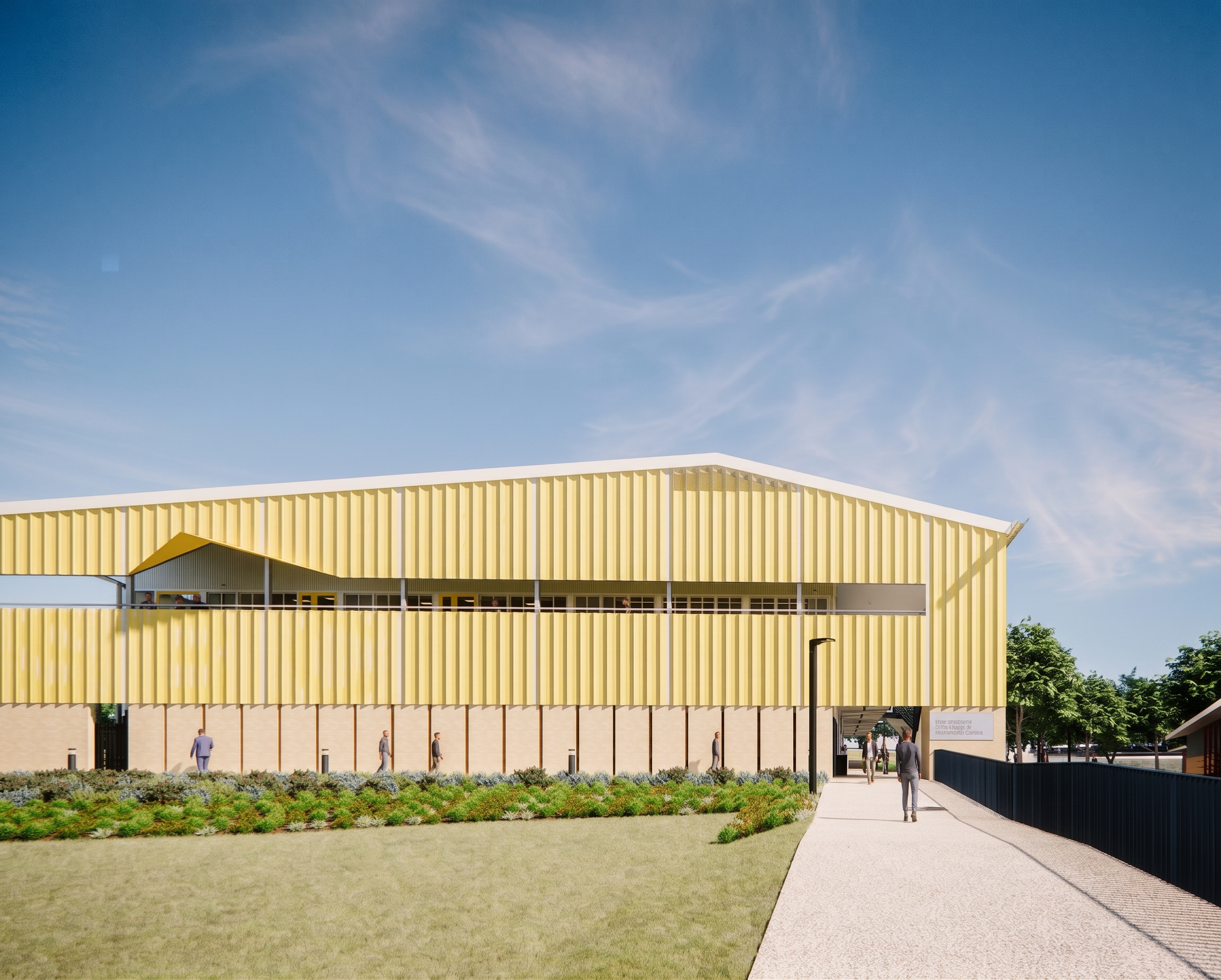
- Prompt
- Generate a high‑resolution architectural photograph, not a digital render. The uploaded image is the exact subject being photographed — all geometry, layout, design, materials, colours, landscaping, people positions, and site elements must remain identical. No redesigns. No simplification. No artistic reinterpretation. Treat this scene as if it were already built and captured by a real camera on site. Apply the following photographic realism only: – Natural daylight with subtle exposure fall‑off – Realistic shadow softness and ambient occlusion – Slight lens imperfections (minor glare, micro bloom, realistic contrast roll‑off) – Material weathering and surface variation at a microscopic level (no visible damage, only realism) – Accurate reflections in glazing and metal – Realistic sky luminance and atmospheric depth Edges should not be perfectly sharp; add natural camera softness and depth realism. Style: professional architectural photography, real‑world camera capture, natural imperfections, documentary realism. Absolutely no CGI styling and no visualisation‑style polish. Negative prompt: CGI, 3D render, architectural visualization, unreal engine, vray look, octane look, perfect edges, overly clean surfaces, flat lighting, artificial shadows, game lighting, simplified materials, stylised image, illustration
- Created
- June 14, 2026