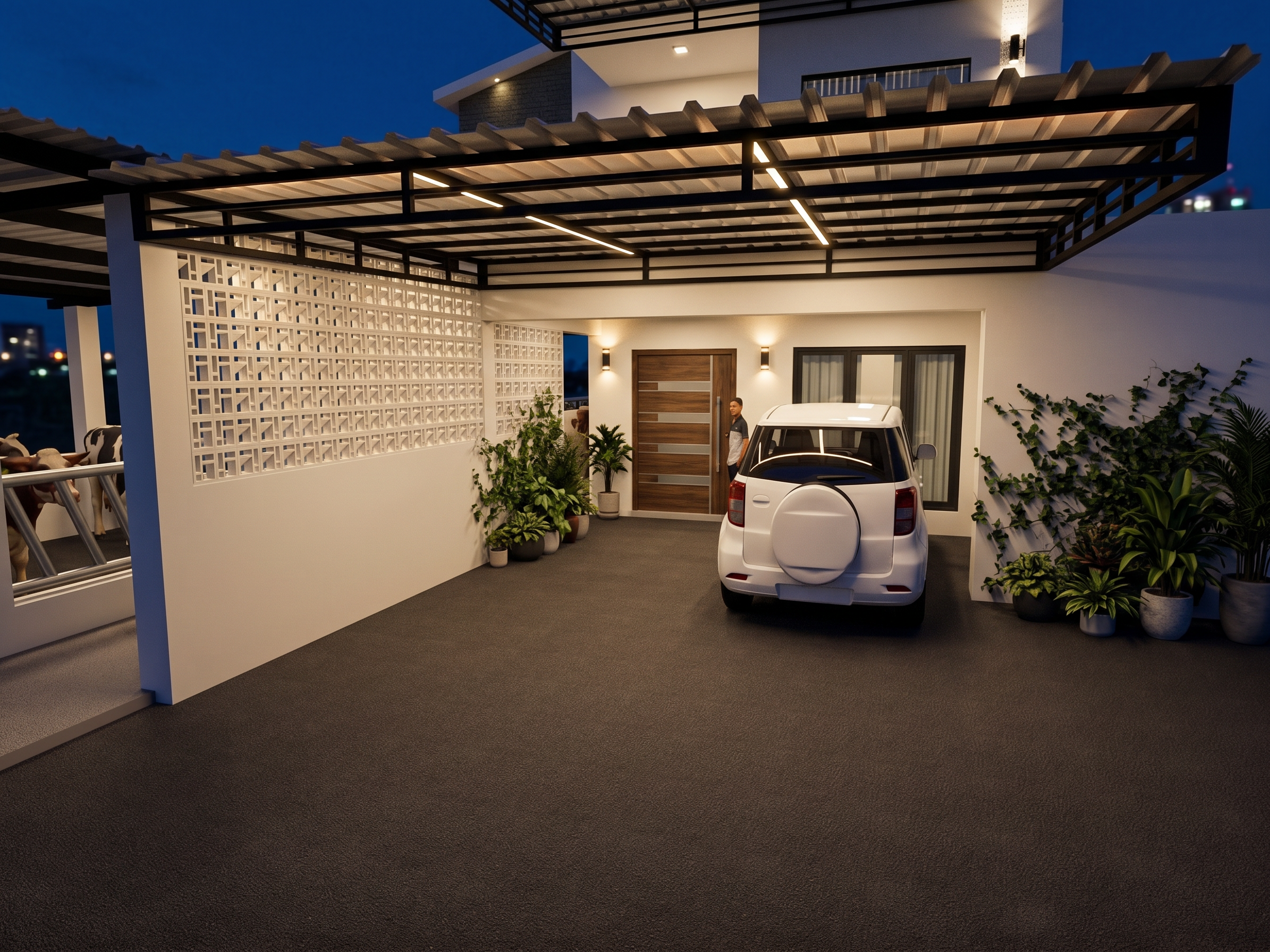
- Prompt
- Use the original image as a locked reference. Preserve the original architecture exactly as shown. Do not change, redesign, add, remove, move, resize, replace, or modify any architectural element, materials, colors, furniture, landscape, dimensions, proportions, camera angle, composition, or perspective. Only enhance the lighting and photorealism. Improve the existing lighting using physically accurate global illumination (GI), realistic indirect light bounce, natural light falloff, ambient occlusion, soft contact shadows, HDR exposure, balanced white balance, realistic reflections, subtle bloom, cinematic contrast, realistic atmospheric depth, and natural color grading. Enhance the existing light sources only. Do not add new light fixtures or new light sources. Make the lighting look like a premium Lumion 2025 or D5 Render architectural visualization while preserving every detail of the original image. The final result must look like a real professional architectural photograph with improved lighting, depth, and realism only.
- Created
- July 1, 2026