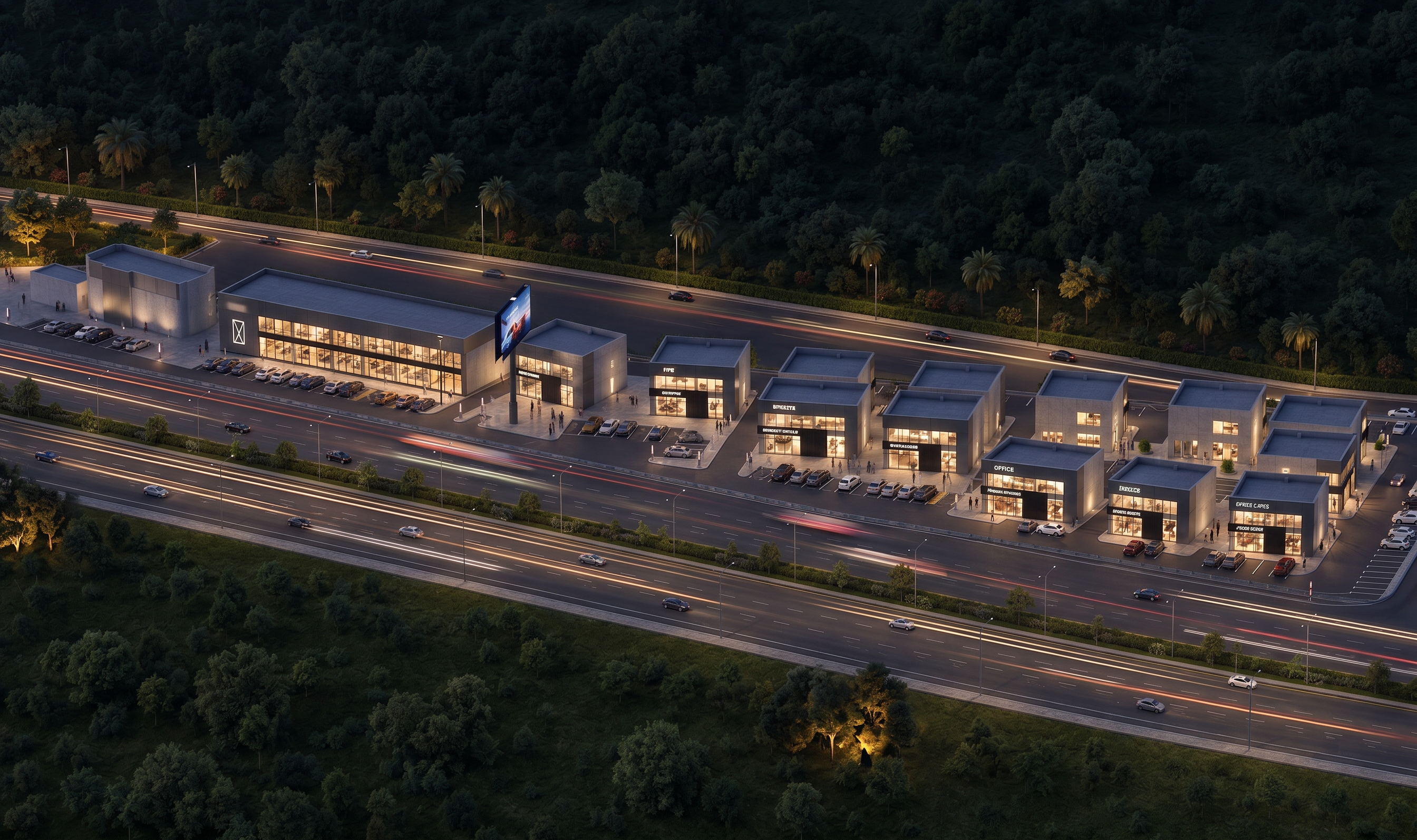
- Prompt
- Using the attached render as the base image and the second image as a reference only for mood, lighting, and atmosphere — enhance the render to look more photorealistic, suitable for large-format banner printing.
Strict constraints (do not violate):
- Do NOT change the outline, silhouette, or massing of any building.
- Do NOT change the site boundaries, plot layout, or the position of any structure, road, or landscape element.
- Do NOT add, remove, resize, or relocate any building, tree, or object.
- Keep all proportions, camera angle, and perspective exactly as in the original render.
What TO change (take inspiration only from the reference image):
- Lighting direction, color temperature, and time-of-day mood.
- Sky, atmosphere, and ambient light quality.
- Material realism — glass reflections, metal, concrete, stone textures.
- Shadows and contrast to match the reference's lighting mood.
- Overall photographic realism (depth, subtle grain, natural color grading).
Output: same composition and geometry as the original render, but with photorealistic lighting/materials inspired by the reference image, at the highest resolution possible for print.
- Created
- August 17, 2026