- Prompt
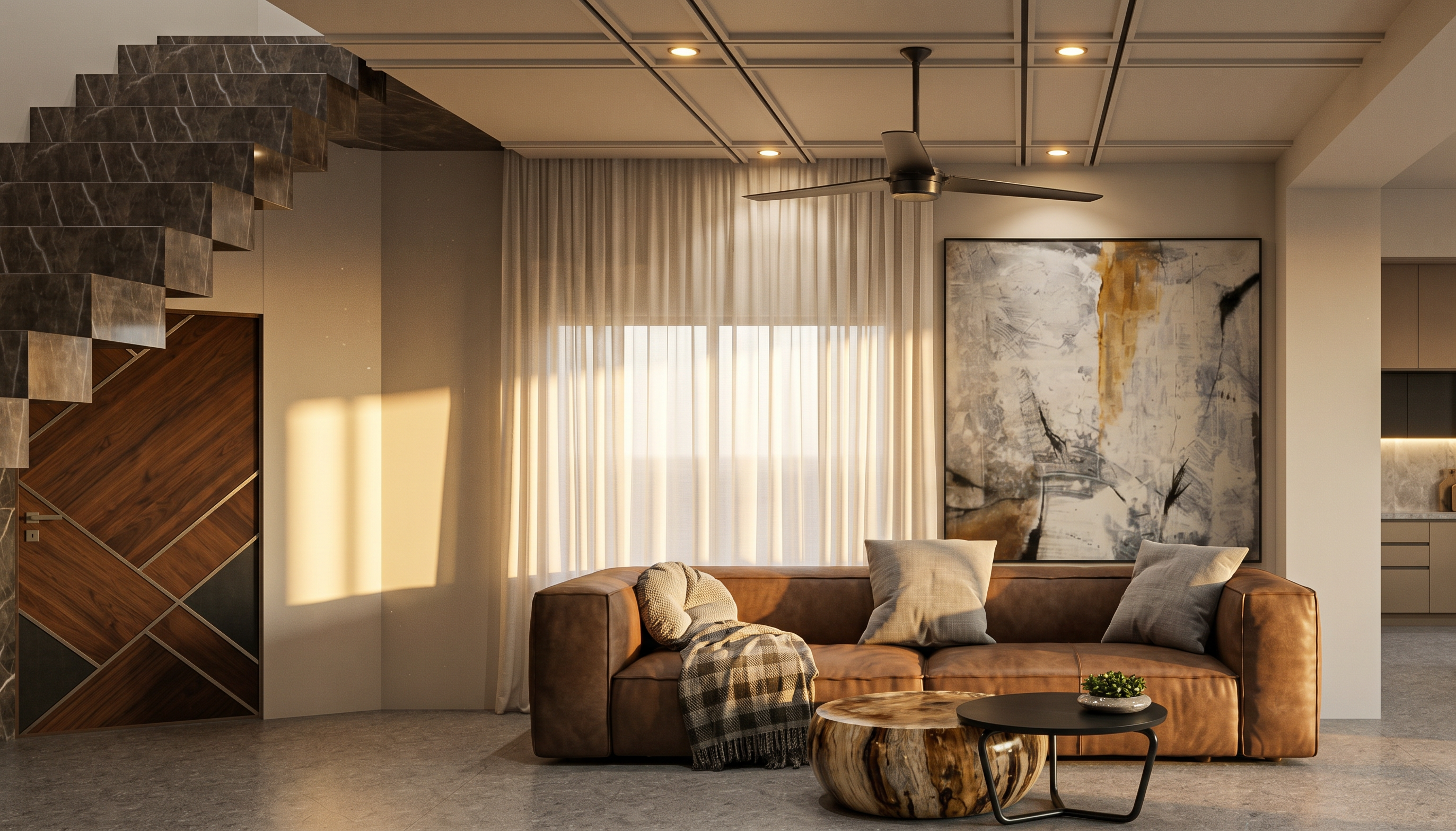
- Convert the provided interior design image into an ultra-photorealistic, high-quality interior architectural render. Strictly preserve the original design, layout, camera angle, perspective, proportions, dimensions, furniture placement, all architectural elements exactly as shown in the reference image.
Apply realistic materials and textures according to the materials visible in the reference image. Enhance the natural appearance of laminates, wood veneers, marble, granite, glass, metal, fabrics, and wall finishes with accurate textures, reflections, and surface details.
Add realistic lighting effects with balanced ambient illumination, natural daylight, and warm 3000K ceiling downlights wherever appropriate. Create soft shadows, realistic light falloff, ambient occlusion, accurate reflections, and natural highlights.
Use physically accurate materials, global illumination, ray-traced reflections, realistic exposure, and professional interior photography quality. Maintain the original colour palette without unnecessary colour changes.
The final output should look like a real photograph of a completed luxury interior, not a 3D model. Do not redesign, add, remove, or modify any element. Preserve the exact composition and aspect ratio of the reference image.and ceiling should be exactly like reference image and render quality as nice as reference
- Created
- October 3, 2026