- Prompt
- DO NOT change, modify, reshape, add, remove, or reposition any part of the existing building volume. Preserve the exact massing, proportions, floor levels, setbacks, balconies, openings, silhouette, and overall geometry.
Use the reference image ONLY for its MATERIAL PALETTE, FACADE FINISHES, COLORS, TEXTURES, AND ARCHITECTURAL MATERIAL LANGUAGE.
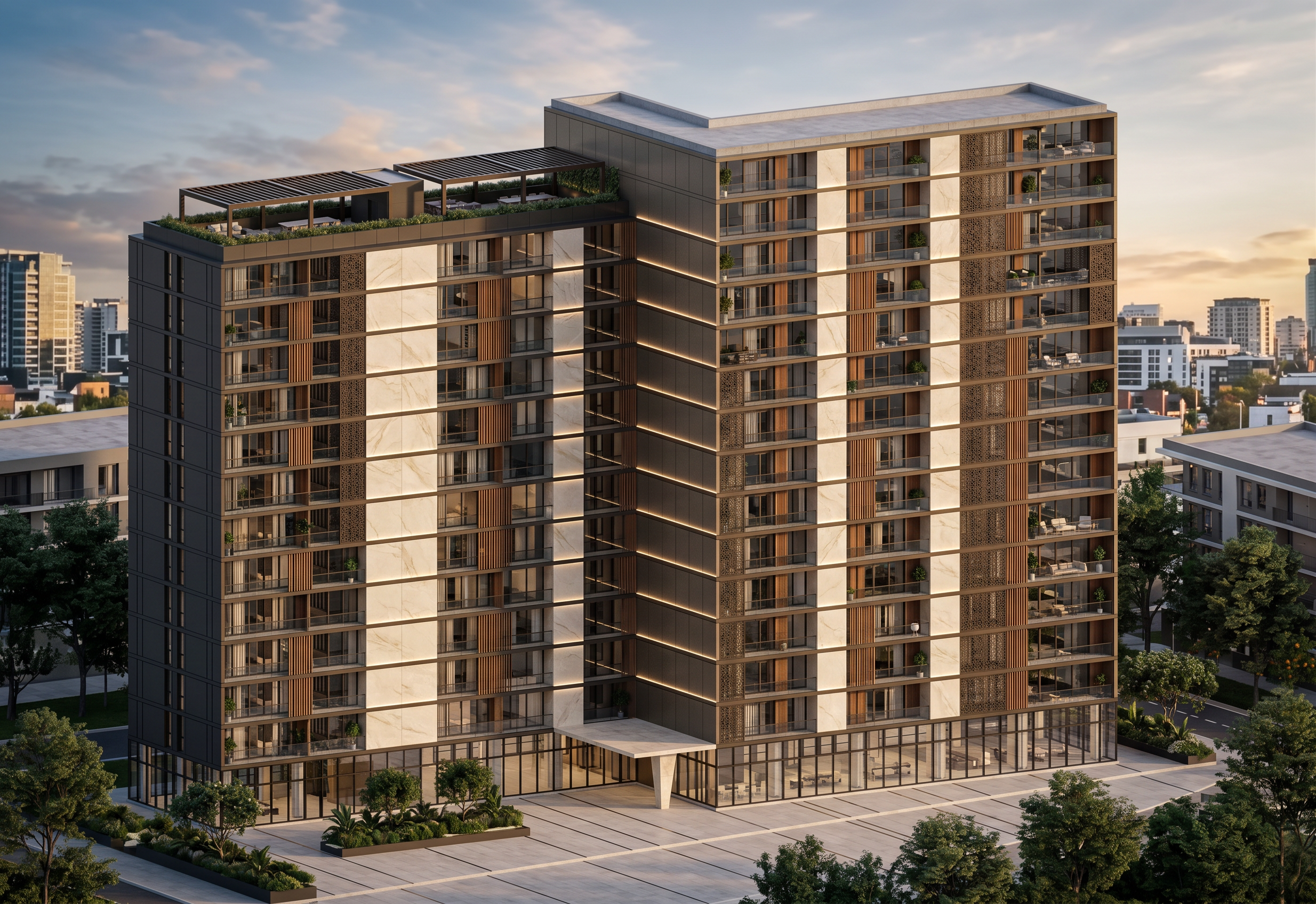
Apply the following material palette to the existing building:
- Dark charcoal and dark bronze aluminum/metal panels with fine vertical joints
- Large-format warm ivory and light beige porcelain or natural-stone panels
- Subtle marble-like veining on selected light stone surfaces
- Warm walnut-toned wood-look aluminum vertical fins
- Dark bronze perforated metal screens with fine patterns
- Large neutral clear glass panels
- Frameless tempered glass balcony railings with minimal dark profiles
- Dark charcoal and bronze aluminum frames
- Warm white recessed linear LED lighting integrated into the facade
- Contemporary dark bronze metal pergolas with horizontal slats
- Warm wood/bronze-toned soffit finishes
- Elegant light beige stone/porcelain treatment around the entrance
Create a sophisticated, high-end contemporary luxury residential facade.
The reference image must influence ONLY the materials, colors, textures, facade finishes, glazing, metalwork, and detailing.
DO NOT copy the reference building's geometry, massing, proportions, floor arrangement, balconies, or architectural composition.
Preserve the exact geometry of the uploaded base image.
Photorealistic architectural visualization, premium contemporary residential architecture, realistic PBR materials, physically accurate glass reflections, realistic material roughness, detailed textures, sophisticated facade detailing, natural lighting, high-end architectural photography.
- Created
- August 4, 2026