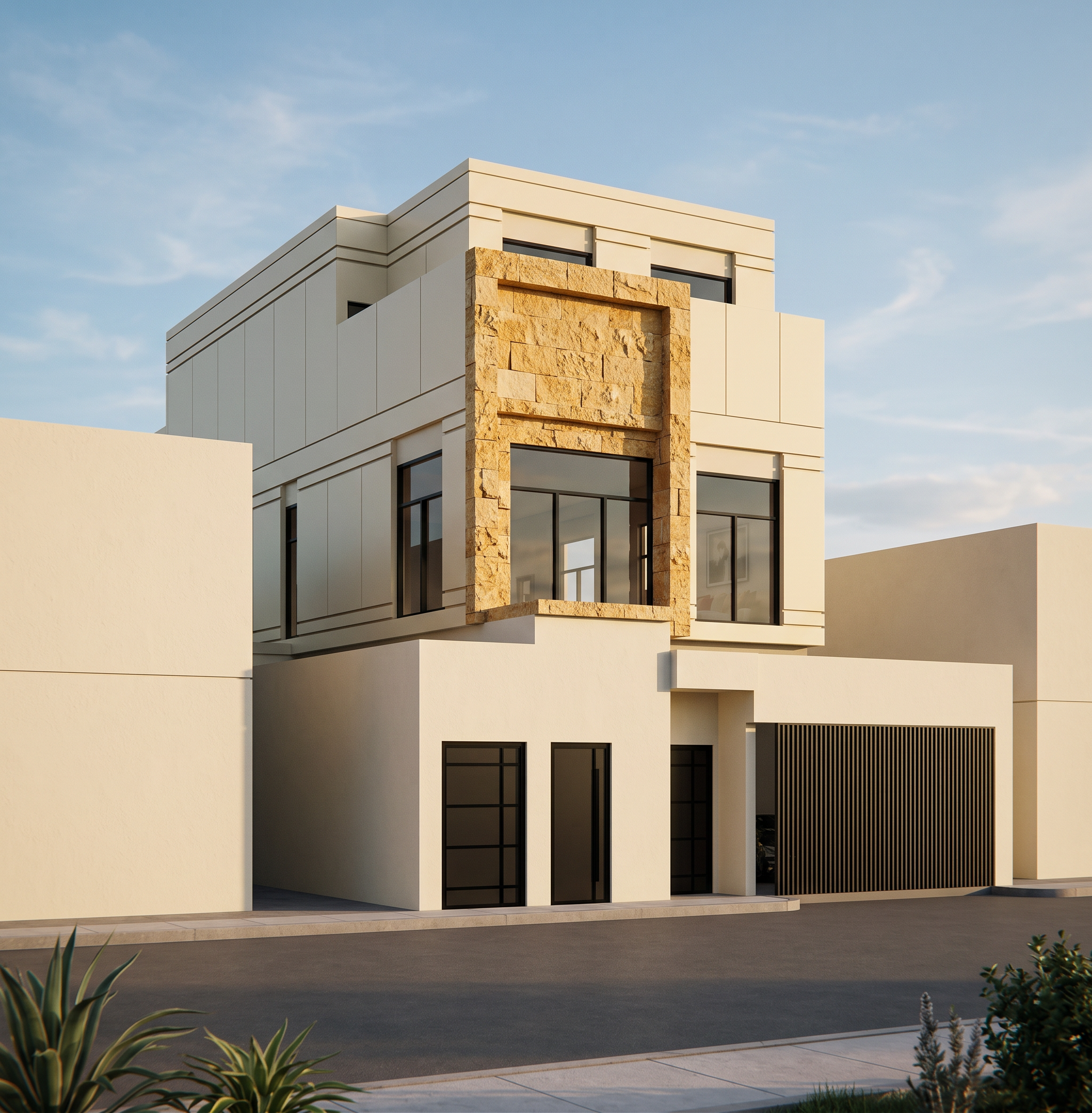
- Prompt
- Replace only the blue-highlighted area of the building with the exact same stone used in the provided reference image. Apply the reference stone exclusively to the blue-marked section and do not modify any other part of the building. Match the reference stone precisely, including the stone type, color, tone, texture, pattern, finish, scale, natural variation, and joint layout. Ensure the stone is mapped naturally and seamlessly, giving it the same appearance as the reference building. Do not change the building's massing, proportions, façade, architectural details, exterior paint colors, doors, windows, wood finishes, metal elements, or any other materials outside the blue-highlighted area. The only modification should be replacing the material of the blue-marked section with the exact stone from the reference image. The final result should be ultra-photorealistic, with physically accurate material mapping, high-resolution textures, realistic lighting, and a seamless integration of the new stone, making it appear exactly like the stone used in the reference building.
- Created
- July 20, 2026