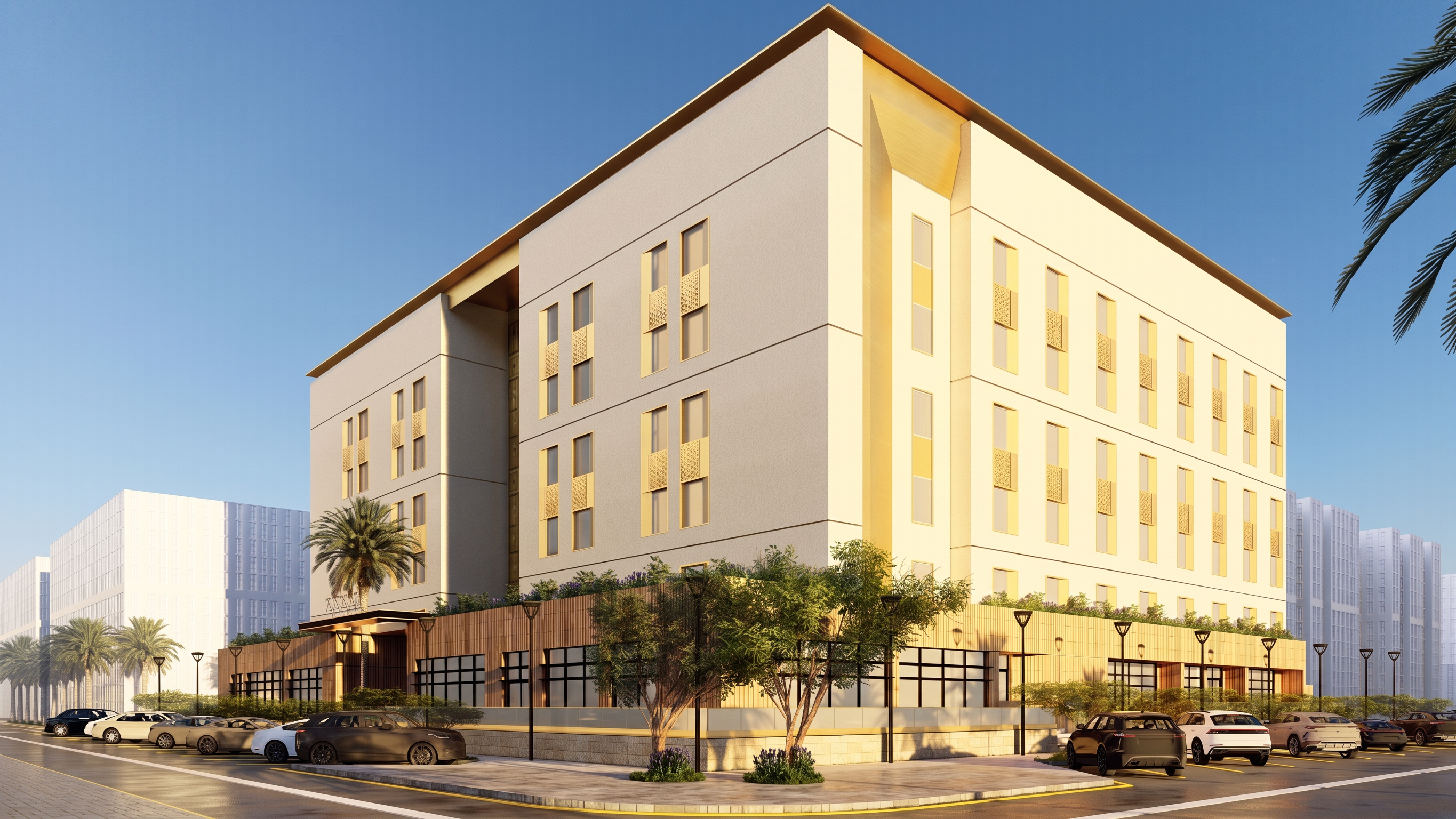
- Prompt
- IMPORTANT: Preserve the exact original building design, geometry, camera angle, facade layout, window positions, material placement, and color palette exactly as shown in the original image. Do not change the colors. Do not introduce new colors. Do not make the facade darker, lighter, warmer, cooler, or more saturated than the original render. Only enhance realism, sharpness, lighting accuracy, material texture, shadows, reflections, and render quality while keeping the original colors unchanged. Color Preservation: - Keep the same off-white / beige facade tone from the original image - Keep the same wood cladding color from the original image - Keep the same dark panels exactly as shown - Keep the same stone base color - Keep the same glass and window frame colors - Match the original image color palette precisely - No color grading that changes the original tones - No dramatic cinematic color shift - No orange/yellow tint - No blue tint - No black facade effect Enhancements only: - Make materials more realistic but same color - Add subtle texture without changing color - Improve shadows and reflections naturally - Improve lighting realism without changing the mood - Improve landscaping, cars, pavement, and background realism - Preserve the original architectural identity exactly Rendering Style: Photorealistic architectural visualization, V-Ray / Corona Renderer quality, realistic material depth, realistic ambient occlusion, clean professional architectural photography, 8K quality. Negative Prompt: No redesign, no color change, no new facade colors, no altered materials, no changed massing, no changed windows, no changed proportions, no added architectural elements, no overexposure, no fake glossy materials, no cartoon look.
- Created
- June 2, 2026