
AI Landscape Design
AI Landscape Design for Architects and Landscape Designers
Turn site plans, sketches and model exports into photoreal garden, courtyard and public-realm views your clients understand at a glance.


 4.9110,000+ architects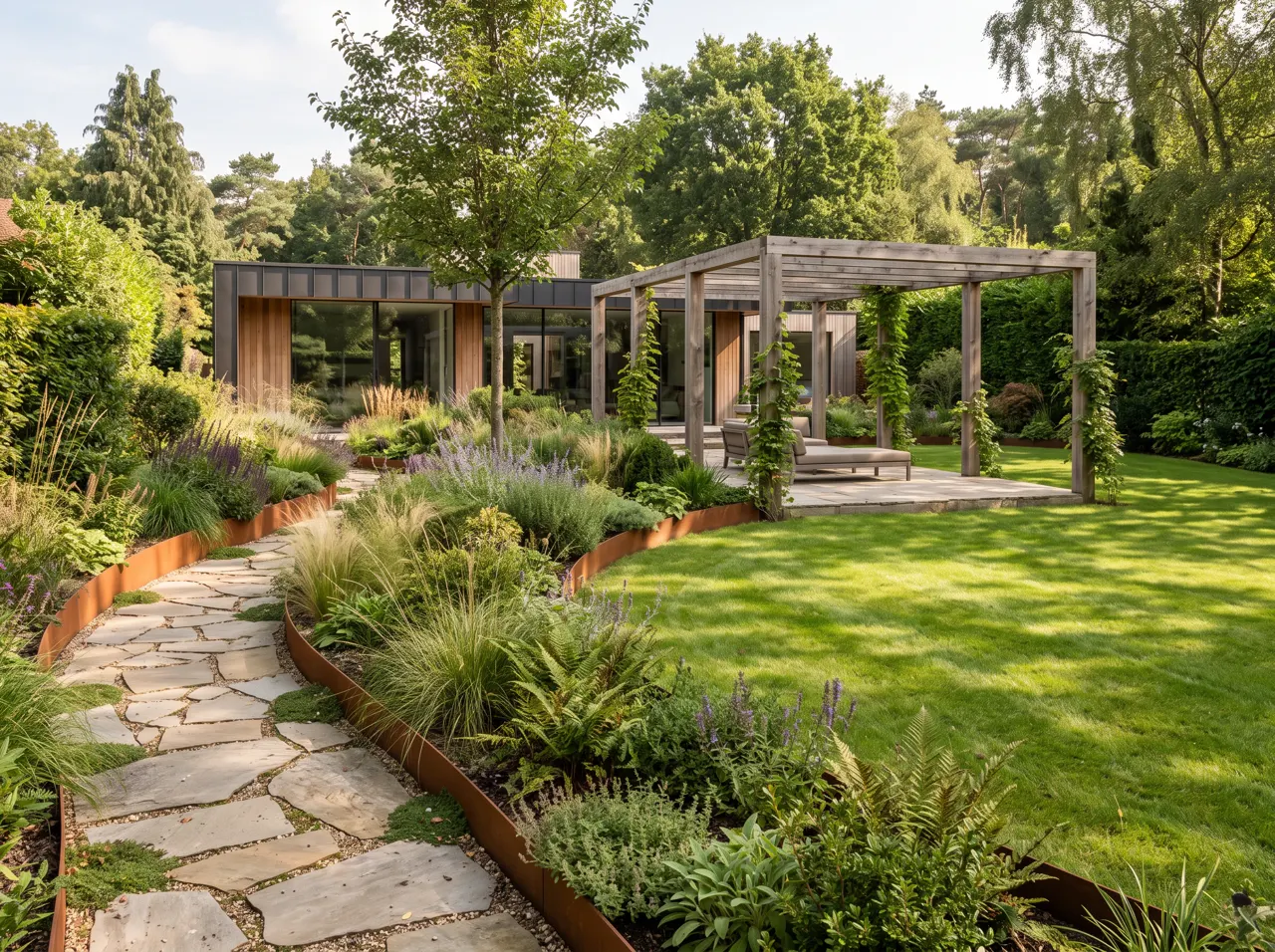
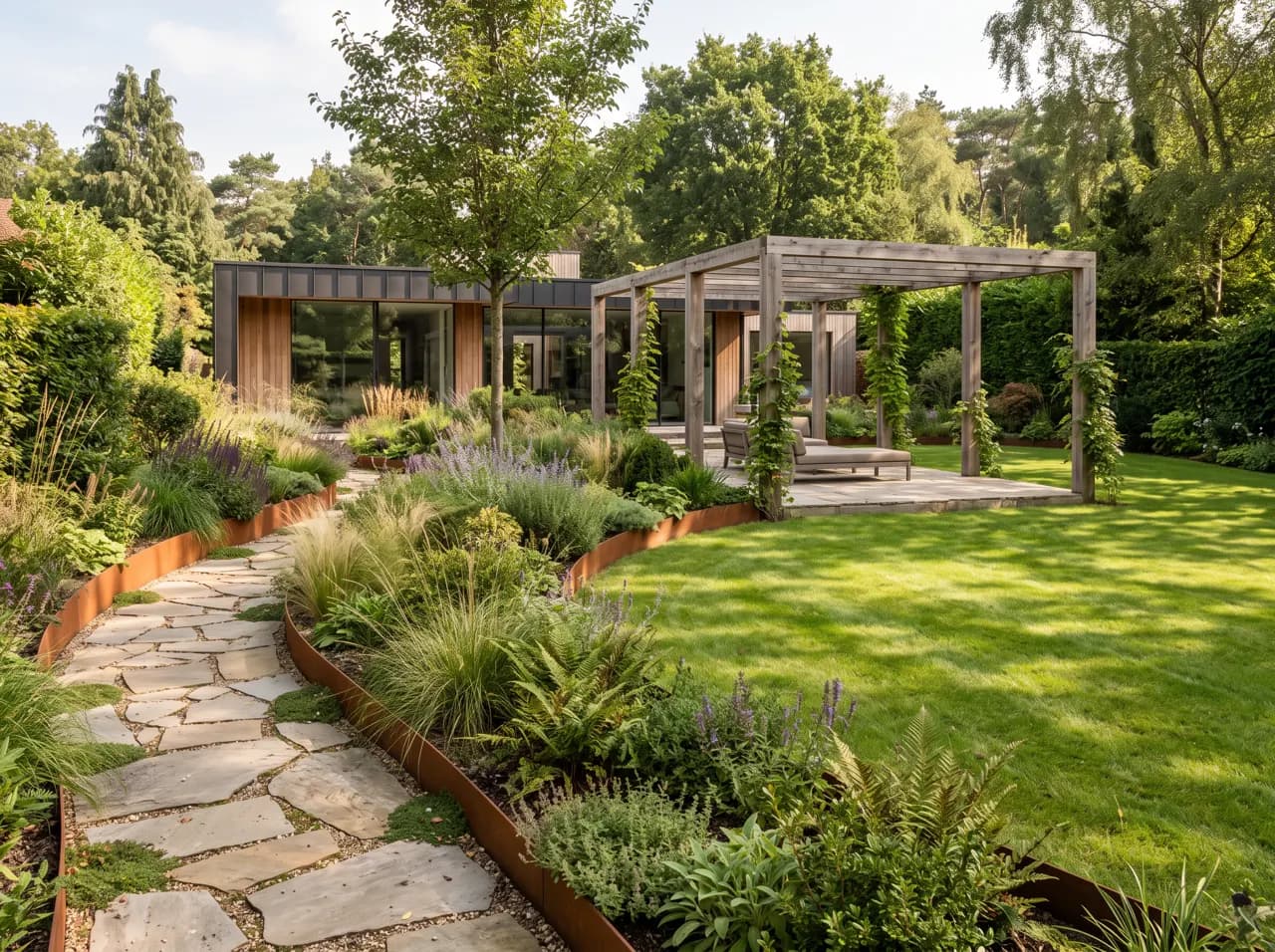
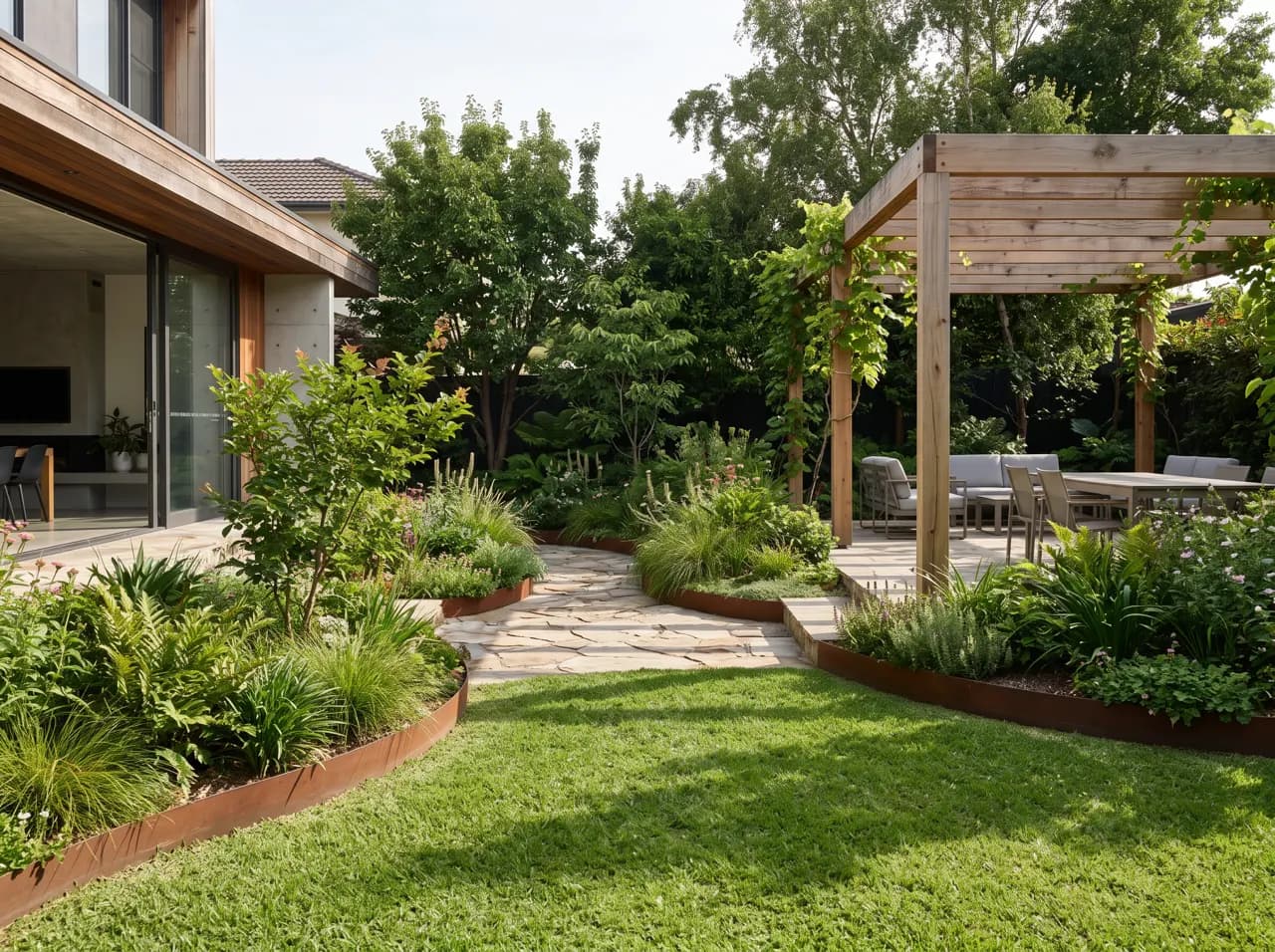
AI landscape design turns the drawings you already have — a site plan, a hand sketch, a SketchUp or Rhino export, or a photo of the existing site — into photoreal landscape views in about 12 seconds. Planting, paving, water, lighting and atmosphere are added on top of your layout, so the render reads as your scheme rather than a generic garden.
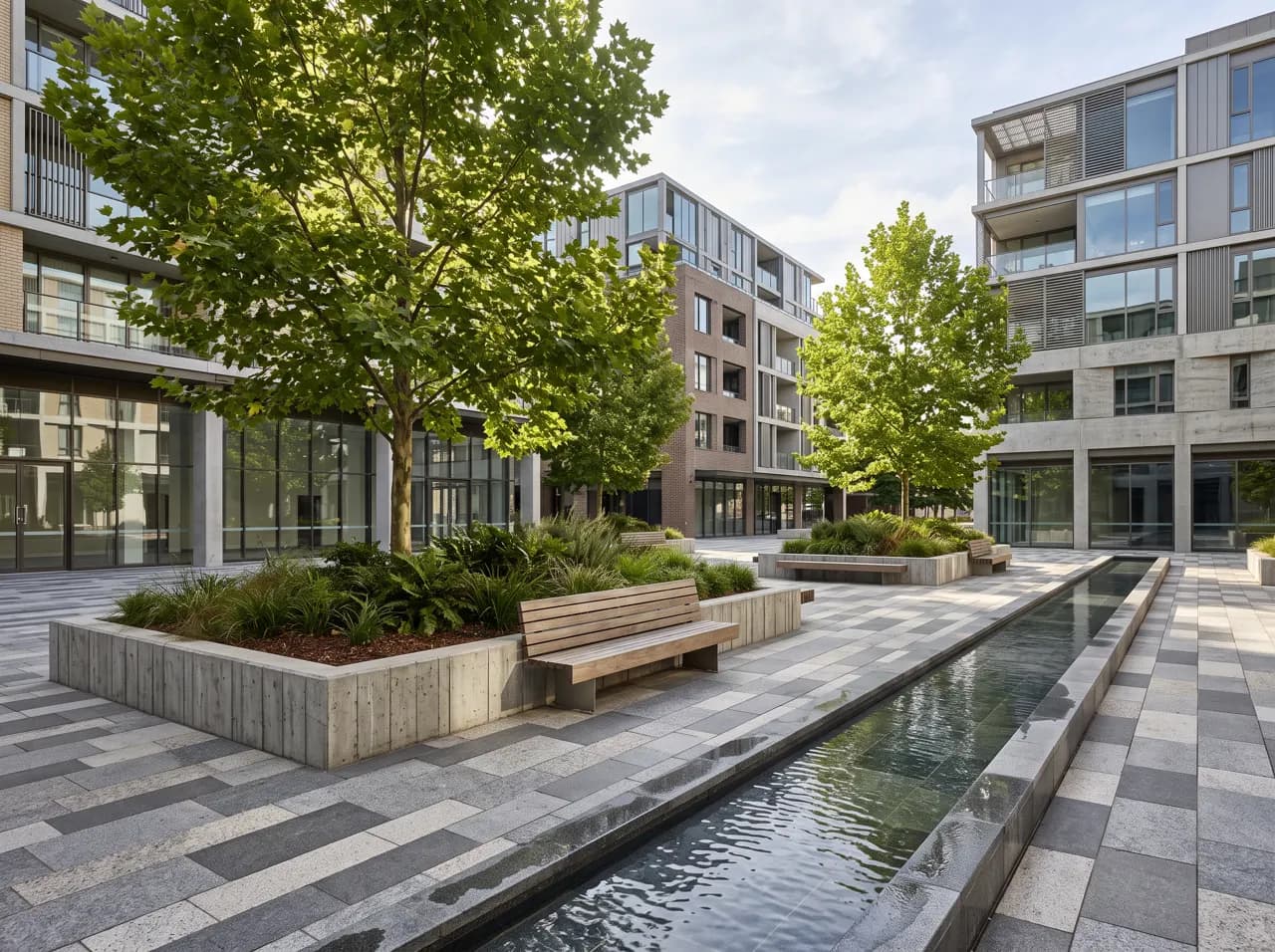
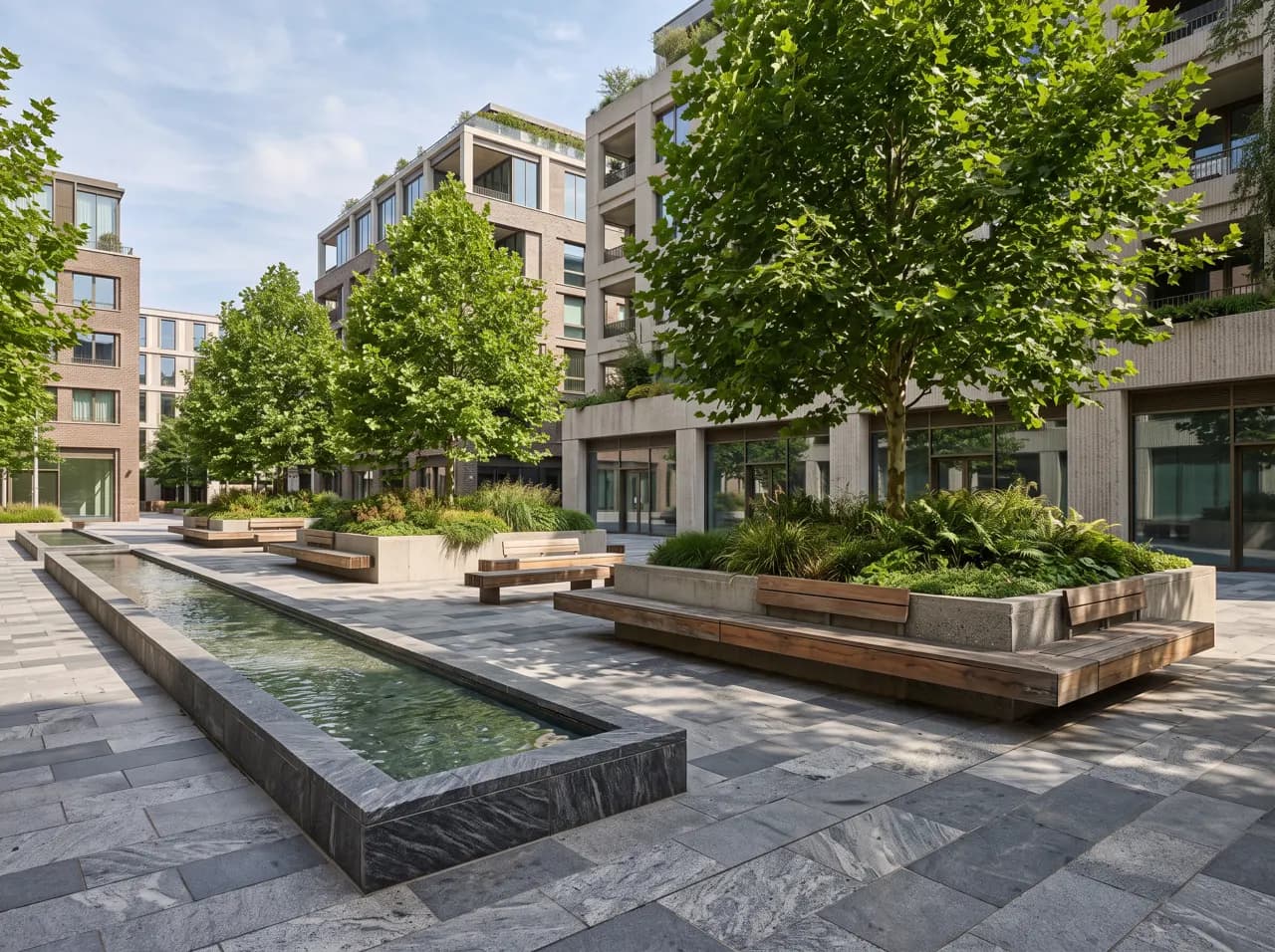
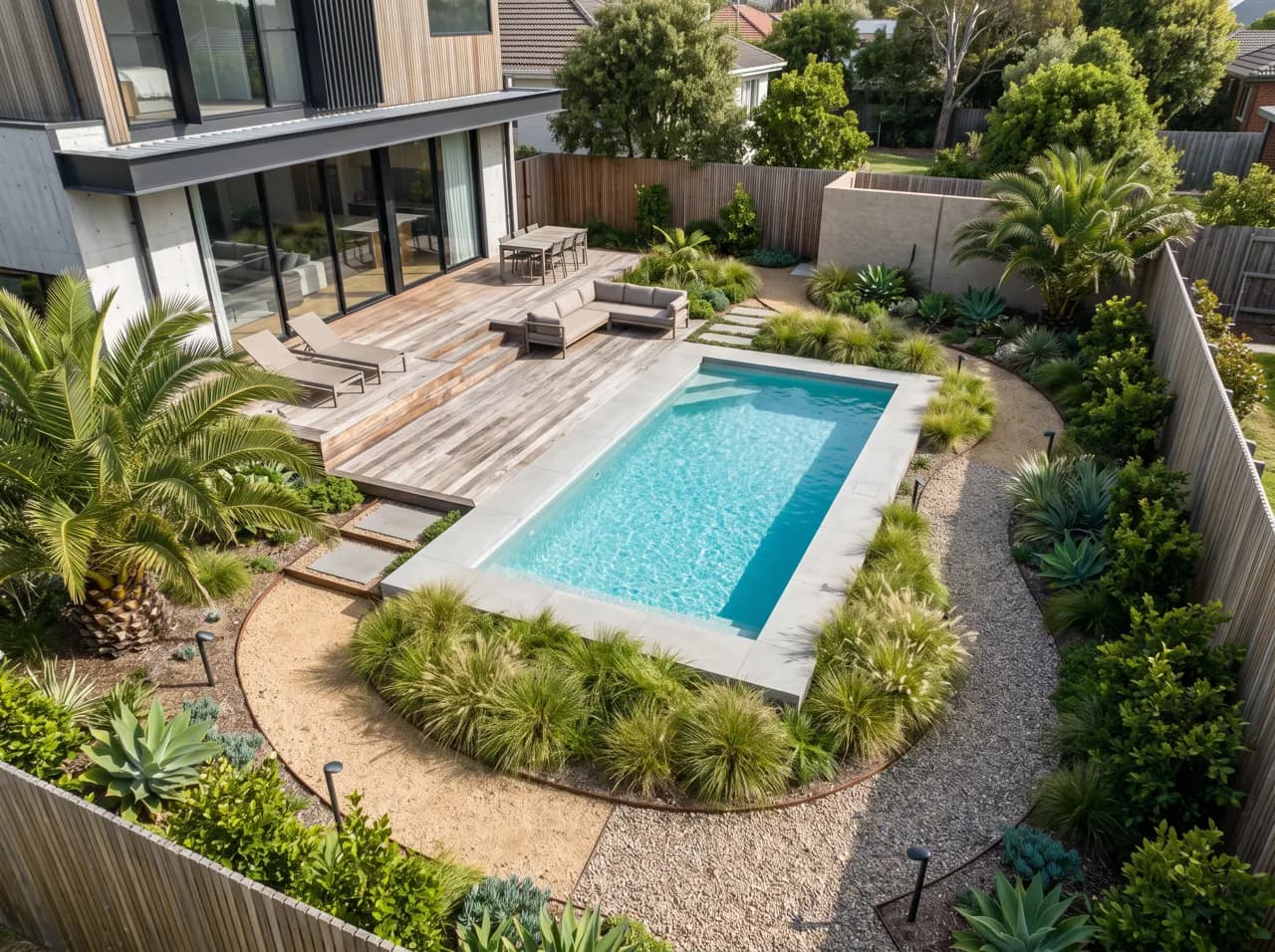
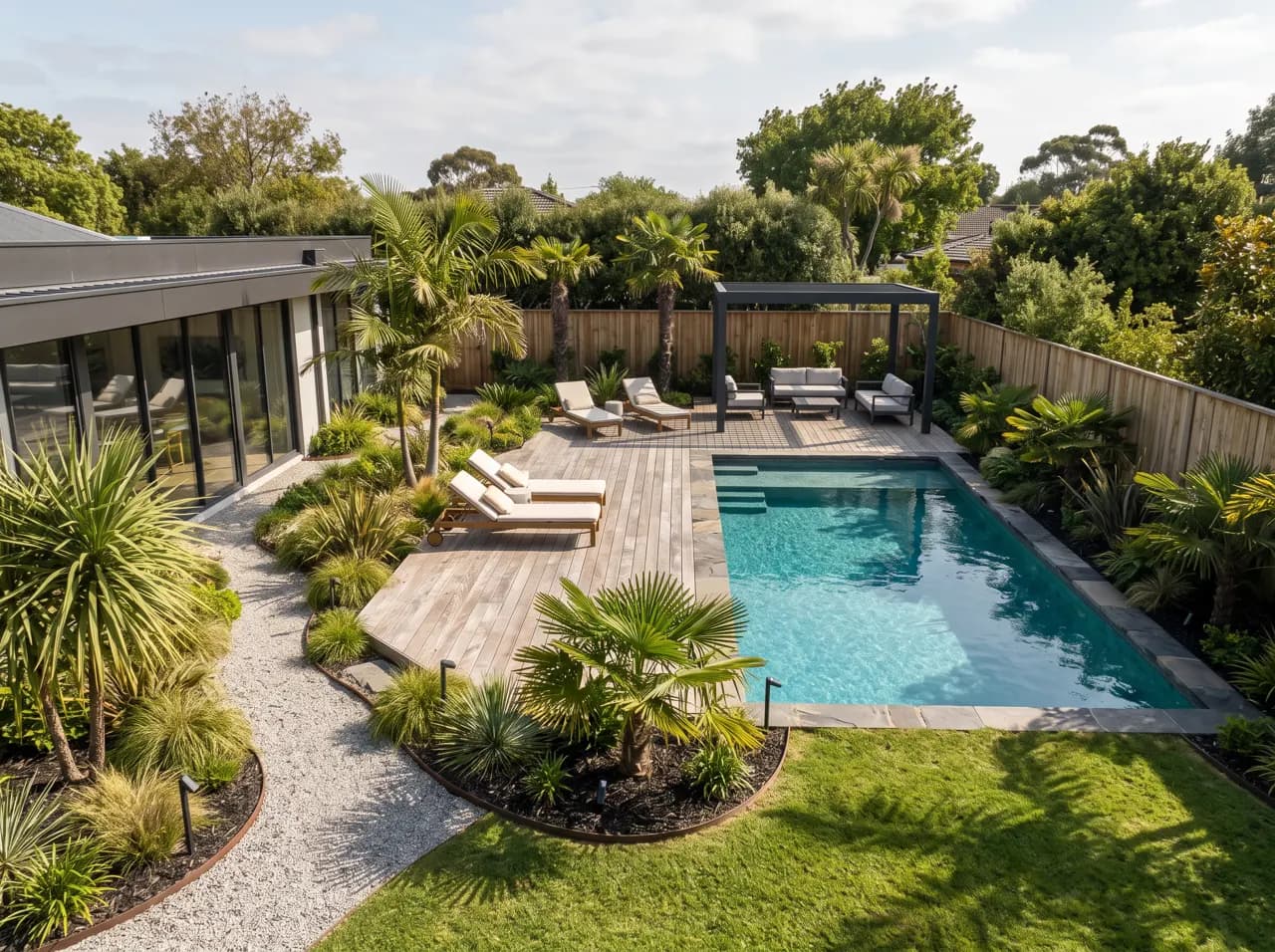
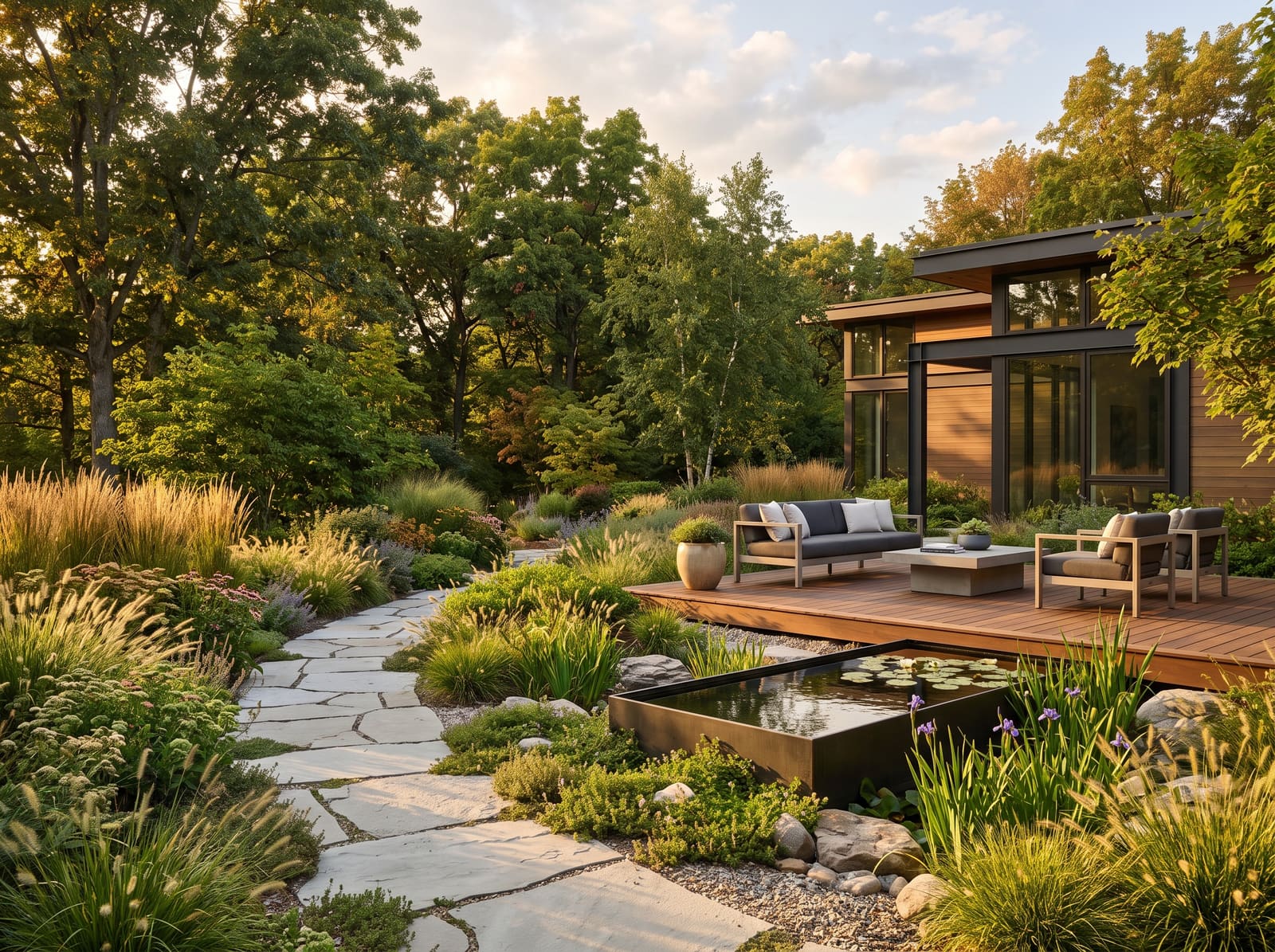
Landscape architects and garden designers use it at the stage where clients struggle most: reading a plan. Show a courtyard, a pool garden or a plaza as it will feel at eye level, test planting palettes and hardscape materials side by side, and switch between day and dusk without rebuilding a scene. For large sites, pair it with masterplan rendering for aerial context.
Because the AI works from a single image, it slots into any workflow — AutoCAD planting plans, Vectorworks exports, Lumion screenshots or pencil sketches. Use it for early concept boards, design reviews, planning submissions and marketing images, and keep detailed modelling for the final stage.
FAQ
Frequently asked questions
Can AI design a landscape from a site plan?
Yes. Upload a 2D site or planting plan and describe the style; the AI renders a photoreal view with planting, paving, water and lighting that follows your layout. Clear plans with defined beds, paths and hardscape give the best results.
Which inputs work for AI landscape design?
Site plans, planting plans, hand sketches, SketchUp, Rhino, Revit or Lumion exports, and photos of the existing garden or site. You upload an image, so any tool that can export a view works.
Can I control the planting and materials?
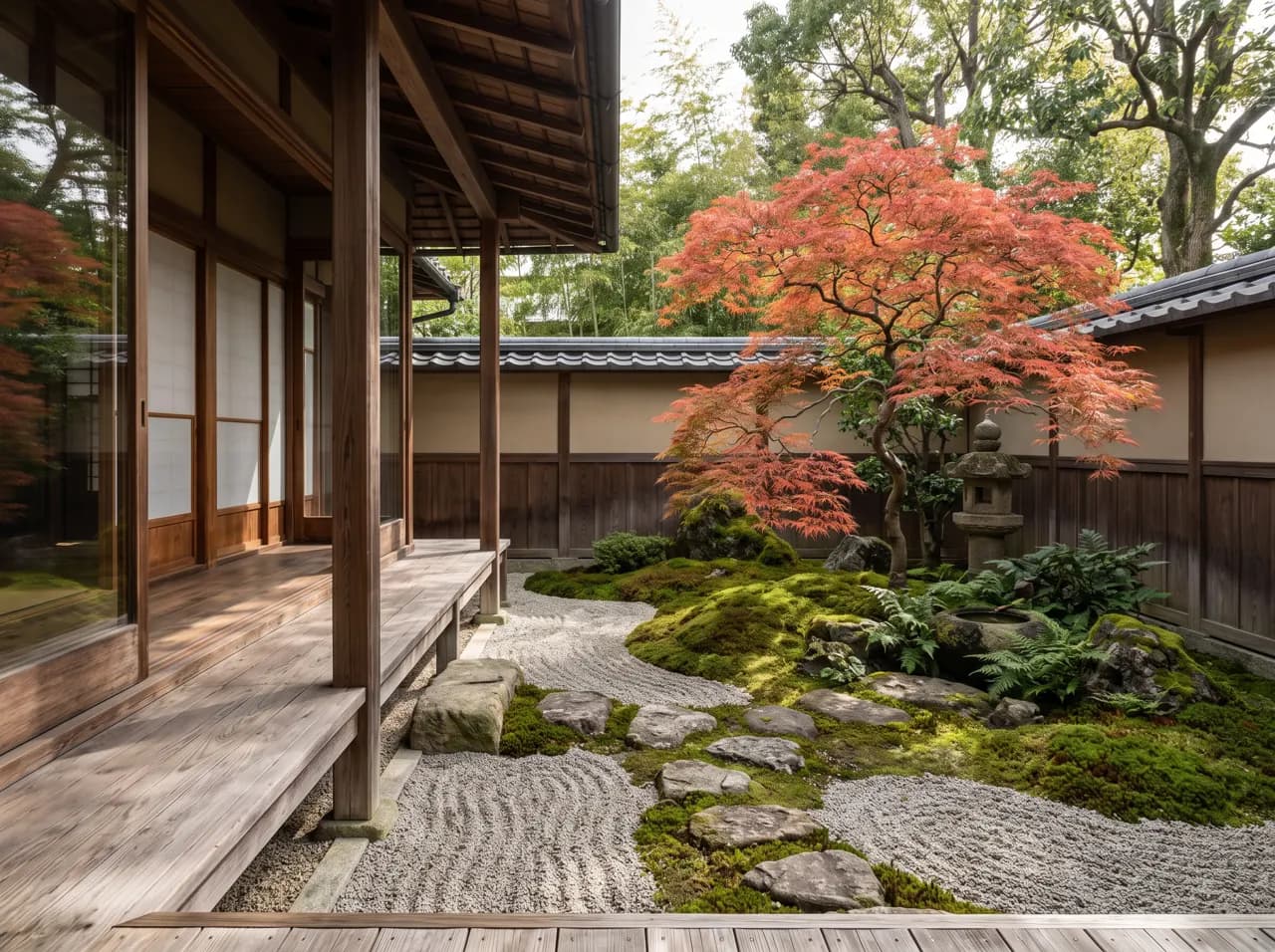
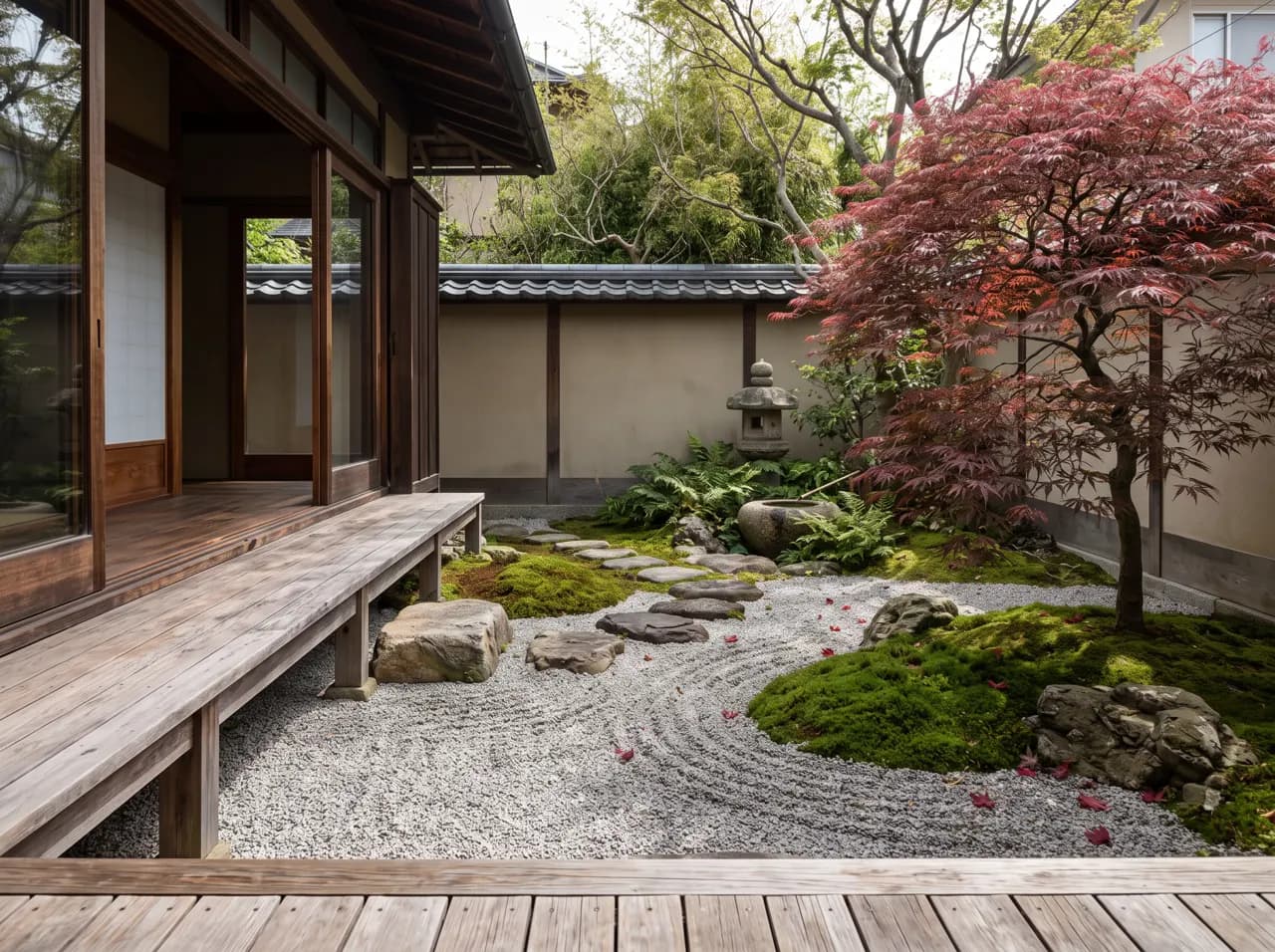
Yes. Choose a garden style (naturalistic, Mediterranean, tropical, Japanese, formal) or describe species, paving, edging, water features and furniture in the prompt.
Is AI landscape design free to try?
Yes. New accounts get 3 free credits with no credit card, then pay-as-you-go credits that never expire.
Does it work for public realm and plazas?
Yes — from private gardens to courtyards, streetscapes, plazas and parks. For whole-site aerial views, use the masterplan tool alongside it.
Keep exploring
Related tools
Start free
Try AI Render Studio now.
Turn a sketch, model or photo into a photoreal render in seconds. 3 free credits, no credit card.