
AI Rendering for Architecture
AI Rendering for Architecture — Concept to Client, Fast
Purpose-built for architectural visualization: facades, interiors, masterplans and sketches become photoreal images in seconds.


 4.9110,000+ architects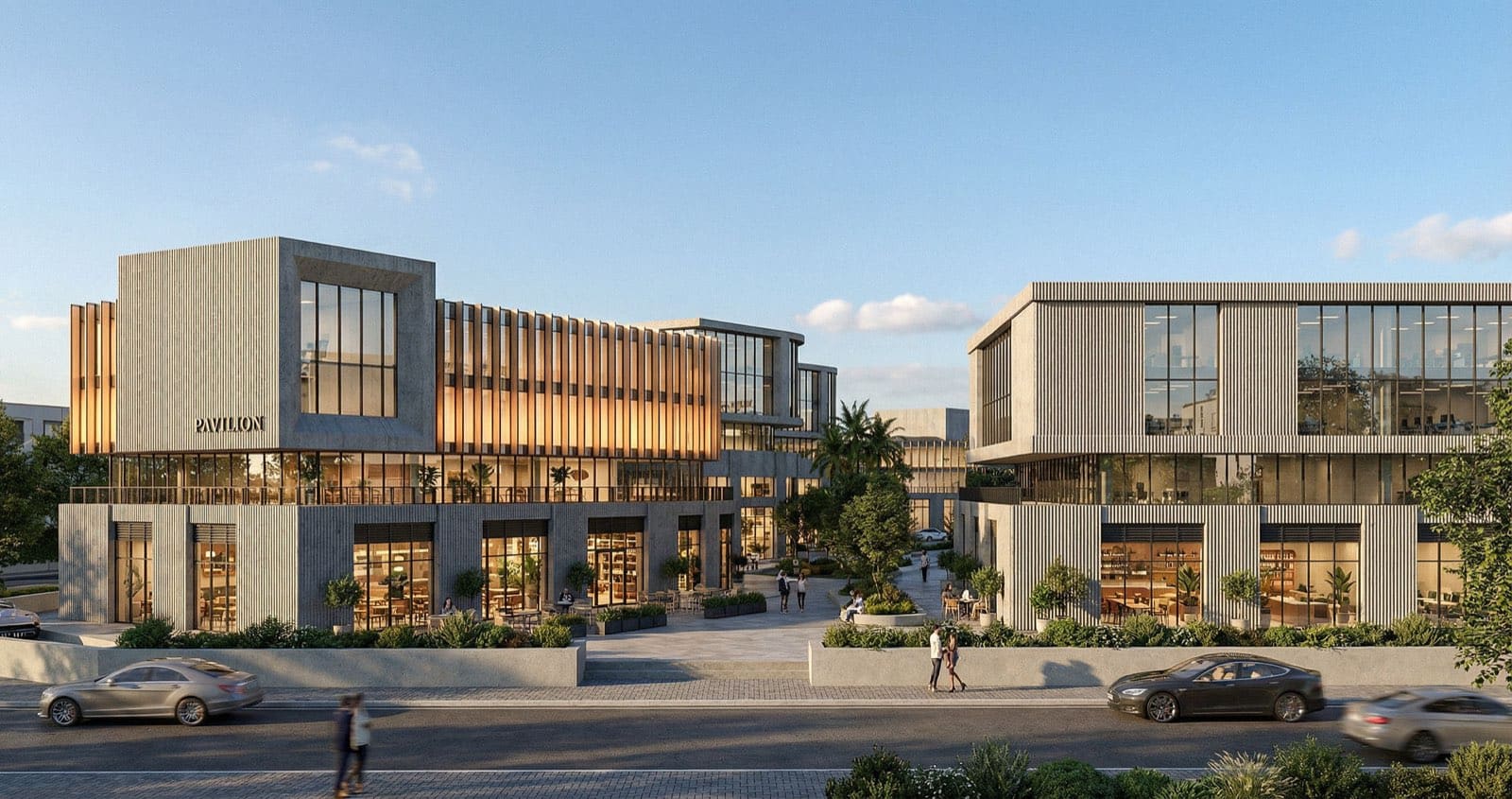
AI rendering for architecture compresses the visualization pipeline that used to sit between a model and a presentable image. Rather than assigning materials, placing lights, and queuing a render, an architect uploads a viewport or sketch and AI Render Studio returns a photorealistic architectural visualization in seconds — trained on the geometry, materials, and lighting that matter to buildings.
Studios use it where volume and speed decide outcomes: competition boards, design-development reviews, and early client meetings. Because a single view can be rendered several ways in a few minutes, teams can present real alternatives — daytime versus dusk, brick versus render, glazed versus solid — instead of defending one static image.
It spans the whole discipline: exterior facades and street views, interior perspectives, masterplans, landscape context, and concept sketches. The AI understands architectural scale and composition, so results read as buildings rather than generic renders, and every output can be upscaled for print-quality boards.
FAQ
Frequently asked questions
What software exports work with AI architecture rendering?
SketchUp, Revit, Rhino, ArchiCAD, Blender, and AutoCAD all export images that work well. The AI reads a standard PNG or JPG viewport, so any tool that can produce an image is compatible — no native file or plugin needed.
Is AI rendering accurate enough for client presentations?
For concept and design-development stages, yes — it communicates materials, massing, and atmosphere convincingly. For final marketing imagery where exact material specification matters, many studios still finish in a traditional engine.
Can it handle masterplans and large sites, not just single buildings?
Yes. There are dedicated workflows for masterplans and landscape context alongside exterior and interior rendering, so site-scale visualizations are supported.
Keep exploring
Related tools
Start free
Try AI Render Studio now.
Turn a sketch, model or photo into a photoreal render in seconds. 3 free credits, no credit card.