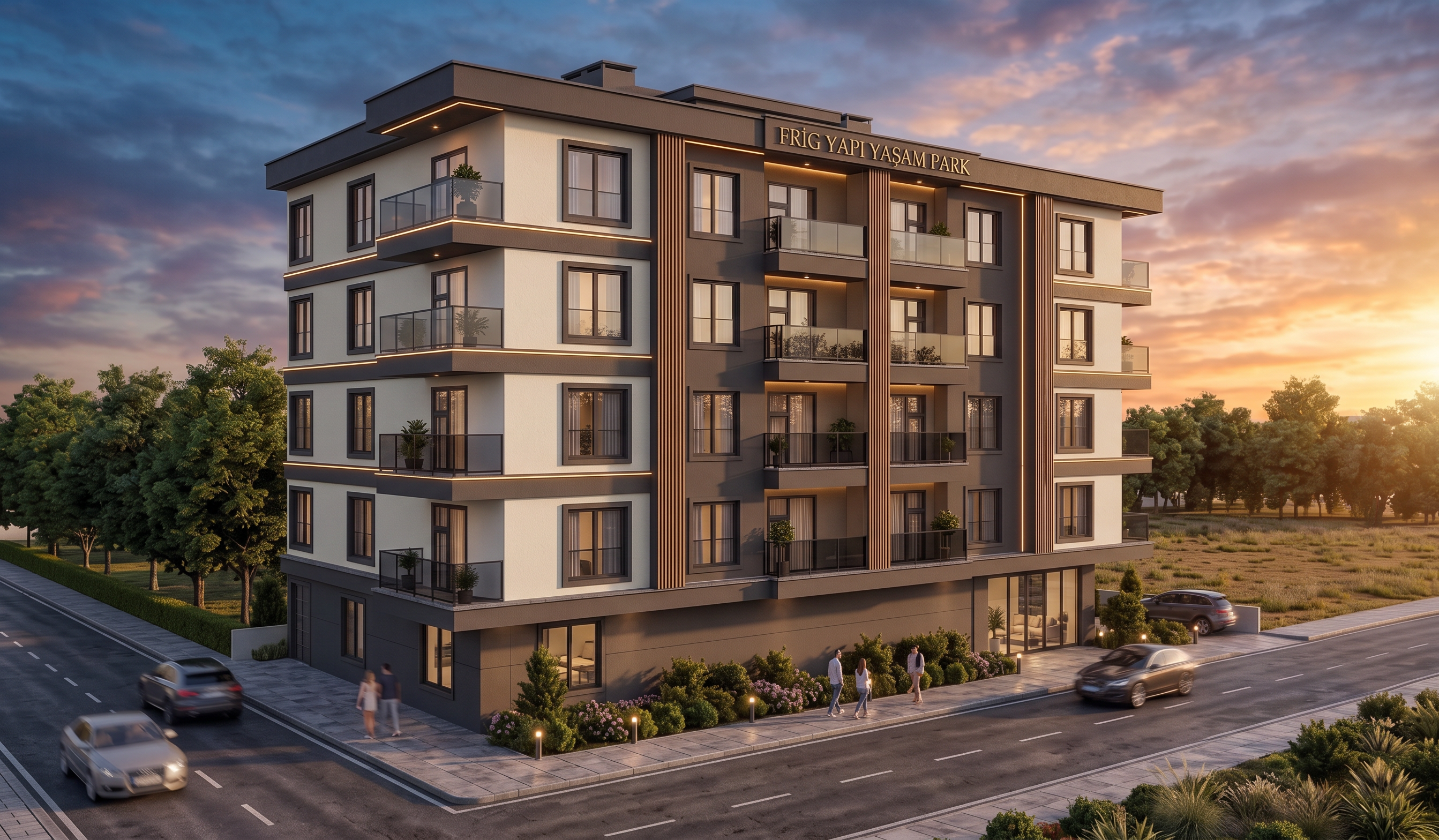
- Prompt
- Use my first uploaded image as the **fixed and unchangeable base model**.
**DO NOT change the architecture in any way.** Keep the exact same building width, length, height, proportions, floor heights, balconies, windows, doors, walls, openings, facade elements, and camera perspective. **Do not add, remove, move, resize, or create any new windows, balconies, spaces, or architectural elements.**
Create the render from the **same left-side facade/view shown in my second uploaded reference image**. Use the second image **ONLY as a visual style and environment reference**, never as a replacement for my building.
### Site and surroundings:
* The **front facade is facing a road**.
* The **right facade is also facing a road**.
* There is an **empty plot/land area on the right side beyond the road**. Keep this area as open land and **do not create another building there**.
* Preserve the existing site layout and spatial relationships exactly.
Only improve:
* Sky and background
* Surrounding environment
* Trees and greenery
* Road and ground appearance
* Open plot/landscape on the right side
* Realistic material textures based on the reference
* Lighting and overall atmosphere
Keep my building exactly as modeled, but make the final result **photorealistic, modern, natural, and high-end architectural visualization**, with realistic materials, soft natural daylight, realistic shadows, and professional exterior rendering quality.
- Created
- September 21, 2026