- Prompt
- Step 1: Core Subject & Geometry Control
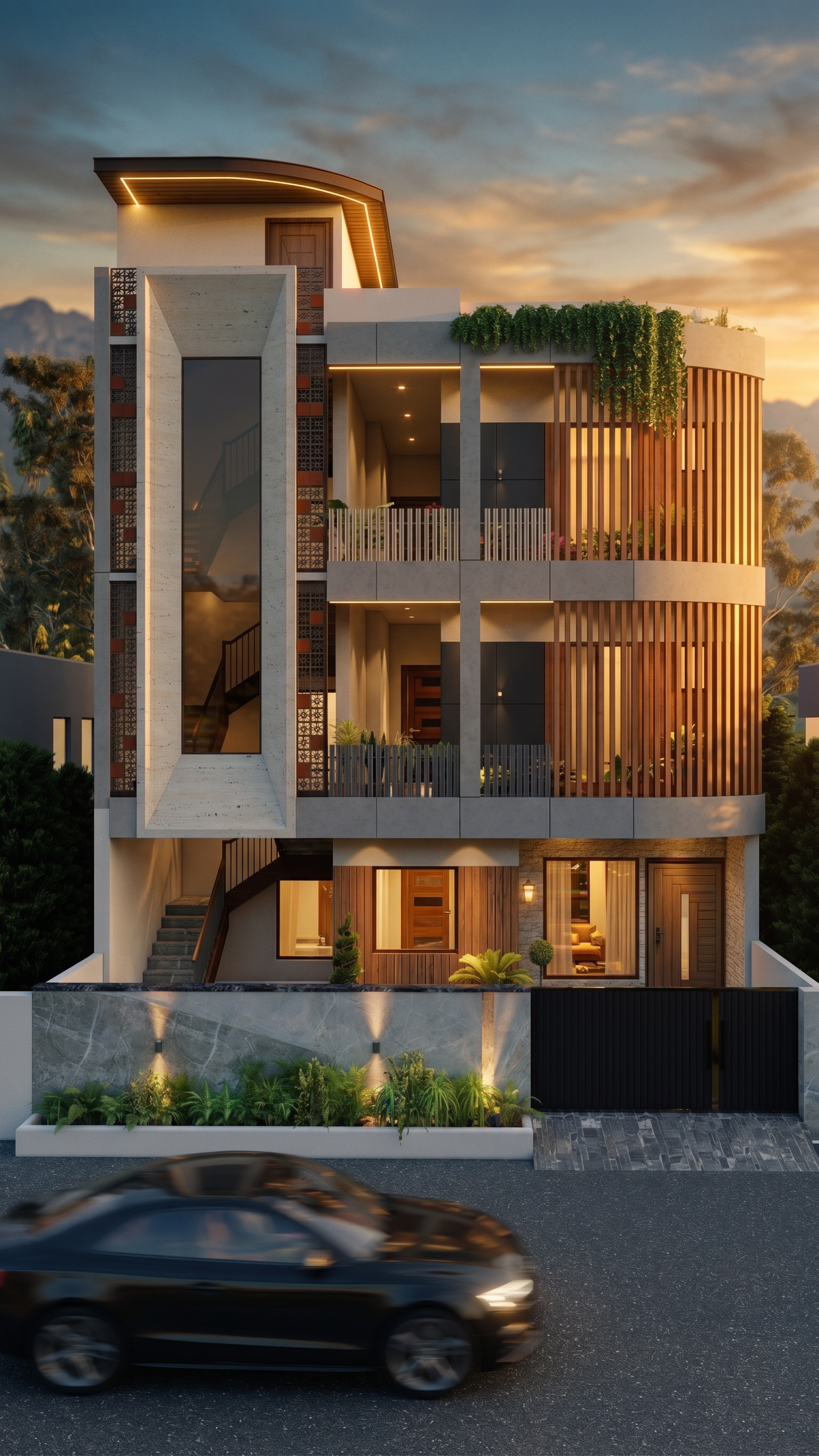
"A photorealistic, cinematic 3D architectural render of the provided modern house exterior. Maintain the exact original structure, wall geometry, floor heights, and architectural details of the base 3D model without any structural modifications."
Step 2: Aesthetic Elevation & Custom Color Scheme
"I do not like the existing facade color combination shown in the input image. Replace it with your own choice of the best, highly sophisticated modern color palette and premium material textures—such as elegant stone accents, matte cladding panels, smooth concrete finishes, and ultra-clear architectural glass—to drastically elevate the visual appeal."
Step 3: Lighting & Evening Ambience
"Set the scene during a dramatic golden hour sunset. Low-angle warm sunlight creates rich highlights and soft, realistic shadows along the building facade. All exterior spotlights, warm LED strip accents, and interior lights are turned on, illuminating the house with a cozy, inviting ambient glow."
Step 4: Dynamic Foreground & Car Motion Flow
"On the paved road running along the foreground of the house, include a sleek, non-branded modern car in smooth, realistic motion blur (running flow). The camera tracks the house structure with crisp sharpness while the moving vehicle, road surface, and surrounding subtle elements display controlled motion blur to create depth and action."
Step 5: Environment & Render Quality
"Integrate lush green landscaping, soft grass, and ambient outdoor lighting around the house perimeter. The background features blurred natural mountains under a rich sunset sky. Hyper-detailed, 8K resolution, cinematic composition with photorealistic lighting and dynamic reflections."
- Created
- November 4, 2026