- Prompt
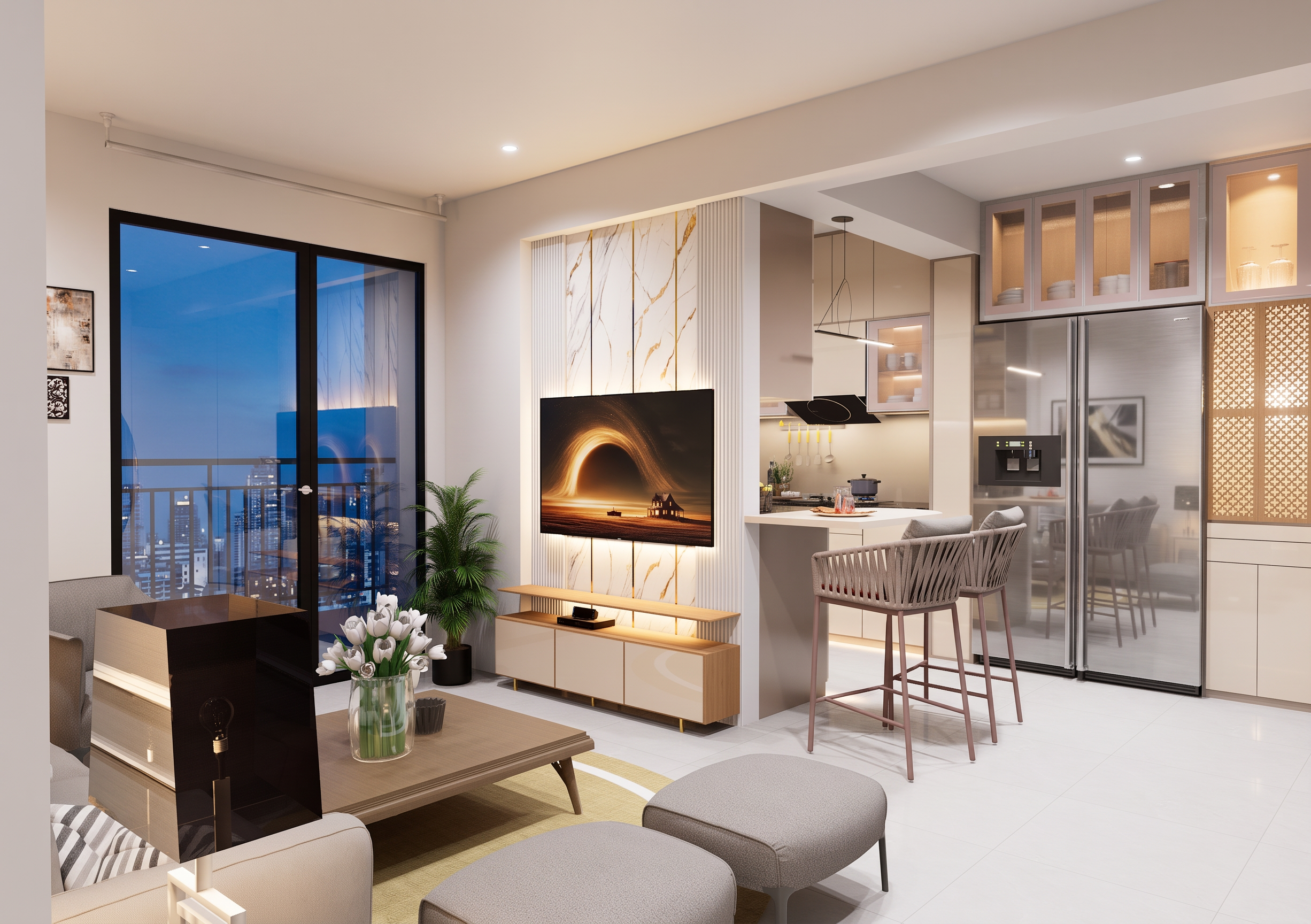
- Enhance the provided bedroom interior into a highly realistic professional 3ds Max architectural visualization render.
**IMPORTANT — DO NOT CHANGE THE EXISTING MODEL:**
Preserve the exact existing 3D model, geometry, dimensions, proportions, layout, wall positions, ceiling design, furniture shapes, furniture placement, doors, windows, wardrobe, bed, side tables, TV unit, panels, moldings, louvers, decorative elements, camera angle, framing and composition exactly as shown. Do NOT add, remove, redesign, resize, reposition, or remodel any element.
**MATERIAL & TEXTURE QUALITY:**
Precisely preserve and enhance every existing material and texture. Make all textures clearly defined and physically realistic:
- Wood textures should have natural wood grain, realistic direction, subtle pores and authentic surface variation.
- Fabric and upholstery should show fine textile fibers and realistic softness.
- Wall paint should have a clean, subtle matte finish with natural micro-texture.
- Marble/stone surfaces should have realistic veins, reflections and depth.
- Glass should have realistic transparency, reflections and edge definition.
- Metal elements should have physically accurate reflections and roughness.
- Laminates and acrylic surfaces should have realistic gloss, subtle reflections and accurate material depth.
- Wallpaper and decorative finishes should remain exactly the same design while becoming sharper and more detailed.
- Floor materials should have realistic texture scale, grout definition, subtle reflections and natural surface variation.
**LIGHTING:**
Create realistic architectural lighting with balanced daylight entering through the windows and soft neutral-white artificial lighting around 4000K. Maintain the existing light positions and design. Use realistic indirect illumination, soft shadows, natural ambient occlusion and physically accurate light falloff. Avoid excessive warm/yellow lighting.
**3DS MAX RENDER STYLE:**
Make the final image look like a professionally rendered 3ds Max interior visualization using V-Ray/Corona Renderer quality. Use physically based materials, realistic global illumination, accurate reflections and refractions, high-quality anti-aliasing, realistic shadow detail, subtle ambient occlusion, natural exposure and professional color management.
Use realistic camera perspective with a natural architectural photography look, clean vertical lines, realistic depth, balanced exposure and subtle depth of field.
**FINAL QUALITY:**
Ultra-realistic, photorealistic, high-resolution architectural visualization, extremely sharp material definition, realistic texture mapping, detailed surfaces, natural reflections, realistic shadows, clean edges, premium 3ds Max V-Ray/Corona render quality, professional interior-design portfolio quality.
The result must look like an actual professionally rendered bedroom from 3ds Max — NOT AI-generated, NOT stylized, NOT cartoonish.
**ABSOLUTE RULE:**
Only improve rendering quality, material definition, texture realism, lighting, reflections, shadows and overall photorealism. The existing bedroom model and every design element must remain 100% unchanged.
- Created
- October 1, 2026