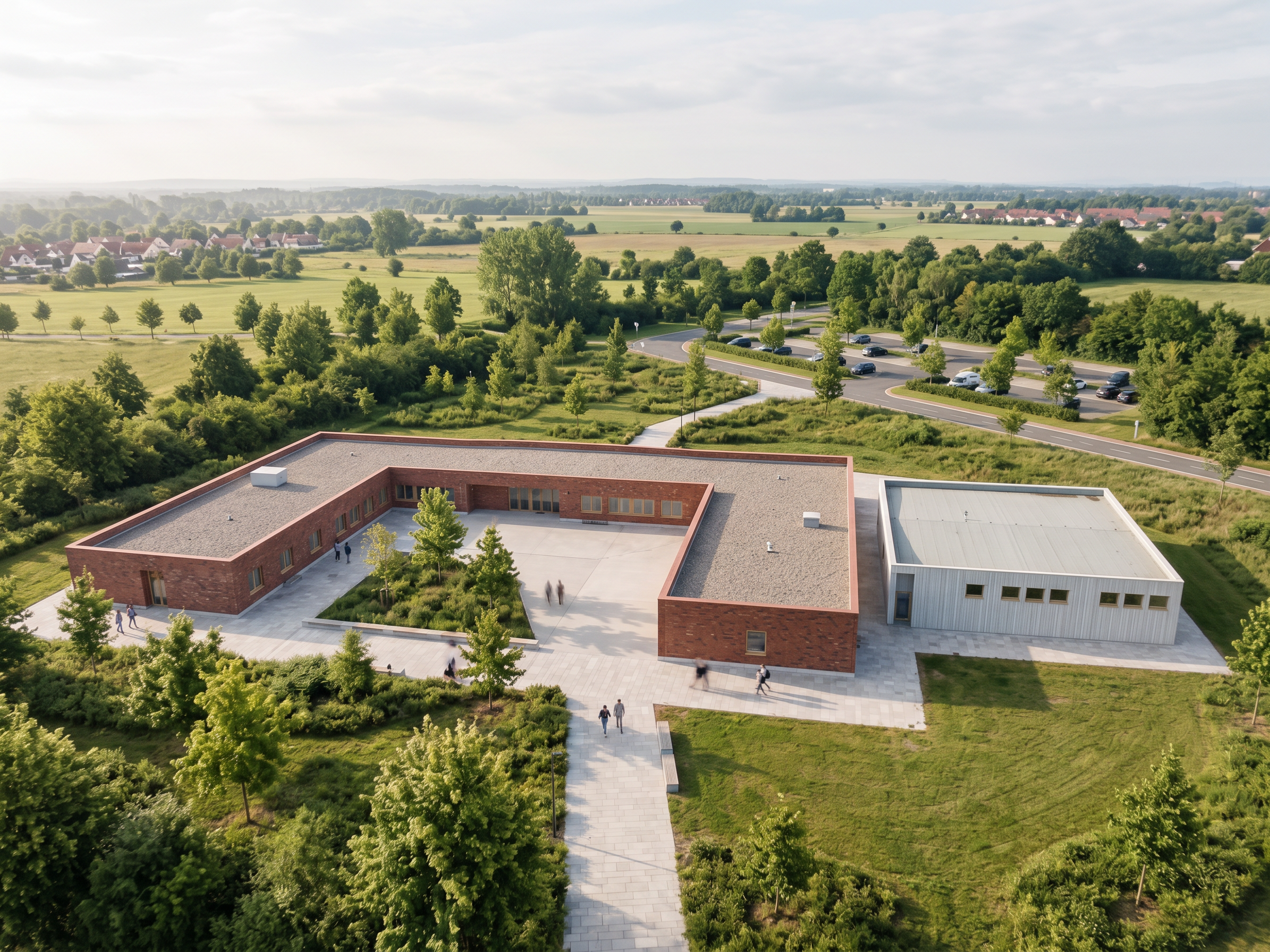
- Prompt
- Create a highly realistic, professional architectural render based on the uploaded reference image. Preserve the exact original building design, geometry, proportions, dimensions, roof shape, façade composition, window and door positions, and all architectural details. Do not redesign, reshape, add, or remove any part of the building.
Use realistic architectural materials, natural daylight, physically accurate shadows, subtle reflections on the glazing, detailed textures, and professional photorealistic rendering quality comparable to Lumion or D5 Render.
**Environment:** Create a realistic surrounding environment that complements the building, with natural-looking landscaping, carefully placed greenery, realistic grass, trees, and a clean, well-designed paved exterior. Keep the surroundings visually balanced and believable without distracting from the architecture.
**Lighting and atmosphere:** Soft natural daylight, realistic sunlight direction, balanced exposure, natural shadows, realistic ambient occlusion, accurate material colors, and a clear, calm atmosphere.
**Camera and composition:** Professional architectural photography, realistic perspective, straight vertical lines, balanced framing, high-resolution details, and a natural camera angle.
**Important restrictions:** Keep the building exactly as shown in the reference. Do not alter the architectural form, façade layout, openings, materials, or proportions. Do not add unnecessary buildings, cars, or people. Focus on realism, high-quality textures, natural lighting, and a polished architectural presentation.
ALSO GET PASED ON MY PROJECT AND LAST RENDER HOW IT LOOKS LIKE ,ILL SEND A PDF OF SITUATION TOO IF U ALLOW ME SO U KNOW HOW TO RENDER THE OUTER ENVIROMENT BASED O N THE PROJECT AND WHERE ROADS AND EVERYTHING ELSE IS PLACED
- Created
- October 23, 2026