- Prompt
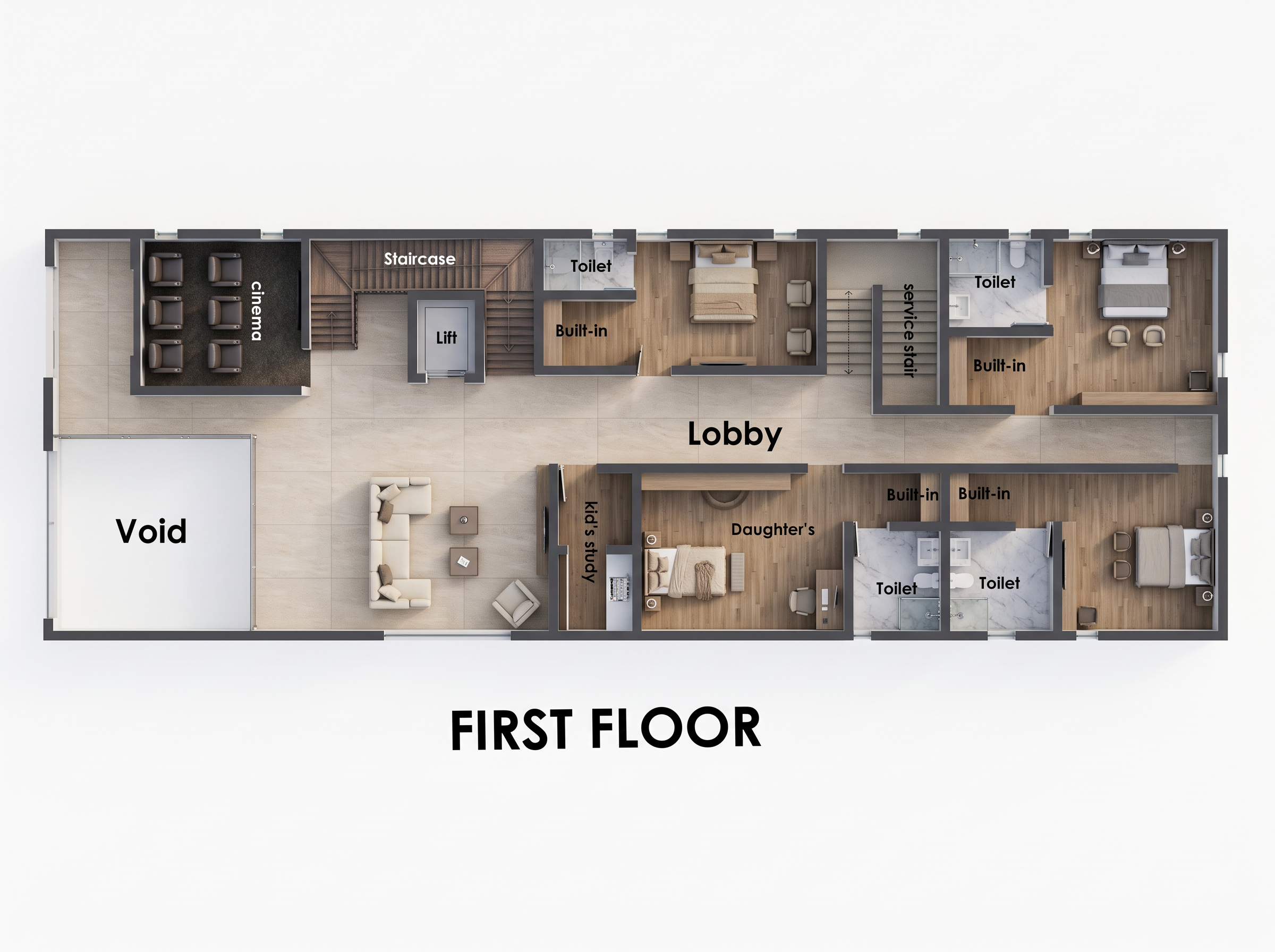
- Generate a high-quality, photorealistic 2D top-view architectural floor plan render from the provided first-floor sketch. Preserve the exact room layout, wall positions, proportions, doors, windows, staircase, lift, and circulation. Include the cinema room with recliner seats, void area, lobby, TV lounge, built-in wardrobes, service staircase, daughter’s bedroom, additional bedrooms, and all toilets with WC, sinks, and showers. Use large-format beige porcelain floor tiles in common areas, warm oak or neutral wood flooring in bedrooms, elegant marble finishes in bathrooms, and contemporary furniture in cream, beige, taupe, and soft brown. Add realistic beddings, wardrobes, bathroom accessories, subtle greenery, and refined ceiling-light effects represented naturally in the top view. Use balanced neutral-white lighting, soft realistic shadows, crisp wall edges, accurate furniture placement, and clean material transitions. Maintain a perfectly orthographic 90-degree top-down view with no perspective distortion, no cropped rooms, and no changes to the original architectural layout. Render with ultra-sharp details, realistic textures, professional architectural visualization quality, and a clean white background. Keep all room labels clear, correctly spelled, and positioned neatly. Display FIRST FLOOR in bold black lettering centered beneath the plan. Avoid excessive yellow lighting, exaggerated reflections, clutter, distorted furniture, and invented architectural features.
- Created
- October 16, 2026