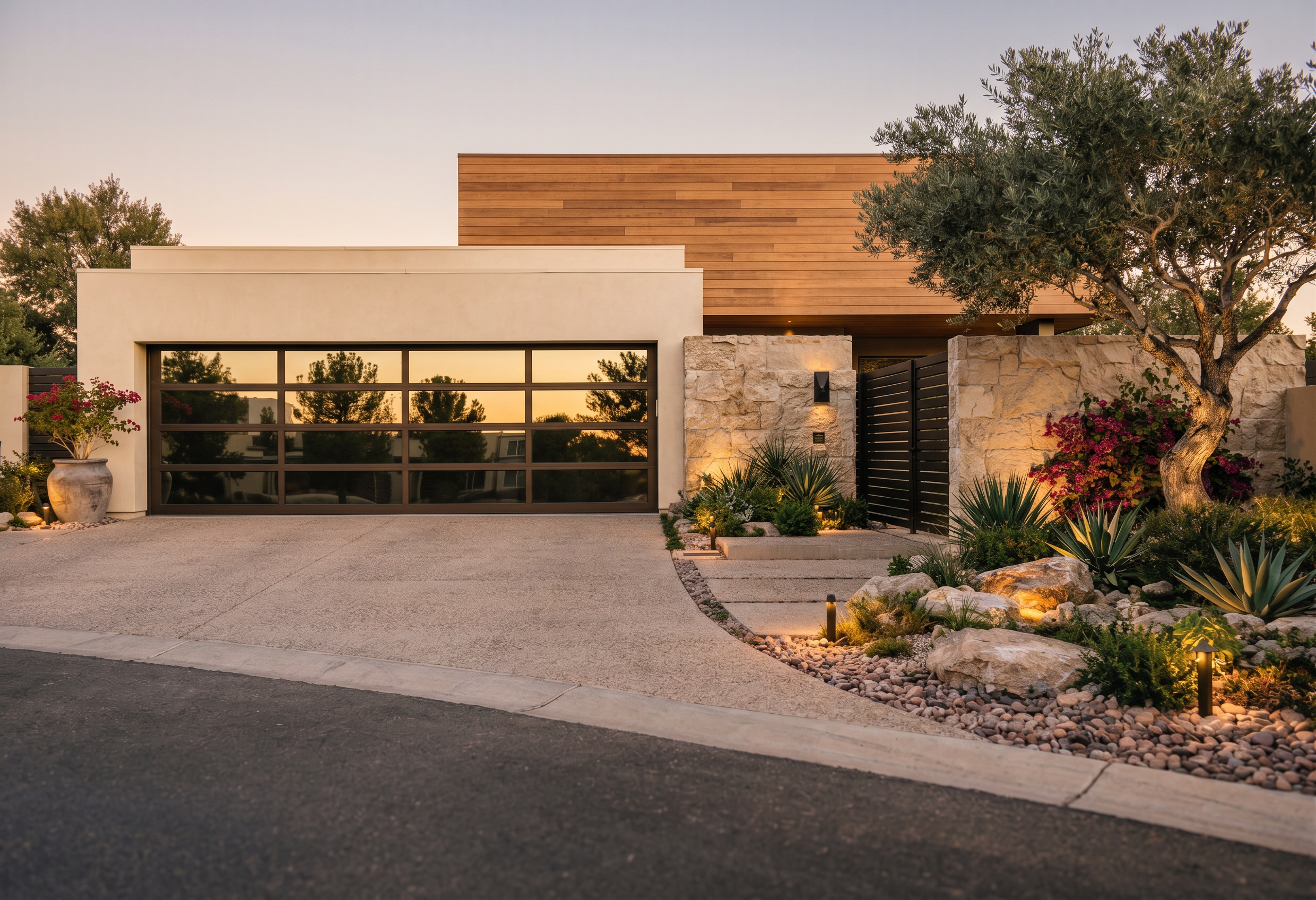
- Prompt
- REVISION ONLY — preserve the current architecture, camera angle, materials, lighting, driveway, garage door, stone walls, entry gate, and building geometry exactly as shown unless specifically noted below. Do not redesign or reinterpret the project.
1. RESTORE PREVIOUS LANDSCAPE EXACTLY: Revert ALL landscaping to the previous rendering. The previous rendering is the absolute reference for landscape design. Restore the exact same trees, olive trees, agaves, ornamental grasses, shrubs, boulders, gravel areas, planting locations, scale, density, composition, and landscape lighting shown in the previous rendering. Do not create a new landscape design, substitute plants, add hedges, remove plants, or change planting locations. The left and right sides of the driveway should match the previous rendering as closely as possible.
2. REMOVE INCORRECT ROOF ELEMENT: Remove the small horizontal projecting roof/overhang visible in the background on the left side of the garage. This element does not exist in the architectural model. After removing it, continue the background/environment naturally. Do not replace it with another architectural element.
3. ARCHITECTURE: Use the original architectural model as the absolute source of truth for all building geometry. Keep the tallest upper mass with horizontal natural wood siding. Keep the long horizontal roof plane behind the garage in warm off-white stucco with wood soffit below. Keep the garage volume in the current warm ivory/limestone plaster. Maintain the existing stone walls and dark horizontal entry gate.
4. GARAGE DOOR: Preserve the exact garage door dimensions, panel configuration and dark bronze frame with highly reflective glass showing realistic reflections of the surrounding trees and sky.
IMPORTANT: Do not add, remove, resize, relocate, or redesign ANY architectural or landscape element except removal of the specifically identified incorrect roof overhang on the left background. Restore the previous landscape exactly. Preserve the current materials and architectural composition.
- Created
- September 4, 2026
- Seed
- 1