- Prompt
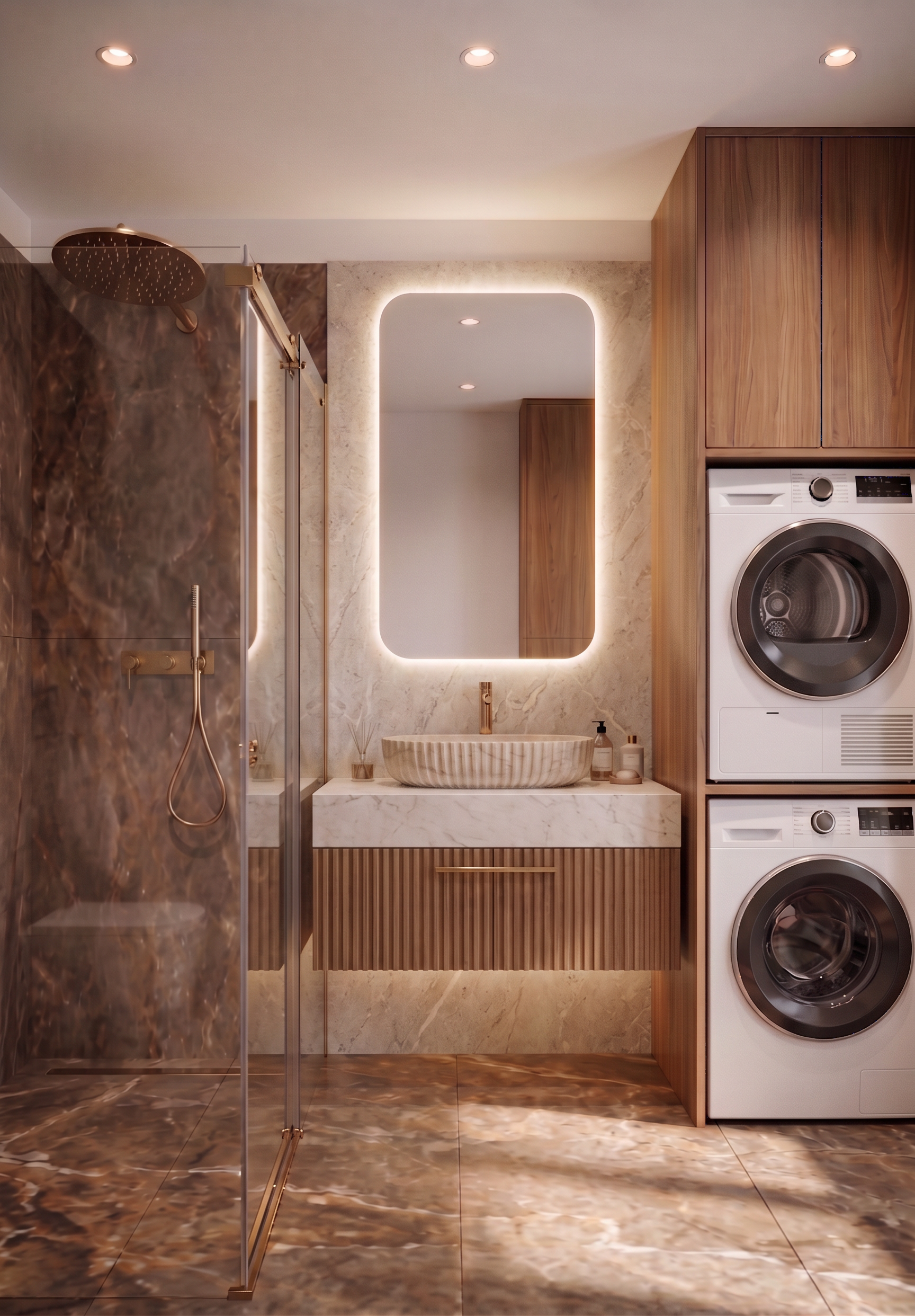
- Do not change anything in the existing image except the specific vanity details described below.
Keep the exact same image dimensions, aspect ratio, camera angle, camera position, perspective, geometry, proportions, layout, lighting, materials, fixtures, mirror, marble, flooring, shower enclosure, and overall design.
Make ONLY these changes:
1. White section of the vanity
Make the white section of the vanity under the washbasin slightly wider, following the proportions and appearance shown in the reference image. Keep its existing height, position, material, and overall design.
1. Wooden front
Make the wooden front below the white section ribbed/fluted, exactly as shown in the reference image. The ribbing should be subtle, evenly spaced, and realistic.
IMPORTANT: Keep the wooden front in exactly the same wood color, tone, and finish as in the current model. Do not change the wood color or material—only add the ribbed/fluted texture.
Do not modify anything else in the image. Preserve all existing geometry, proportions, colors, materials, lighting, camera perspective, and design exactly as they are.
- Created
- October 30, 2026