Skip to content
Render tools
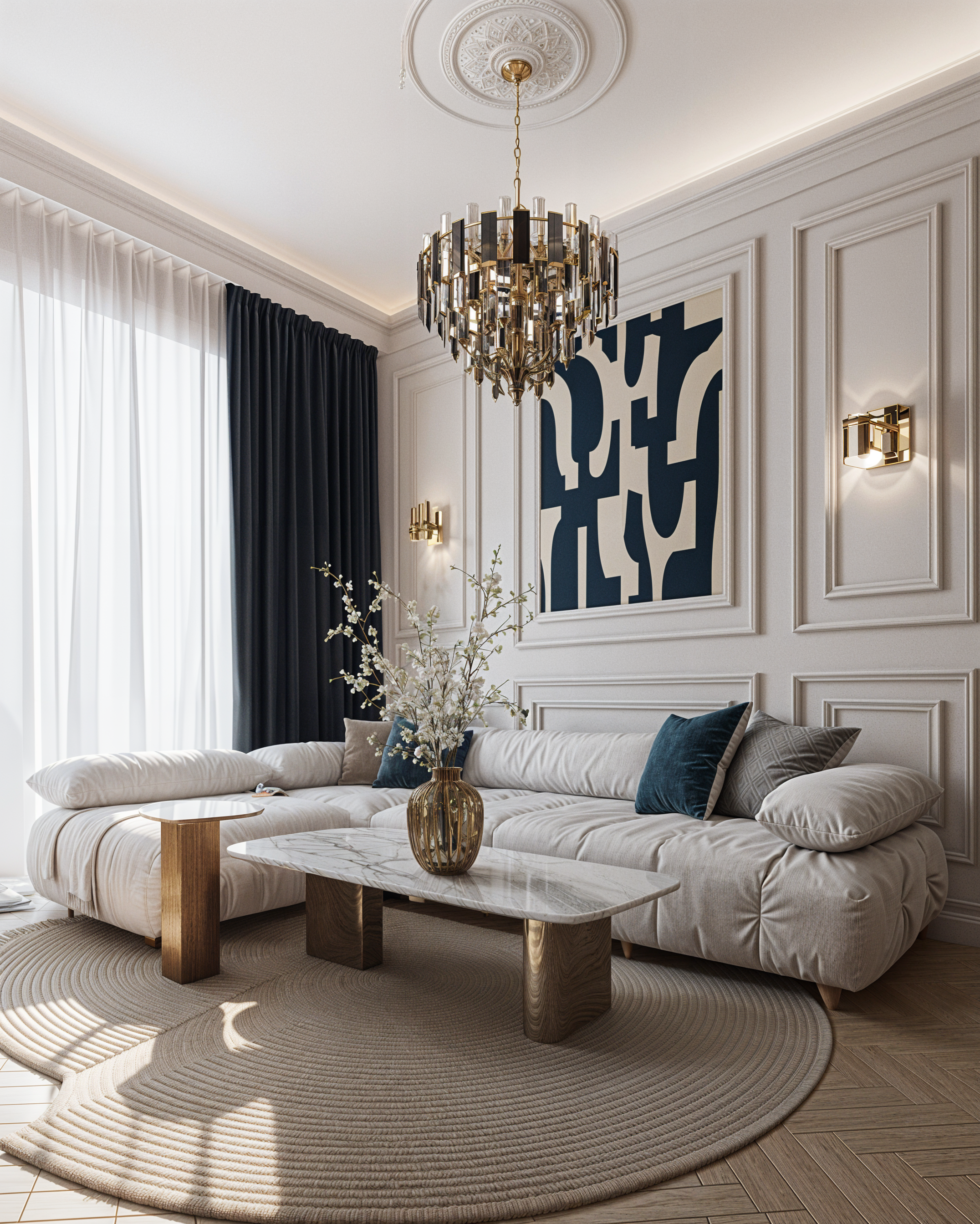
Enhance the existing render to an ultra-photorealistic, high-end architectural visualization.

IMPORTANT: Preserve the existing design exactly. DO NOT change, redesign, reinterpret, or add anything.

Keep 100% identical:

• architecture and geometry
• room layout and proportions
• camera position, angle and perspective
• all furniture and objects
• shapes, dimensions and placement
• materials and textures
• colors and color palette
• finishes and patterns
• lighting fixtures and their positions
• decorative elements and details

The task is ONLY to improve the visual quality and realism of the existing image, without modifying its design.

Make the render look as close to a real professional architectural photograph as possible. Improve:

• physically accurate global illumination
• realistic natural and artificial light interaction
• soft, detailed and physically correct shadows
• realistic ambient occlusion
• natural light falloff and reflections
• accurate reflections and refractions on glossy surfaces
• realistic material response and micro-textures
• subtle imperfections and natural surface variation
• realistic depth, contrast and exposure
• physically correct highlights and indirect light
• realistic contact shadows between objects and surfaces
• natural color balance and dynamic range
• realistic glass, metal, stone, wood, fabric and other existing materials

Increase the depth, dimensionality and photographic realism while keeping the original visual concept completely unchanged.

The final result should look like a high-end professional interior photograph captured with a full-frame camera, with sophisticated architectural photography lighting, realistic optics, natural shadows, subtle depth of field and extremely detailed materials

Create renders like this

Turn any photo, sketch, or floor plan into a photoreal render in seconds.