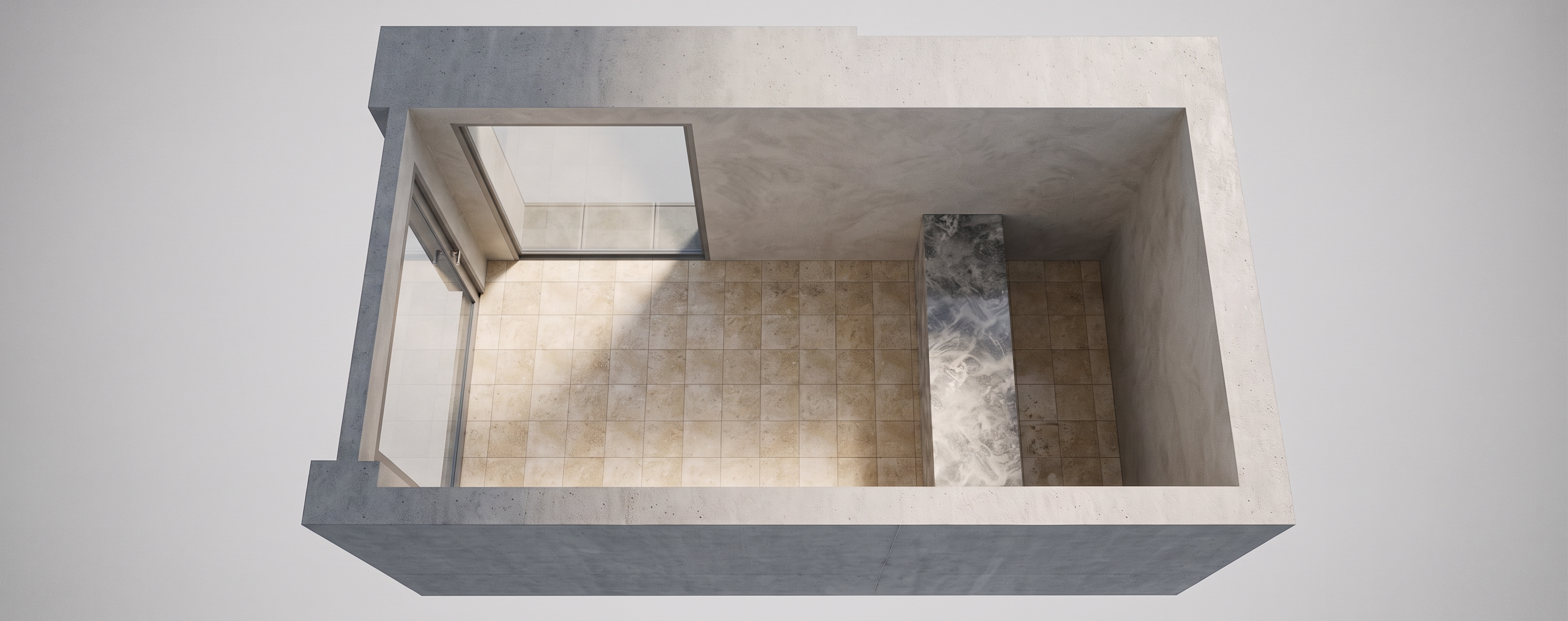
- Prompt
- Create an ultra-realistic architectural render based strictly on the uploaded SketchUp model/image.
IMPORTANT:
- Preserve the exact architecture, layout, dimensions, wall positions, doors, windows, ceiling heights, furniture locations, and camera angle.
- Do NOT redesign, move, add, remove, resize, or reinterpret any architectural element.
- Keep the geometry exactly as shown in the SketchUp reference.
- Only improve materials, lighting, realism, reflections, textures, shadows, and atmosphere.
Rendering style:
- High-end luxury architectural visualization.
- Photorealistic materials with realistic scale and texture.
- Natural daylight combined with soft architectural lighting.
- Realistic global illumination and physically accurate shadows.
- Balanced exposure with natural contrast.
- Realistic glass reflections and transparency.
- High-quality wood, stone, marble, porcelain, metal, and fabric materials.
- Subtle imperfections for realistic surfaces.
- Clean luxury atmosphere.
- Professional interior photography quality.
- Wide dynamic range.
- Sharp details without over-processing.
- No cartoon effect.
- No fantasy design.
- No AI-looking details.
- No excessive saturation.
Camera:
- Keep exactly the same camera position and perspective as the uploaded SketchUp image.
- Correct vertical lines.
- Architectural photography lens approximately 24–28 mm.
- Natural depth of field, but keep the whole architectural space clearly visible.
Lighting:
- Soft natural sunlight entering from existing openings only.
- Warm indirect lighting where fixtures already exist.
- Realistic ambient bounce light.
- Do not add new lighting fixtures unless they already exist in the model.
Final quality:
Ultra realistic
- Created
- September 27, 2026