- Prompt
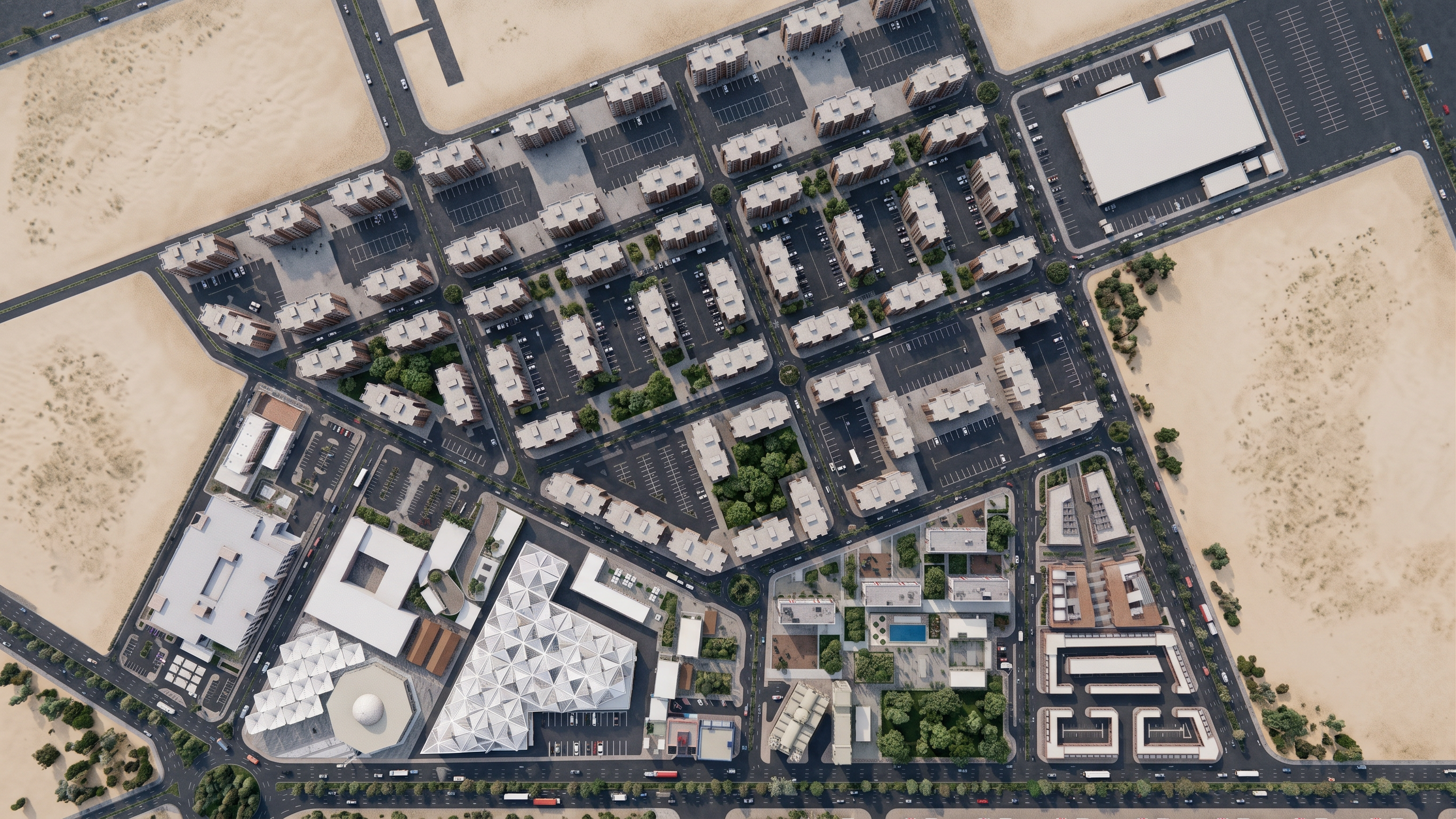
- Use the provided image as the ONLY reference. Preserve the exact camera angle, camera position, viewing direction, perspective, framing, composition, and proportions of the original image. Do not change the viewpoint or camera angle in any way.
Preserve 100% of the original architectural design and every visible detail exactly as shown: geometry, proportions, massing, façade composition, windows, doors, openings, roofs, terraces, stairs, walls, columns, circulation, landscape, pathways, plazas, paving, vegetation, and all other architectural elements.
Do not add, remove, redesign, resize, reposition, simplify, or reinterpret any element. The architecture must remain exactly identical to the reference.
Enhance realism only. Use high-end physically accurate materials such as natural stone, textured plaster, exposed concrete, warm wood, realistic glass, and metal. Add realistic material textures, correct scale, roughness, reflections, subtle imperfections, and natural weathering.
Use soft, natural, realistic daylight with physically accurate global illumination, natural soft shadows, ambient occlusion, realistic reflections, atmospheric depth, and true-to-life colors. Avoid harsh lighting, excessive contrast, overexposure, artificial glow, or dramatic shadows.
Keep all existing people, furniture, vegetation, vehicles, and site elements exactly as shown in the reference. Do not introduce new elements.
High-end V-Ray / Corona / Unreal Engine quality, ultra-detailed, sharp 8K resolution, HDR, realistic camera exposure, realistic depth of field, professional architectural photography.
Final result: the exact same image and architectural design as the reference, with the same camera viewpoint, composition, geometry, and details — only transformed into a highly realistic professional architectural photograph.
- Created
- September 6, 2026