- Prompt
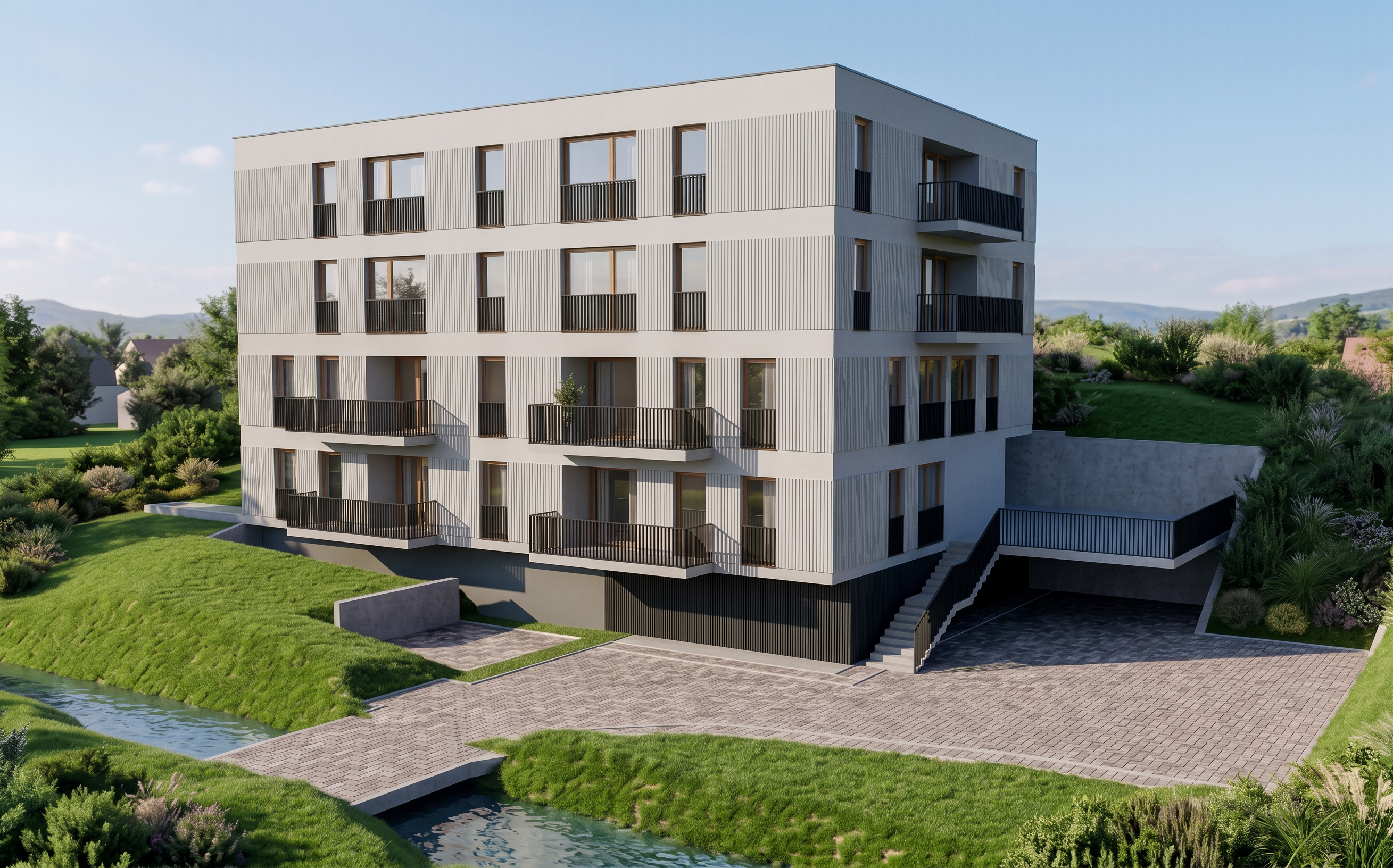
- Create a photorealistic render of the building.
Use the image named 191_KONCEPCJA_v1 as the reference for the building’s massing, geometry, proportions, roof shape, openings, and overall architectural composition. The building geometry must follow this image exactly.
Use the attached reference image for the overall visual appearance, atmosphere, lighting, materials, colors, and landscaping. The final render should look very similar to the attached reference image, while using the building form from 191_KONCEPCJA_v1.
Do not add any new elements. Do not remove anything. Do not alter the geometry, proportions, dimensions, roof shape, openings, or architectural composition of 191_KONCEPCJA_v1.
Use the materials and colors already present in the model. Do not introduce new materials or finishes.
The only permitted change is to create a realistic render based on the building geometry from 191_KONCEPCJA_v1, while preserving the visual character of the attached reference image.
Keep the result photorealistic, coherent, and architecturally accurate.
- Created
- September 16, 2026