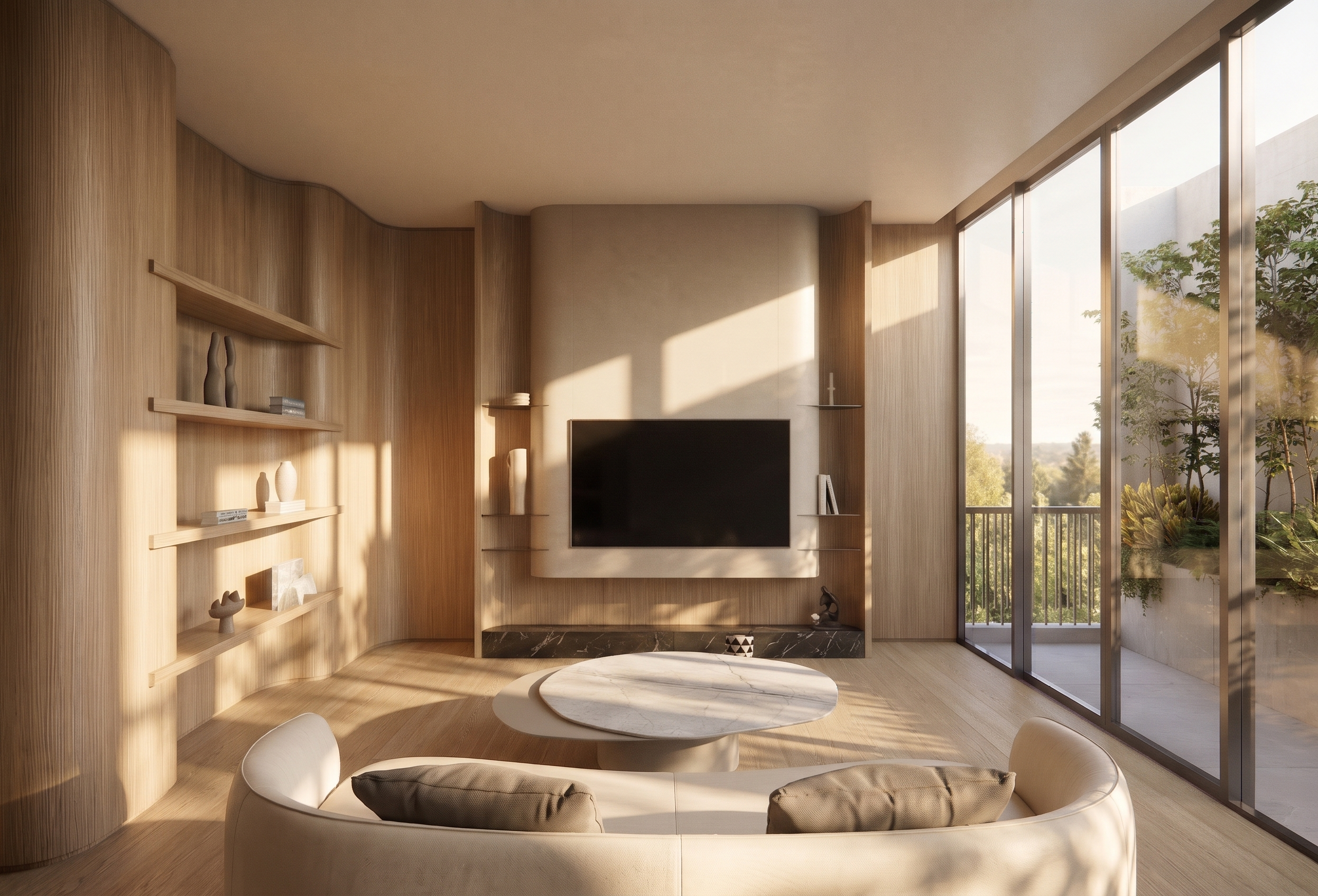
- Prompt
- **Interior Atmosphere, Landscape & Lighting Modification Prompt**
Modify the overall atmosphere, surrounding greenery, outdoor scenery, and lighting to match **Reference Image 1** as closely as possible.
- **Atmosphere:** Recreate the same mood, ambiance, and overall visual atmosphere shown in Reference Image 1.
- **Trees & Greenery:** Adjust the appearance, type, density, scale, and arrangement of trees and surrounding greenery to match the reference.
- **Outdoor View:** Recreate the outdoor landscape and scenery, matching the perspective, depth, colors, and visual details of Reference Image 1.
- **Natural Lighting:** Match the direction, intensity, warmth, and softness of natural daylight in the reference.
- **Shadows & Reflections:** Adjust natural shadows, light distribution, and surface reflections to create a realistic and harmonious environment.
- **Photorealism:** Achieve a highly realistic, three-dimensional appearance with natural depth, balanced exposure, and authentic lighting.
**Image Preservation Requirements**
- Preserve the original interior design, architectural structure, furniture, materials, and object positions.
- Preserve the original image dimensions, aspect ratio, camera angle, perspective, and composition.
- Do not resize, crop, stretch, or distort the image.
- Do not modify any interior elements that are not explicitly specified above.
- Created
- November 6, 2026