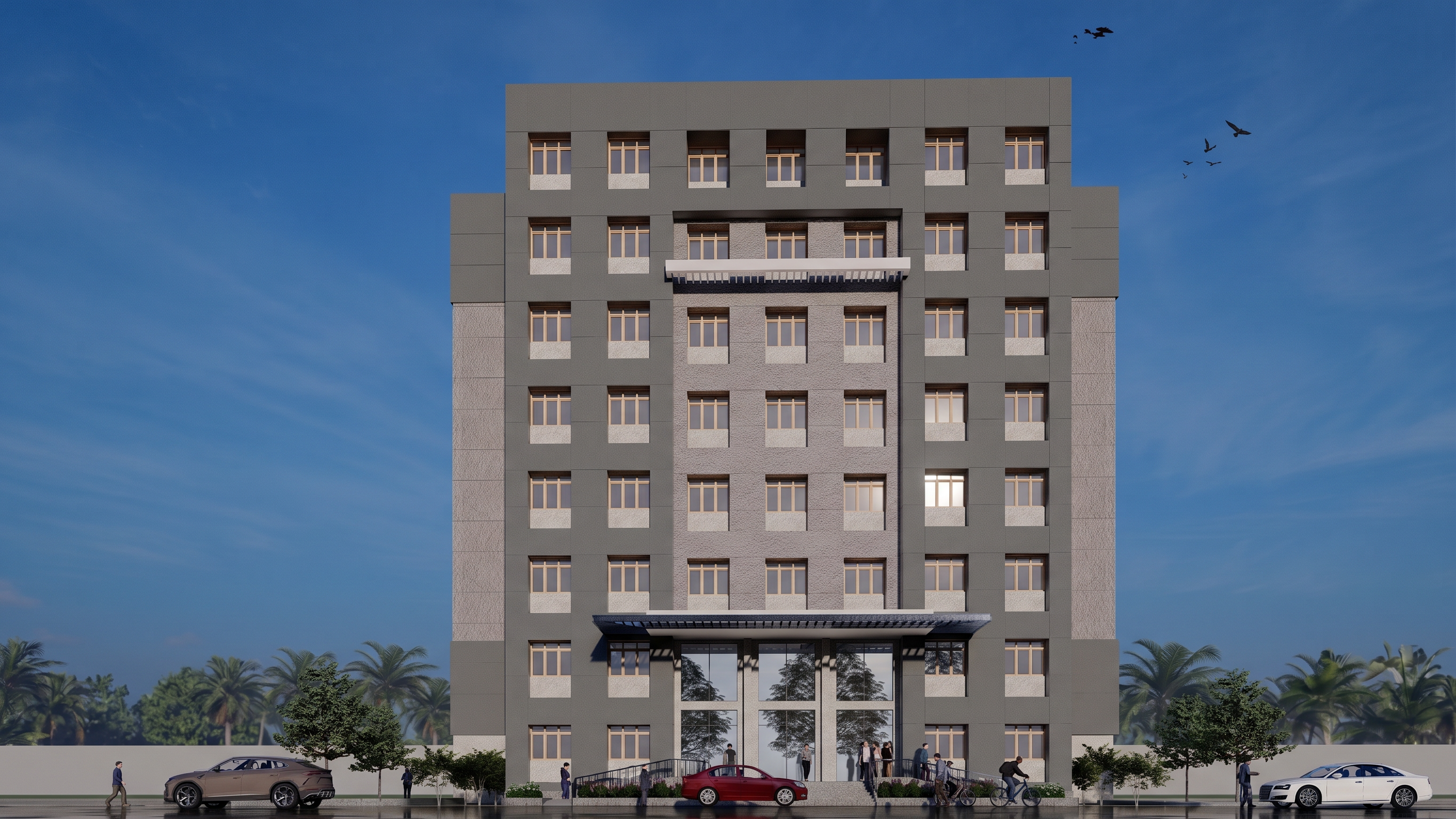
- Prompt
- Create a high-end photorealistic architectural exterior visualization from the uploaded reference image.
IMPORTANT: Preserve the architecture exactly as shown. Do not change the building design, proportions, dimensions, floor levels, roof form, window and door positions, balconies, projections, materials, colours, or façade details.
Enhance only the realism and presentation quality.
Realistic architectural materials with accurate textures, scale, and subtle imperfections
Natural daylight with physically accurate shadows and reflections
Realistic glass, metal, concrete, plaster, stone, wood, and other existing materials
Detailed landscaping with natural-looking plants, trees, grass, and planters where already present
Realistic road, paving, parking and surrounding ground conditions as shown
Add subtle realistic environmental context without obstructing or altering the building
Photorealistic sky and natural atmospheric lighting
Realistic ambient occlusion and contact shadows
Professional architectural photography composition
Accurate perspective and camera angle matching the reference image
High-resolution, crisp details and realistic depth
Natural colour grading, avoiding excessive saturation or artificial HDR effects
Add realistic people and vehicles only if they are already present or if needed to provide scale, while keeping them subtle and secondary
Do not redesign, remodel, beautify, simplify, or reinterpret the building. Do not add new architectural elements. The final image must look like a professionally photographed real building while remaining faithful to the original design. Keep the same image size, pixel, clarity as it is.
- Created
- September 21, 2026