- Prompt
- Transform the existing image into an ultra-photorealistic, high-end architectural photograph taken by a professional photographer.
**STRICT DESIGN PRESERVATION:** Preserve 100% of the original architecture, layout, furniture, proportions, materials, objects, camera angle, perspective, composition, and image ratio. No redesign or modifications.
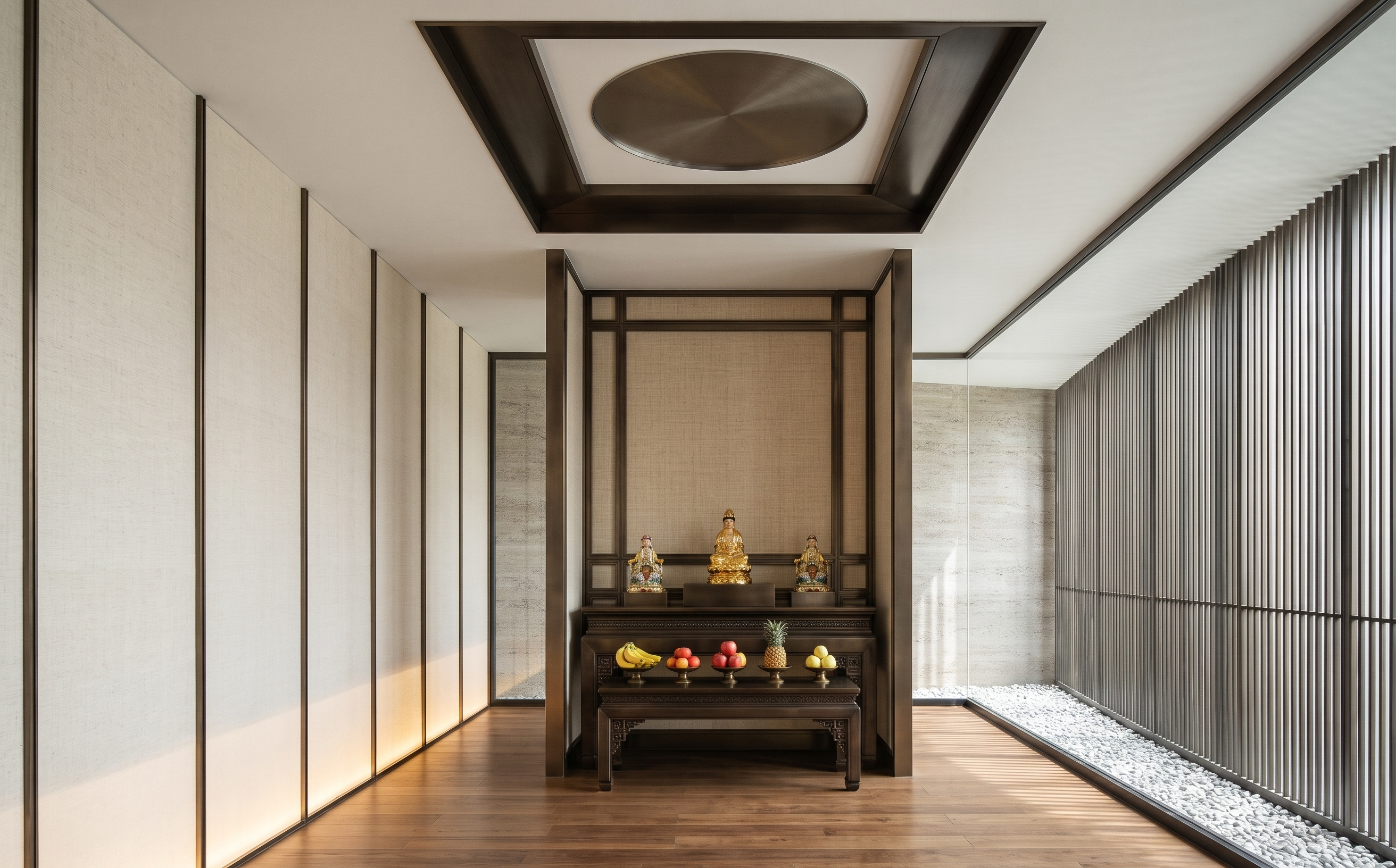
**GUANYIN STATUE:** Preserve the existing Guanyin statue exactly. Do not replace it with a Buddha statue or remove it.
**SLATTED SCREEN:** All slats must be perfectly vertical, with identical width, thickness, spacing, and alignment. No horizontal or irregular elements.
**LIGHTING:** Natural sunlight must enter ONLY through the right-side vertical slatted screen, creating realistic shadows. Reproduce all existing cove lights and add subtle warm-white cove lighting inside the existing altar niche. Keep all lighting soft and balanced, never too bright.
**MATERIALS:** Natural wood flooring. All other brown-colored surfaces must be STAINLESS BRONZE with realistic metallic textures and subtle reflections.
**FRUITS:** Make all existing fruits look naturally fresh and photorealistic, with authentic textures, colors, and imperfections.
**REALISM:** Professional full-frame architectural photography, natural exposure, physically accurate lighting, realistic shadows, crisp details, authentic reflections, and true-to-life colors.
**AVOID:** CGI appearance, plastic materials, artificial-looking fruits, excessive glow, bloom, haze, overexposure, and fake reflections.
Maintain the exact original image ratio and composition. The final result must look like a real professional photograph, NOT a 3D render.
- Created
- November 19, 2026