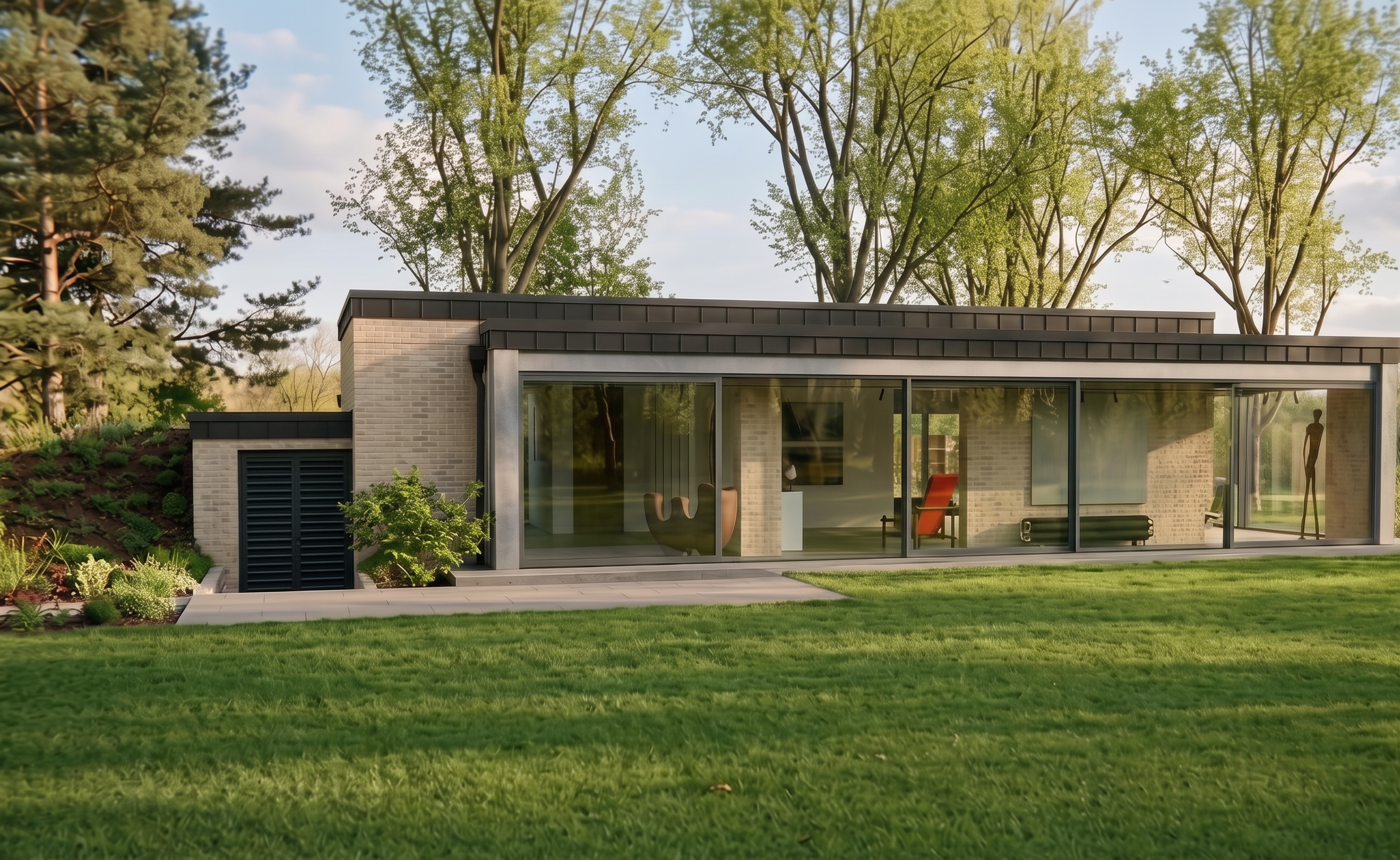
- Prompt
- Do not change anything in the input image. Preserve everything exactly as it is, including the building geometry, proportions, architectural elements, materials, textures, colors, windows, doors, garage, surroundings, vegetation, lighting, camera angle, perspective, framing, and composition.
The ONLY change allowed is the retaining wall located on the LEFT SIDE OF THE IMAGE FRAME, directly next to the garage. Remove this retaining wall and replace it with a natural terrain slope with an inclination of exactly 60 degrees. The slope must follow the existing terrain and connect seamlessly and realistically to the surrounding ground.
IMPORTANT: The slope must be created ONLY on the LEFT SIDE OF THE IMAGE FRAME, next to the garage. Do not modify the right side, center, building, garage, or any other part of the scene.
Do not add any new elements. Do not remove or modify anything else. Everything other than the retaining wall and its replacement with the 60-degree slope must remain EXACTLY as shown in the input image.
- Created
- September 30, 2026