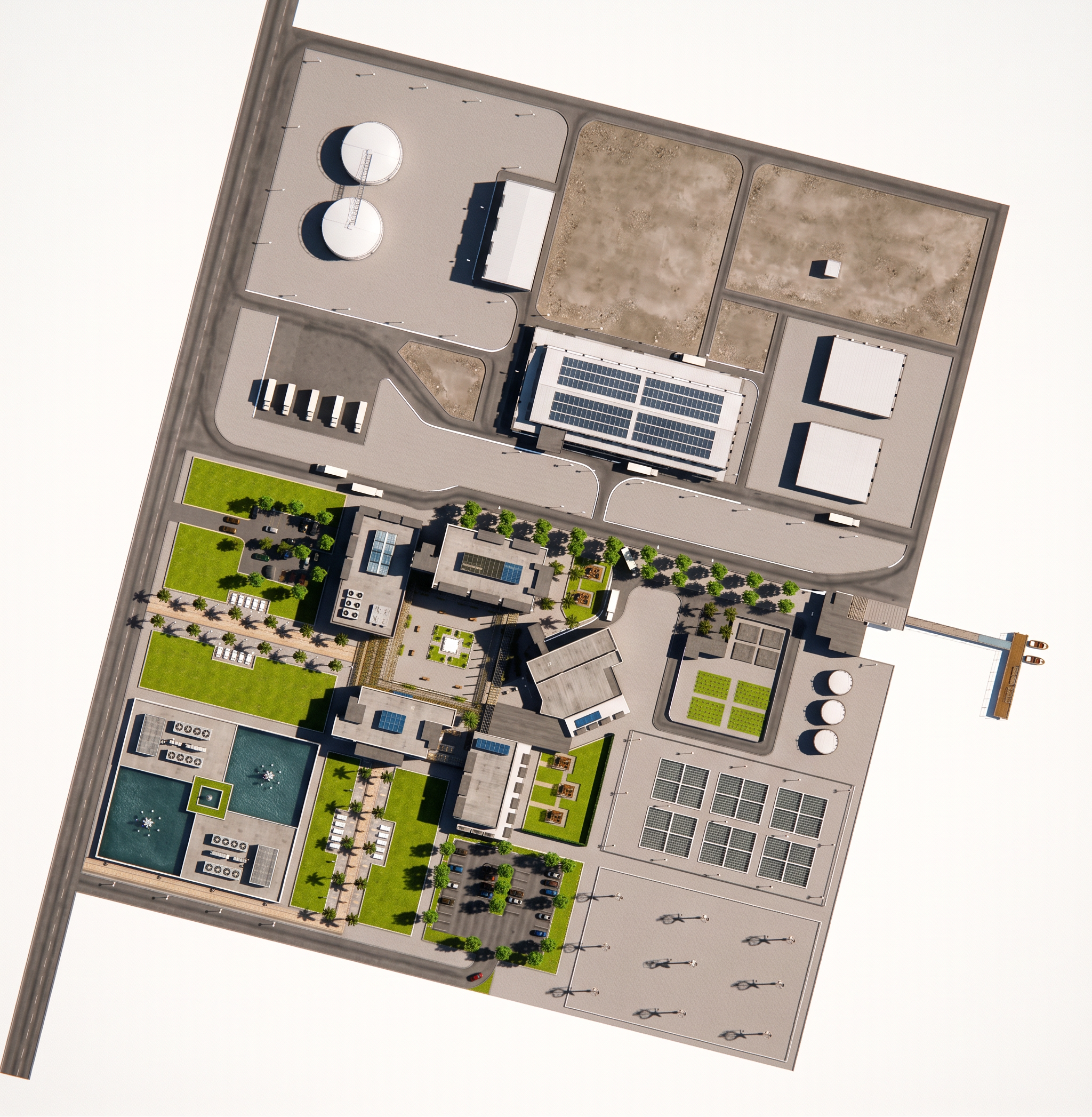
- Prompt
- Create an ultra-realistic, high-resolution architectural site plan from the provided image.
PRESERVE THE ORIGINAL IMAGE EXACTLY.
Do not redesign, modify, rearrange, add, remove, move, resize, or replace ANYTHING.
Everything already visible in the original image must remain in the exact same position, shape, size, color, and layout.
Your ONLY task is to improve the visual quality and realism of what is already present.
Make every existing element look:
- Extremely realistic
- Highly detailed
- Sharp and crisp
- Natural
- High-resolution
- Professionally rendered
- Visually clean and polished
Enhance the existing materials and textures realistically, including any grass, trees, water, fountains, buildings, roofs, skylights, roads, paving, parking areas, cars, paths, and other existing site elements.
Do NOT add any new elements.
Do not add:
- Extra grass
- Extra trees
- Extra plants
- Extra water
- Extra cars
- Extra buildings
- Extra roads
- Extra paths
- Extra landscaping
- Extra furniture
- Extra architectural details
Do not fill empty spaces with anything.
Keep every empty area exactly as it is.
Maintain the exact 2D top-down site plan view. Do not turn it into a perspective, 3D, isometric, or aerial perspective image.
The final result should look like the exact same original site plan, but with exceptionally realistic materials, natural textures, high-quality details, professional rendering, and very high image resolution.
REALISM AND QUALITY ONLY — NO DESIGN CHANGES — NO NEW ELEMENTS.
- Created
- September 28, 2026