- Prompt
- Do not change anything in the input image. Leave everything exactly as it is.
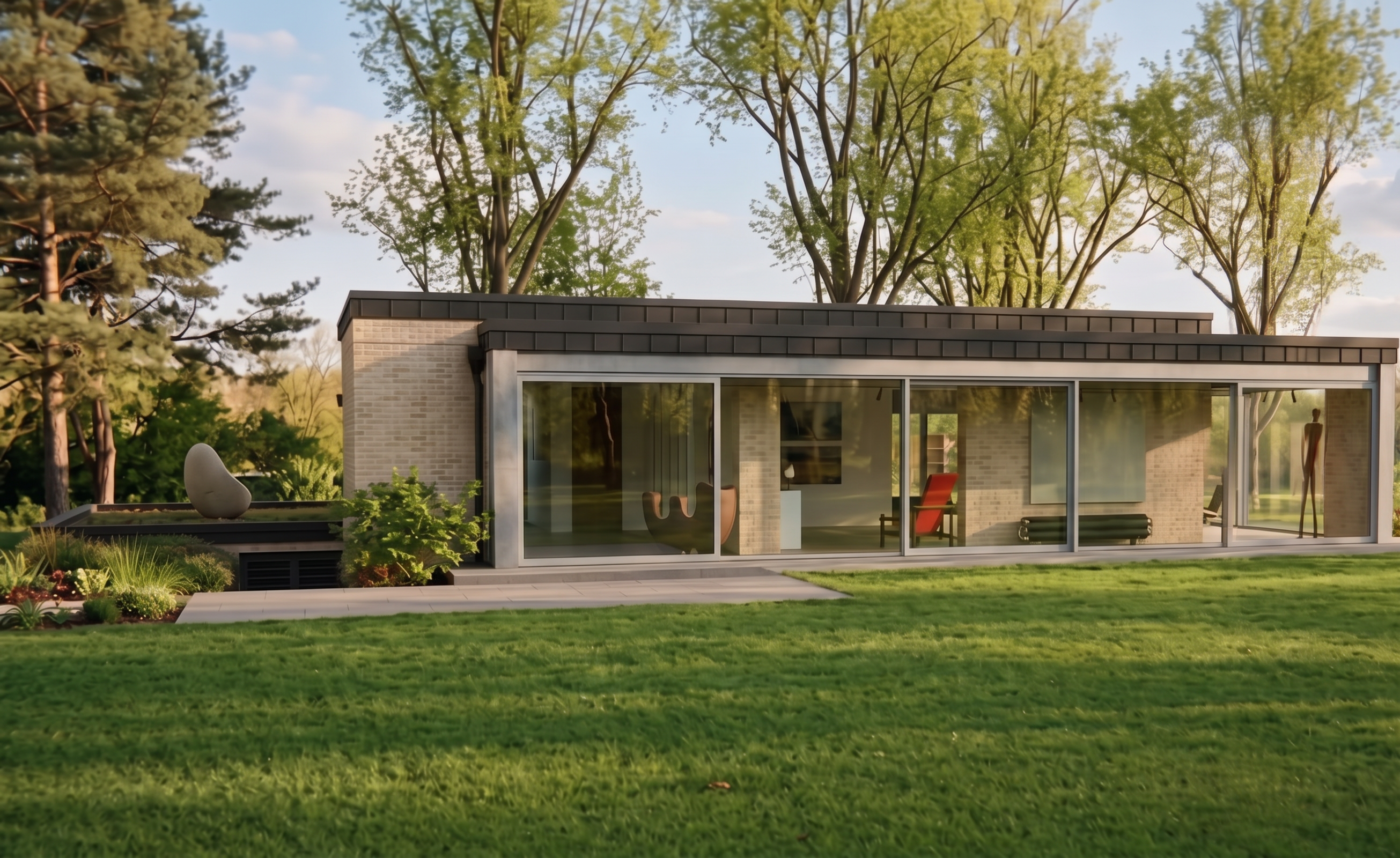
The ONLY change allowed is to change the window and door frames/joinery to a light grey color.
Keep exactly the same geometry, proportions, dimensions, materials, textures, glazing, openings, doors, windows, building, surroundings, vegetation, lighting, camera angle, perspective, framing, and composition.
IMPORTANT: Do not crop, cut, zoom in, resize, reframe, or extend the image. Preserve the exact original image dimensions, aspect ratio, framing, camera position, and entire visible composition. Nothing from the original image may be cut off or moved.
Do not add, remove, or modify any other elements. Do not change the design or materials of the building.
Everything must remain EXACTLY as in the original image, except for the color of the window and door joinery, which should be light grey.
- Created
- September 30, 2026