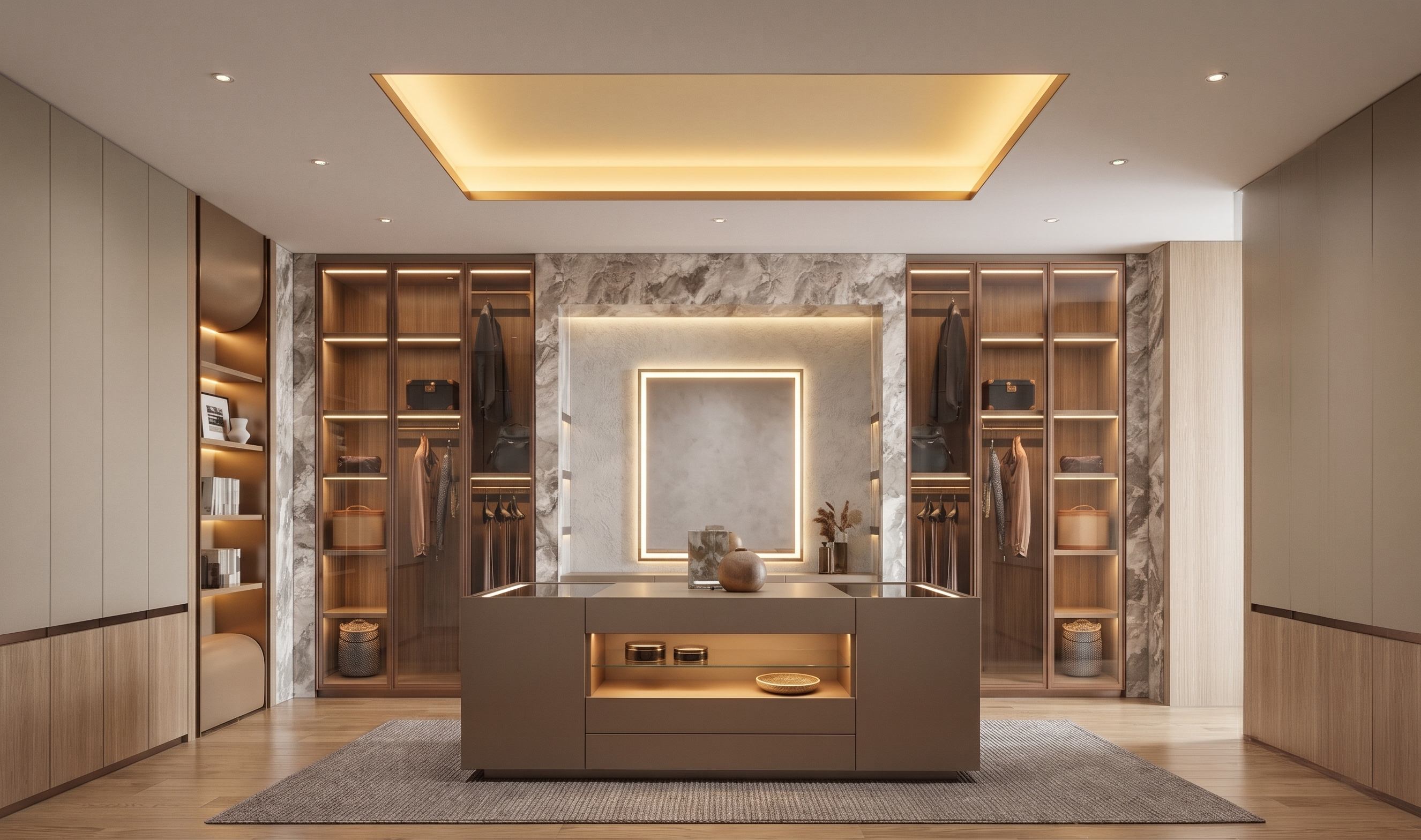
- Prompt
- Create a photorealistic interior render based on the provided Sketch, following these design requirements:
1. **Oak Wood Flooring:** Use natural oak wood flooring throughout the space.
2. **Glass Cabinets:** Follow the cabinet design, materials, and details shown in Reference Image 1.
3. **Solid Cabinets:** Apply the cabinet design shown in Reference Image 2 to both the left and right solid cabinet sections.
4. **Open Cabinets:** Keep the open cabinet sections as shown in the original Sketch, using the design style and details from Reference Image 3.
Maintain the original Sketch's overall layout, cabinet positions, proportions, and composition. Ensure all cabinet designs accurately follow their respective reference images.
**Rendering Style:** Photorealistic, high-end interior visualization with realistic materials, natural lighting, detailed wood textures, and refined finishes.
Rendering and Visualization Requirements:
- Create a luxurious, elegant, contemporary interior atmosphere.
- Use realistic oak wood grain, transparent glass, polished rose gold stainless steel, and premium material textures.
- Ensure accurate metallic reflections and realistic glass transparency.
- Incorporate warm concealed LED lighting as indicated in the Sketch.
- Create natural ambient lighting, soft shadows, and realistic reflections.
- Achieve a premium Photorealistic High-End Interior Visualization with ultra-realistic 4K rendering quality.
Strict Preservation Requirements:
- Use the original Sketch as the primary reference for architectural structure, furniture layout, dimensions, proportions, and overall composition.
- Preserve the exact original image dimensions and aspect ratio.
- Maintain the original camera angle, viewpoint, and perspective.
- Do not resize, crop, stretch, or distort the image.
- Do not modify any elements that are not explicitly specified above.
- Created
- November 17, 2026