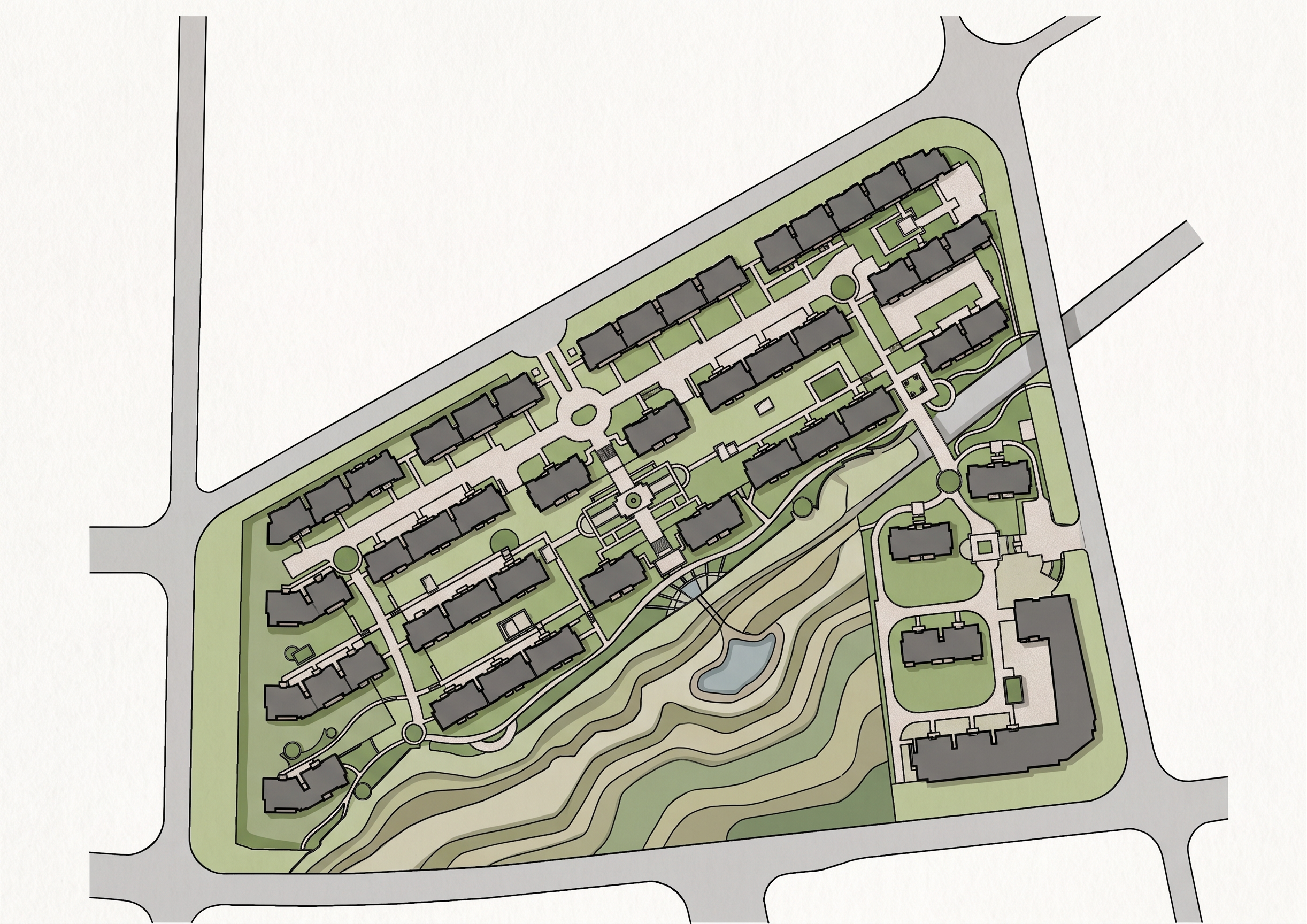
- Prompt
- Colorize the provided black-and-white landscape architectural drawing into a clean, professional, and visually appealing colored landscape plan.
**CRITICAL: PRESERVE THE ORIGINAL DRAWING EXACTLY AS IT IS.**
Use the original image as a fixed, unchangeable base. Do not redraw, recreate, reinterpret, or redesign the drawing.
Strictly preserve:
* The exact position, shape, size, and proportions of every element.
* All original lines, contours, boundaries, paths, garden beds, trees, shrubs, lawns, buildings, and landscape features.
* The exact geometry, layout, spacing, alignment, and orientation of all elements.
* All dimensions, labels, annotations, symbols, and text exactly as they appear.
* The original linework, line thickness, scale, image proportions, and composition.
**ONLY ADD COLOR AND FLAT COLOR FILLS TO EXISTING AREAS.**
Apply a subtle, natural, and harmonious landscape design color palette:
* Lawns and grass areas: soft natural green.
* Trees and shrubs: varied shades of green, while preserving their original shapes and positions.
* Planting beds: muted green and natural earthy tones.
* Paved paths and hardscape surfaces: light warm gray or beige.
* Water features, if present: soft blue.
* Buildings and structures: light neutral gray or beige.
Keep all original black lines, outlines, symbols, and annotations clearly visible and unchanged.
Do not add, remove, move, resize, rotate, or modify any objects. Do not invent new plants, trees, paths, textures, shadows, or landscape features. Do not alter the layout or fill areas outside their original boundaries.
Maintain the original image resolution, aspect ratio, framing, and orientation.
The final result should look like the exact same original landscape drawing, professionally colorized using precise digital color fills, as if carefully colored in Photoshop without modifying any of the original linework.
**ABSOLUTE PRIORITY: 100% preservation of the original geometry, layout, and placement of every element. Colorization only.**
- Created
- September 16, 2026