- Prompt
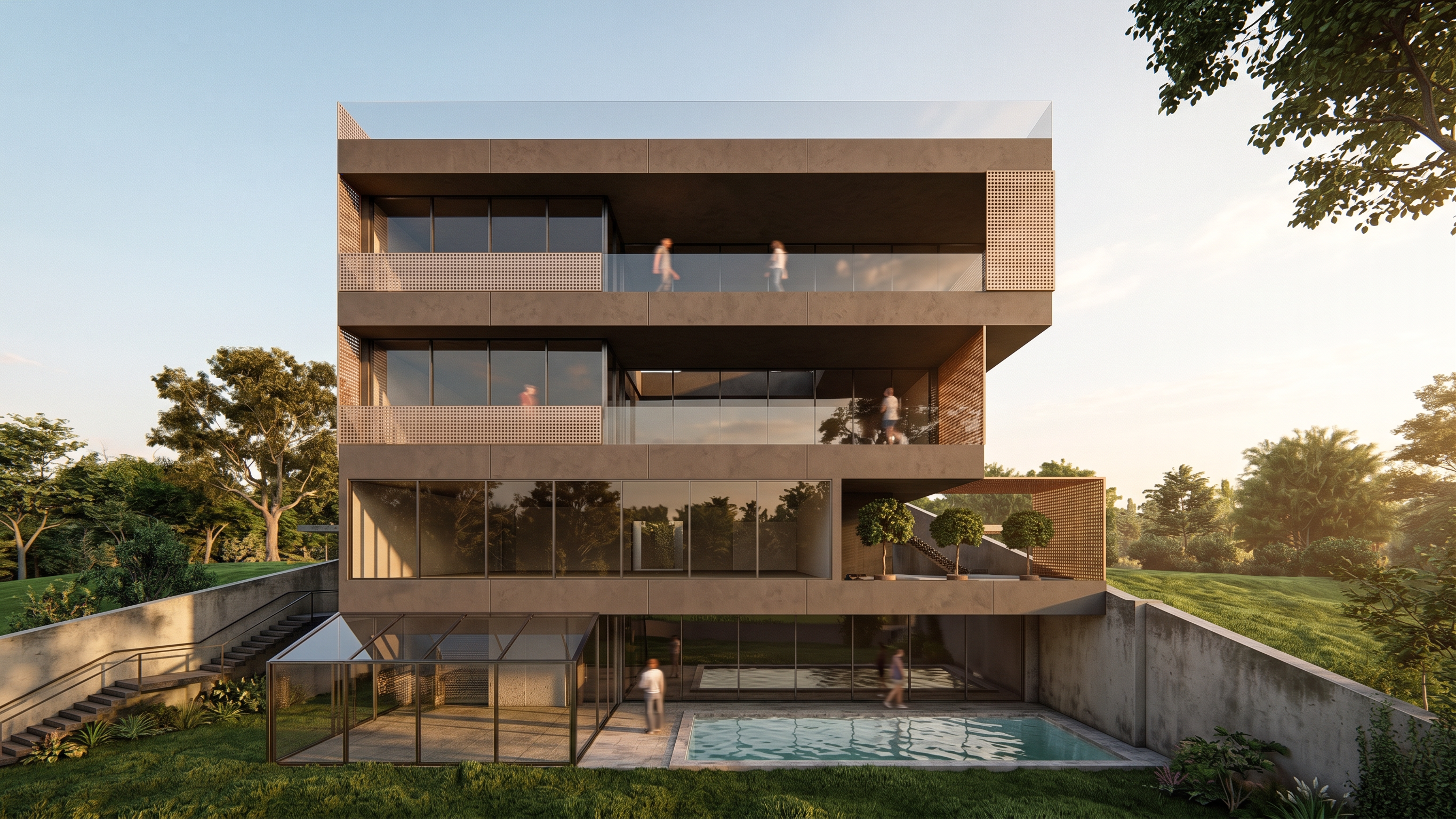
- Transform the provided image into an ultra-photorealistic, world-class architectural render. This is a rendering upgrade only—not a redesign.
Finish the main building surfaces in dark warm-gray Tecnocemento / microcement, with subtle taupe undertones and refined, realistic texture. Finish the existing perforated façade screens in champagne-colored iron, with a subtle copper undertone and understated satin metallic reflections.
STRICTLY preserve the original building geometry, volumes, layout, spatial arrangement, walls, windows, openings, façade screen patterns, stairs, landscape layout, camera angle, and framing. Do not add, remove, move, or redesign any elements.
Use elegant warm late-afternoon lighting, physically accurate shadows and reflections, balanced exposure, natural earthy color grading, and exceptional material detail. Keep concrete dark warm-gray and metal champagne—avoid orange color casts.
Deliver a premium architectural photograph with convincing depth, refined textures, and the highest available resolution. No artificial HDR, excessive bloom, oversharpening, text, logos, or watermarks.
- Created
- October 26, 2026