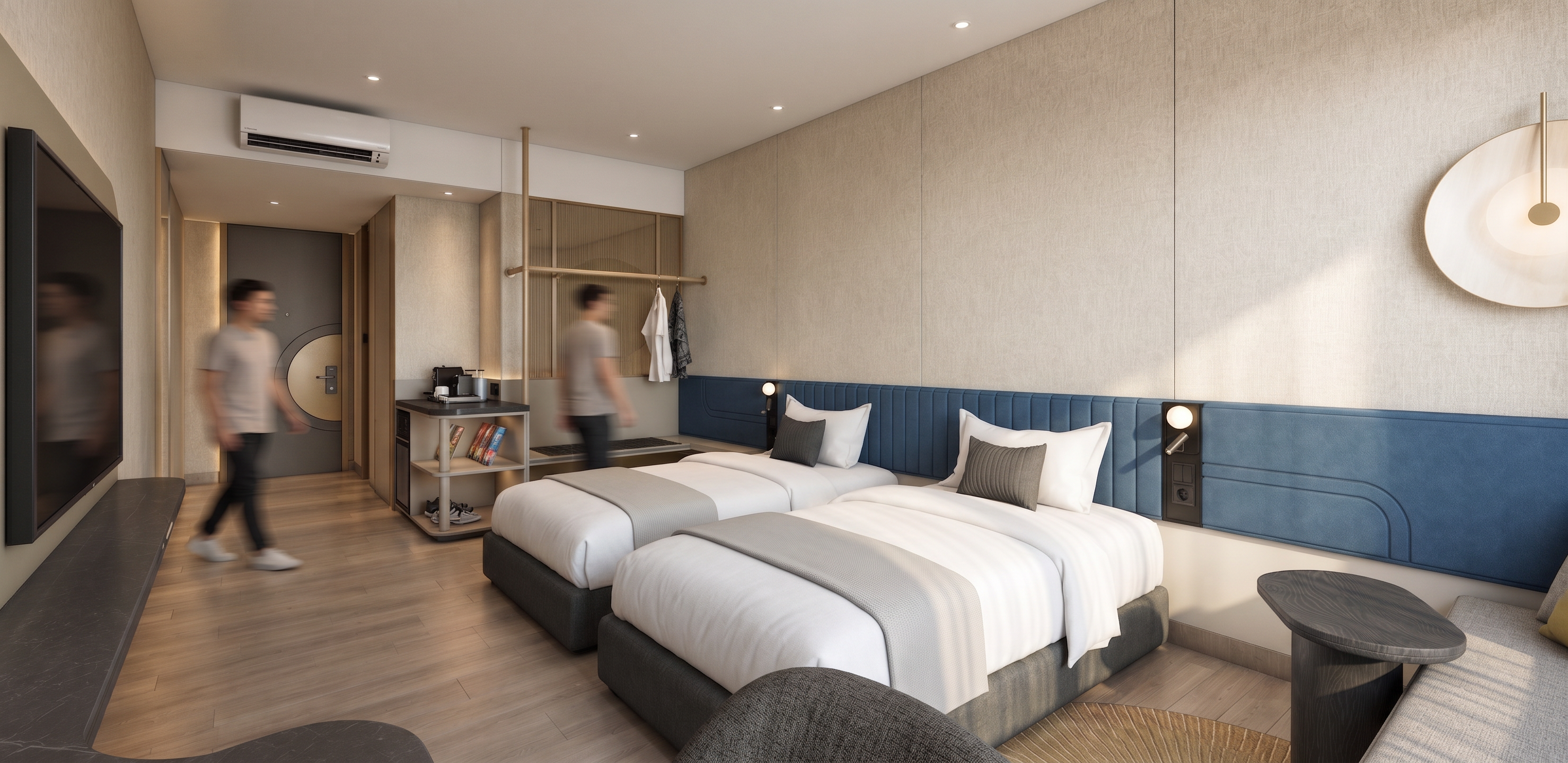
- Prompt
- IMPORTANT: DO NOT CHANGE ANYTHING. Preserve the exact layout, camera angle, perspective, proportions, furniture, architectural elements, material, color, texture, and placement of every existing element. Do not add, remove, resize, or redesign anything.
Lighting:
No sunlight or daylight.
Do NOT add any LED lighting around the entrance door. The door area must remain clean and naturally shaded.
Keep the exact existing positions and number of downlights — do not move, remove, or add any.
Create subtle light-beam/bias-light effects from the existing downlights, softly washing the ceiling and surrounding surfaces.
Keep LED lighting only behind the headboard as a subtle warm indirect glow.
Keep subtle concealed lighting at the cabinet/partition area only.
Lighting should be warm, soft, controlled, and realistic, with gentle light falloff and natural ambient bounce.
Make the materials physically realistic: detailed fabric texture, natural wood grain, realistic upholstery, subtle metal reflections, accurate roughness, realistic shadows, and refined surface imperfections.
Overall look: warm muted luxury hotel interior, realistic interior photography, soft artificial lighting, balanced exposure, natural shadow gradients, subtle light bounce, sophisticated and calm atmosphere, true photorealism, not CGI-looking.
Negative prompt: changing anything, changing layout, moving furniture, adding furniture, changing materials, changing colors, changing camera angle, adding LED at door, extra LED strips, extra downlights, moving downlights, sunlight, daylight, sun rays, harsh lighting, overexposure, excessive glow, excessive spotlights, unrealistic reflections, CGI appearance.
remove led light in doors, make floor realistic wood
- Created
- September 16, 2026